If you're running a small firm or nonprofit, you may already have a “mini data center” without calling it that. It might be a server in a back office, an external hard drive for backups, a router nobody wants to touch, and a standing rule that remote staff should “try again later” if the VPN acts up. It works until it doesn't.
That usually shows up at the worst time. An accountant can't open QuickBooks during deadline week. A law office loses access to shared files before a client meeting. A nonprofit director is at a fundraiser and can't pull the latest donor report from the office system. The problem doesn't feel like “infrastructure.” It feels like lost time, risk, and stress.
That's why business owners ask a practical question, not a technical one. What are data centers used for, and why should I care? The answer matters because the systems inside a data center often power the tools your team touches all day, from email and file storage to accounting software and remote desktops.
A lot of small businesses reach the same point. The office server started as a sensible choice. It held files, ran one or two business applications, and gave everyone a shared place to work. Then the business changed. Staff began working from home, clients expected faster response times, and software became more connected to everything else.
Now the old setup creates friction. Someone has to manage backups. Someone has to worry about hardware failure. Someone has to restart the server after hours. If that “someone” is you, or one overextended IT person, the business is carrying more technology risk than it should.
A data center is the professional version of that back-office setup. It's the environment built to run business systems reliably, securely, and at scale. That matters far beyond large enterprises. According to data center industry statistics, there were 11,426 active data centers across 179 countries as of May 2026, and the United States hosted 4,280 of them. The same source says demand is projected to nearly triple by 2030, with companies worldwide expected to invest nearly $7 trillion in building and upgrading them.
Those numbers matter for one reason. Data centers aren't a niche technology anymore. They're part of the everyday business infrastructure behind cloud software, AI tools, file access, backups, and always-available applications.
Plain-English takeaway: When your staff signs in to a hosted accounting app, accesses a remote desktop, or restores backed-up files, a data center is often doing the heavy lifting in the background.
For a non-technical business owner, that's the core understanding. A data center isn't just “where computers live.” It's the invisible engine that keeps work moving when your team needs speed, security, and continuity.
The easiest way to understand a data center is to think of it as a digital fortress. It's a place designed to protect and run critical business systems under controlled conditions. Instead of one office server sitting near a broom closet, a data center brings together purpose-built equipment, backup systems, security controls, and network connections in one managed environment.

At the center of it are servers. These are the computers that run your applications, process your data, and support user sessions. Around them sits storage, which holds files, databases, backups, and application data. Then there's the networking equipment, which moves information between users, software, offices, and the internet.
That still doesn't make it a true data center. The difference is everything supporting those systems.
If you want a simple breakdown of those building blocks, this guide to data center components is a useful companion.
Data centers didn't appear overnight. The World Resources Institute notes that they first emerged in the mid-20th century and proliferated during the 1990s alongside the rise of the internet. It also notes that one estimate cited by the U.S. government found data centers accounted for about 4.4% of U.S. electricity consumption in 2023, with projections rising to between 6.7% and 12% by 2028, which reflects how central they've become to the economy and digital operations, as explained in WRI's analysis of U.S. data center growth.
That sounds abstract until you translate it into business terms. Your accounting platform, client document system, remote file access, email, and hosted desktops all need a place to run. A proper data center gives those systems stable power, cooling, bandwidth, and security so your office doesn't have to improvise them.
A server room stores equipment. A data center supports uptime.
For a business owner, that's the key distinction. You're not paying for racks and cables. You're paying for an environment designed to keep important work available.
When people ask what data centers are used for, they often hear a vague answer like “hosting data.” That's too narrow. A data center handles several jobs at once, and each one ties directly to daily business operations.
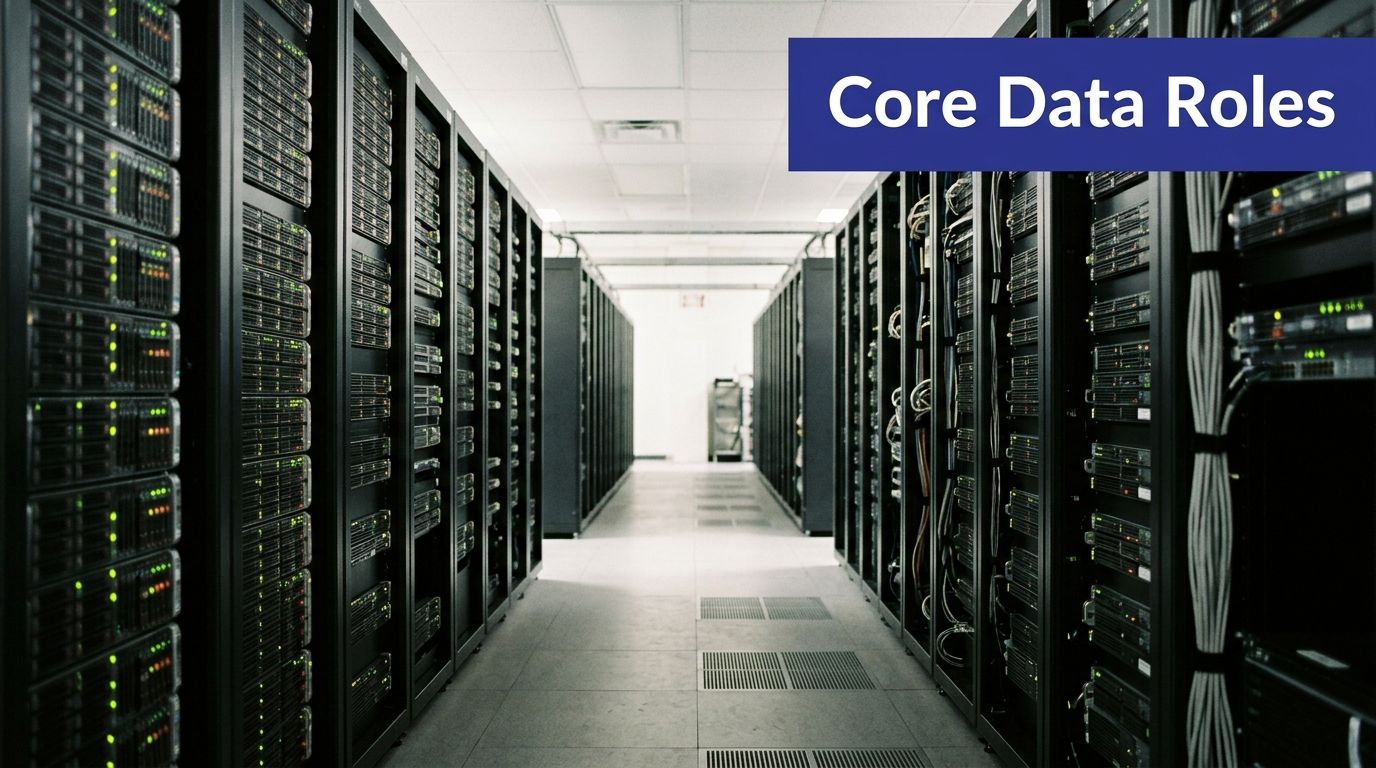
According to IBM's overview of data centers, data centers are used to centralize compute, storage, and networking so organizations can store, process, and distribute large volumes of data with lower latency and more reliable access than dispersed on-premise systems. IBM also notes that modern designs often use virtualization so resources can be allocated dynamically across many workloads.
Compute means the processing power that runs software and handles user activity.
For a small business, compute is what lets QuickBooks, Sage, tax software, document management tools, and Microsoft applications run without depending on one aging office machine. If multiple employees need the same application at the same time, compute capacity matters.
Storage is where your files, databases, records, and application data live.
This includes client documents, scanned records, case files, donor databases, and shared folders. Good storage isn't just about space. It's about organized access, reliable retrieval, and reducing the chance that one failed device takes your business data with it.
Networking connects users to systems and systems to each other.
When a remote employee logs in, when your CRM talks to your email platform, or when staff in two offices work on the same data, networking is doing the work. In a data center, networking is built to be faster and more dependable than ad hoc office setups.
A good data center isn't only built for ordinary days. It's also built for bad ones. Redundant paths, replication, and failover options help reduce downtime and data loss. If you've heard the term high availability, its practical application is found in these provisions. It means your systems are designed to stay accessible even when part of the environment has a problem.
For a business owner, this can mean the difference between a short interruption and a full day of lost work.
Security in a data center includes more than antivirus software. It includes controlled physical access, segmented systems, backup protections, monitoring, and secure ways for users to connect remotely. That layered approach matters when your business handles tax records, legal files, payroll data, or donor information.
Practical rule: If losing access to a system would stop your team from serving clients, that system needs more than basic office-grade protection.
Some businesses need formal compliance controls. Others need to show clients that sensitive information is handled carefully. Data centers support that effort by centralizing systems, standardizing access, and making it easier to apply consistent security and retention policies.
A short explainer can help make the technical side less abstract:
Here's the simplest way to think about the six functions:
| Function | What it means for your business |
|---|---|
| Compute | Your apps actually run |
| Storage | Your data is kept and organized |
| Networking | Your people can connect and collaborate |
| Backup and recovery | You can recover from failure |
| Security | Sensitive information is protected |
| Compliance | Processes are easier to control and document |
That's the essential answer to what data centers are used for. They don't serve one purpose. They provide the operating environment your business systems depend on.
The value of a data center becomes clearer when you look at ordinary workdays, not technical diagrams.
A small accounting firm usually cares about three things at once. Staff need access to tax and bookkeeping software, partners need secure file sharing, and everyone needs to work during busy seasons without waiting on a local server. If the office system is slow or unavailable, billable time disappears quickly.
In a hosted setup, the applications and data run in a data center, while the staff logs in from the office, home, or a client site. That means a team can open the same accounting environment without passing files back and forth or relying on one machine in one building. For firms exploring that model, hosting applications in the cloud is one path to centralize tools without rebuilding every workflow from scratch.
Law offices often deal with stricter expectations around confidentiality, document access, and continuity. A lawyer doesn't just need the case file. They need the right version of the case file, available at the moment they need it, from a controlled environment.
That's where centralized storage, security controls, and backup capabilities matter. Instead of documents living across scattered desktops and local drives, the firm can keep records in one managed environment with structured access. If the office loses power or a device fails, the work doesn't disappear with it.
For legal teams, the point isn't “using the cloud.” The point is keeping client files available and protected without depending on one office location.
Nonprofits often run lean. The executive director may also be handling operations. The office manager may be the de facto IT person. In that setting, every hour spent troubleshooting hardware is an hour not spent on programs, donors, or reporting.
A data center-backed cloud environment can remove much of that burden. The donor database, file storage, Microsoft applications, and remote access tools can all live in one place instead of being stitched together across office PCs and consumer backup drives. Costs also become easier to think about operationally because the business isn't constantly reacting to aging equipment.
Data centers now support more than traditional office systems. Cisco notes that modern data centers increasingly run AI workloads, including model training and inference, alongside core business systems like email, CRM, and virtual desktops, which shows how far they've moved beyond the old idea of simple storage sites, as described in Cisco's data center overview.
That matters even for smaller organizations. You may not be training models, but you are likely using software that relies on AI-assisted search, document handling, analytics, or automation. Those tools still need secure, resilient infrastructure in the background.
For most non-enterprise businesses, the practical question isn't whether data centers matter. It's which model gives you the benefits without forcing you to become your own infrastructure company.
Once you understand what data centers do, the next business question is simple. How should you use one? Most organizations land in one of three models: on-premise, colocation, or cloud hosting.

On-premise means the equipment is in your office or facility. You own it, maintain it, secure it, and replace it.
That gives you direct control, which some businesses value. But it also means you handle hardware failures, backups, patching, access issues, cooling, power concerns, and refresh cycles. For a small firm, that can turn into an expensive distraction.
Colocation sits in the middle. You still own the hardware, but you place it in a third-party data center. The facility provides the environment, such as power, cooling, and physical security, while your team remains responsible for the servers and much of the technical management.
This can make sense if you have specialized equipment or strong internal IT capability. It's less appealing if your real goal is to stop worrying about infrastructure altogether.
Cloud hosting shifts the model further. Instead of buying and managing physical servers, you use computing resources delivered as a service through a provider's data center environment. Your team focuses on the applications and access they need. The provider manages the underlying infrastructure.
For many accountants, law firms, and nonprofits, this is the cleanest fit because it reduces hardware ownership and pushes day-to-day infrastructure work away from the business. If you're weighing that tradeoff more closely, this comparison of cloud and on-premise environments helps frame the decision.
| Model | Best fit for | Main tradeoff |
|---|---|---|
| On-premise | Businesses that want full hardware control | Highest management burden |
| Colocation | Teams that own hardware and have technical staff | Shared facility, but your equipment remains your job |
| Cloud hosting | Organizations that want access without infrastructure overhead | Less direct hardware control |
Most non-enterprise buyers aren't choosing based on technical ideology. They're choosing based on predictable outcomes.
There's also a broader infrastructure issue to keep in mind. A recent report notes that while data centers centralize IT for business continuity, their physical footprint is also reshaping local energy grids and water systems. That's one of the more useful nuances in Palo Alto Networks' overview of data centers, because it reminds businesses that infrastructure decisions affect more than uptime alone.
Smaller organizations often don't need maximum ownership. They need dependable access, managed backups, remote work support, and less operational drag. That's why cloud hosting tends to make more sense than maintaining office hardware or renting rack space you still have to manage.
This is also the same budgeting mindset many companies apply to software. If you've ever tried to untangle surprise platform charges, this breakdown of hidden Jira app fees is a good example of why business owners increasingly prefer clearer service models over piecemeal infrastructure and add-on spending.
One example in this category is Cloudvara, which provides managed cloud hosting for business applications through secure data center infrastructure. That type of model is usually less about “moving to the cloud” as a trend and more about reducing the number of things your office has to own, fix, and protect.
Some businesses don't need a long strategy session. They need an honest diagnosis. If several of the questions below feel familiar, your current setup may be costing more in risk and lost time than it seems.
If remote access feels fragile, slow, or dependent on one specific computer staying powered on, that's a sign your environment isn't built for modern work. Staff should be able to reach the applications and files they need without creating workarounds every week.
A backup only helps if it's current, accessible, and recoverable. If your process depends on manual steps, rotating drives, or one person remembering to check logs, the business is carrying avoidable risk.

You probably need a cloud data center solution if any of these sound familiar:
If you hesitate to let staff work remotely because you don't trust the underlying setup, the infrastructure is already limiting the business.
For many small firms, the biggest warning sign is simple. Technology tasks keep stealing time from revenue work, client service, or mission delivery. Instead of using IT as a support tool, the business keeps reacting to it.
That's often when cloud migration starts to make sense. This overview of the benefits of cloud migration is useful if you're trying to map technical changes to business outcomes like continuity, easier management, and more predictable operations.
A cloud data center solution isn't only for companies chasing growth. It's also for organizations that are tired of running critical systems on hope, habit, and aging hardware.
Data centers are used for much more than file storage. They run applications, protect data, support remote work, strengthen continuity, and give businesses a more reliable foundation for everyday operations. For accountants, law firms, nonprofits, and other small organizations, the core decision isn't whether data centers matter. It's whether you want to manage that complexity yourself.
Cloud hosting changes the role of IT. Instead of being a collection of devices you constantly maintain, it becomes a service framework that supports security, access, and resilience. That frees your team to focus on clients, staff, and growth.
If you're evaluating whether hosted infrastructure fits your applications, team, and budget, Cloudvara is one option to review. It provides cloud hosting for business software in a managed data center environment, which can help centralize access, backups, and continuity without relying on an office server.




