
The rise of remote and hybrid work has transformed how businesses operate, turning the digital workspace into the new office. To maintain productivity, security, and team cohesion, selecting the right collaboration tools for remote teams is no longer optional-it's essential for success. This shift demands a strategic approach to technology, moving beyond basic communication to build an integrated ecosystem that supports every facet of your workflow, from project management to secure file sharing. For professionals in fields like accounting, law, and nonprofit management, the stakes are even higher, with client confidentiality and regulatory compliance at the forefront.
This guide is designed to cut through the noise and provide clear, actionable insights into the top platforms available today. We move beyond generic feature lists to offer a comprehensive breakdown of tools like Microsoft 365, Slack, Asana, and Zoom. For each option, you'll find a practical analysis of its strengths and weaknesses, ideal use cases tailored to specific industries, and important considerations around security and integration. We also provide direct links and screenshots to help you visualize how each platform functions in a real-world setting.
If you need a head-to-head analysis before diving in, exploring a detailed breakdown of remote collaboration tools compared can provide valuable context on how major players stack up against one another. Our goal is to equip you with the knowledge to not just choose a tool, but to build a cohesive and secure digital infrastructure that empowers your team, protects sensitive data, and drives sustainable growth in a distributed environment. Let's explore the solutions that will define your team's collaborative success.
Microsoft 365 stands out as a deeply integrated ecosystem rather than just a single application. It bundles the familiar Office suite (Word, Excel, Outlook) with powerful communication and collaboration tools for remote teams, anchored by Microsoft Teams. This all-in-one approach is its primary advantage, especially for organizations already operating within the Windows environment. Instead of piecing together disparate systems, teams can manage documents, schedule meetings, and conduct real-time conversations within a unified platform.
Teams serves as the central hub, offering persistent chat channels, high-quality video conferencing, and file sharing powered by OneDrive and SharePoint. The deep integration allows users to co-author a Word document or collaborate on an Excel spreadsheet directly within a Teams chat or channel, eliminating the need to switch applications and preventing version control issues. This streamlined workflow is a significant productivity booster for busy professionals.
| Pros | Cons |
|---|---|
| Seamless integration with Outlook, OneDrive, and Office apps. | Administration console can be complex for firms without dedicated IT. |
| Strong, granular security and compliance controls for handling sensitive data. | Total cost can increase significantly with necessary add-ons (e.g., Teams Premium). |
Website: https://www.microsoft.com/en-us/microsoft-365
Slack has cemented its place as a leader among collaboration tools for remote teams, primarily through its intuitive, channel-based messaging interface. It excels at creating a dynamic, searchable hub for team communication, moving conversations out of cluttered inboxes and into organized topics or project channels. Its key differentiator is a user-friendly experience combined with an enormous ecosystem of third-party integrations, allowing teams to connect tools like Google Drive, Asana, and Salesforce directly into their chat workflows.
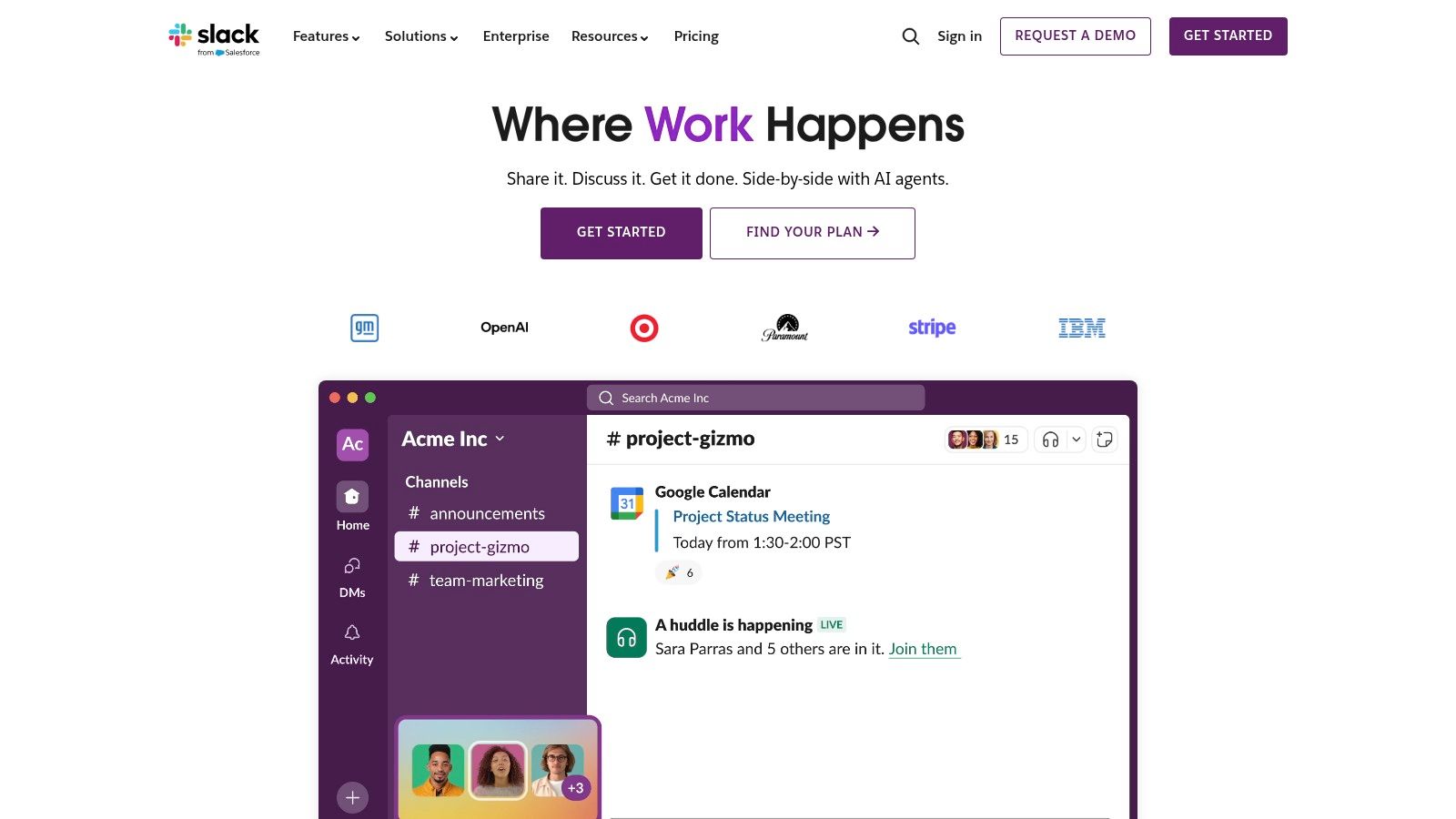
The platform is designed for rapid adoption and real-time interaction. Features like Huddles offer spontaneous audio or video conversations, while Slack Connect enables secure collaboration with external clients, vendors, and partners in dedicated channels. This ability to centralize both internal and external communication makes it a powerful tool for service-oriented businesses that need to maintain clear, documented correspondence with multiple stakeholders.
| Pros | Cons |
|---|---|
| Fast onboarding and a massive ecosystem of third-party app integrations. | Governance and records retention require careful configuration for regulated industries. |
| Strong cross-company collaboration via Slack Connect. | Cost can scale quickly with active users; key features are locked in higher tiers. |
Website: https://slack.com
Google Workspace is a suite of cloud-native applications designed around simplicity and real-time collaboration. Its core strength lies in its browser-first experience, offering tools like Gmail, Drive, Docs, Sheets, and Meet that work seamlessly across any device with an internet connection. Unlike more complex ecosystems, Google's approach prioritizes ease of use and best-in-class simultaneous document editing, making it an excellent choice for dynamic, fast-moving teams.

The platform centralizes communication through Google Chat and Spaces, which are tightly integrated with other apps. For instance, a team can work on a Google Sheet while discussing it in a linked Chat space, and schedule a follow-up video call via Google Meet directly from their calendar. This interconnectedness fosters a fluid workflow, reducing friction and the need to switch between multiple standalone tools. For many organizations, this simplicity is a key differentiator among collaboration tools for remote teams.
| Pros | Cons |
|---|---|
| Excellent real-time document collaboration and co-editing capabilities. | Migration from Microsoft stacks (email/archives) requires careful planning. |
| Simple licensing and a browser-first experience work well across devices. | Some advanced admin and compliance controls are reserved for higher-priced tiers. |
Website: https://workspace.google.com
Zoom has evolved from a simple video conferencing tool into a more comprehensive platform known as Zoom Workplace. It now integrates team chat, a collaborative whiteboard, and document management alongside its famously reliable video meetings. This makes it a powerful contender among collaboration tools for remote teams, particularly those prioritizing high-quality, easy-to-join video calls for client-facing interactions. Its strength lies in its simplicity and performance, ensuring external participants can join meetings without friction.
The platform's core is its video technology, known for stable performance even on lower-bandwidth connections. Beyond meetings, the ecosystem includes Zoom Phone for a complete VoIP solution and a robust hardware lineup (Zoom Rooms) to equip hybrid offices. This scalability allows a solo practitioner to use it for client calls just as effectively as a large firm uses it for company-wide webinars and integrated conference room setups.

| Pros | Cons |
|---|---|
| Reliable video quality and a simple guest experience for external clients. | Pricing and plan names have evolved; buyers should confirm current terms. |
| Flexible add-ons to scale from solo to enterprise usage. | Heavier reliance on add-ons for advanced features can increase the total cost. |
Website: https://zoom.us
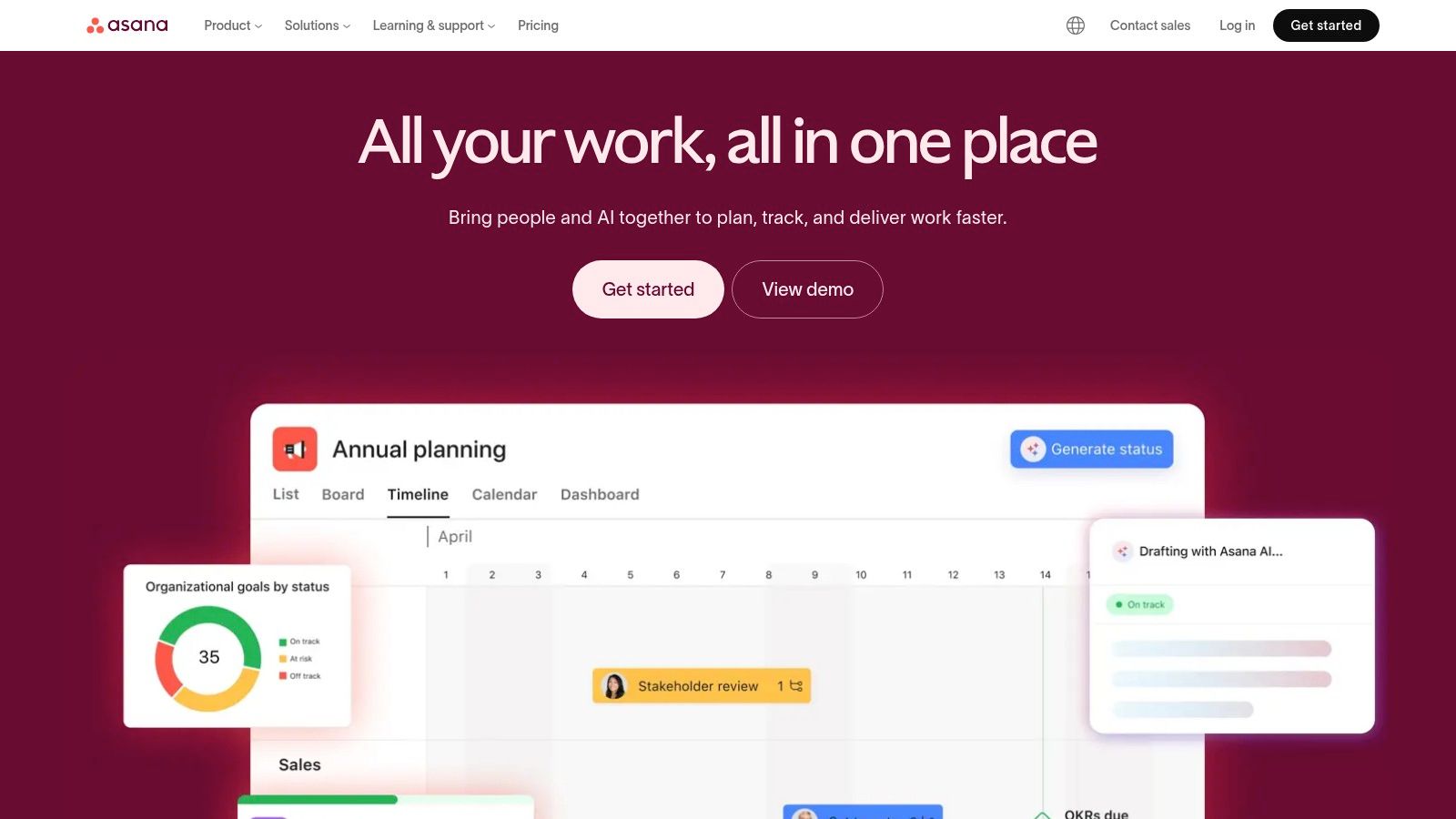
Asana excels as a project and work management platform, providing clarity and visibility from individual tasks to company-wide strategic goals. It’s designed to help teams orchestrate their work, offering a flexible structure that can be adapted for everything from client onboarding workflows to complex legal case management. Unlike simpler to-do list apps, Asana connects the dots, allowing managers to see how day-to-day tasks contribute to larger objectives through timelines, portfolios, and reporting dashboards.
This focus on structured work management makes it one of the most effective collaboration tools for remote teams that need to track progress against deadlines without constant meetings. Teams can automate routine tasks, manage approvals, and track time natively, reducing manual overhead and keeping everyone aligned. Its robust integration library also ensures it can connect with other essential business software, from time trackers to CRMs.
| Pros | Cons |
|---|---|
| Clear visibility from tasks to organizational goals. | Advanced features (portfolios, goals) require higher-priced tiers. |
| Broad template library and strong reporting without heavy configuration. | Per-seat pricing can add up for large teams with light users. |
Website: https://asana.com
Trello simplifies project management with its visual and intuitive Kanban board system. It revolves around boards, lists, and cards, allowing teams to organize tasks and workflows in a highly flexible and low-friction manner. Instead of complex Gantt charts or rigid structures, Trello offers a straightforward drag-and-drop interface that makes it one of the most approachable collaboration tools for remote teams of any size or technical skill level. This simplicity is its core strength, enabling quick adoption for tracking everything from client onboarding checklists to internal marketing calendars.
The platform's power is extended through "Power-Ups," which are integrations that add features like calendars, voting, and connections to other apps like Slack, Google Drive, and Salesforce. Built-in automation, known as Butler, helps teams create rules, schedule commands, and set up custom buttons to handle repetitive tasks, reducing manual effort and ensuring processes are followed consistently without constant oversight.

| Pros | Cons |
|---|---|
| Very low learning curve and excellent for cross-organization checklists. | Less suited to complex program or portfolio management at scale. |
| Cost-effective tiers for small teams and a generous free plan. | Admin and security capabilities are stronger on Premium/Enterprise tiers. |
Website: https://trello.com
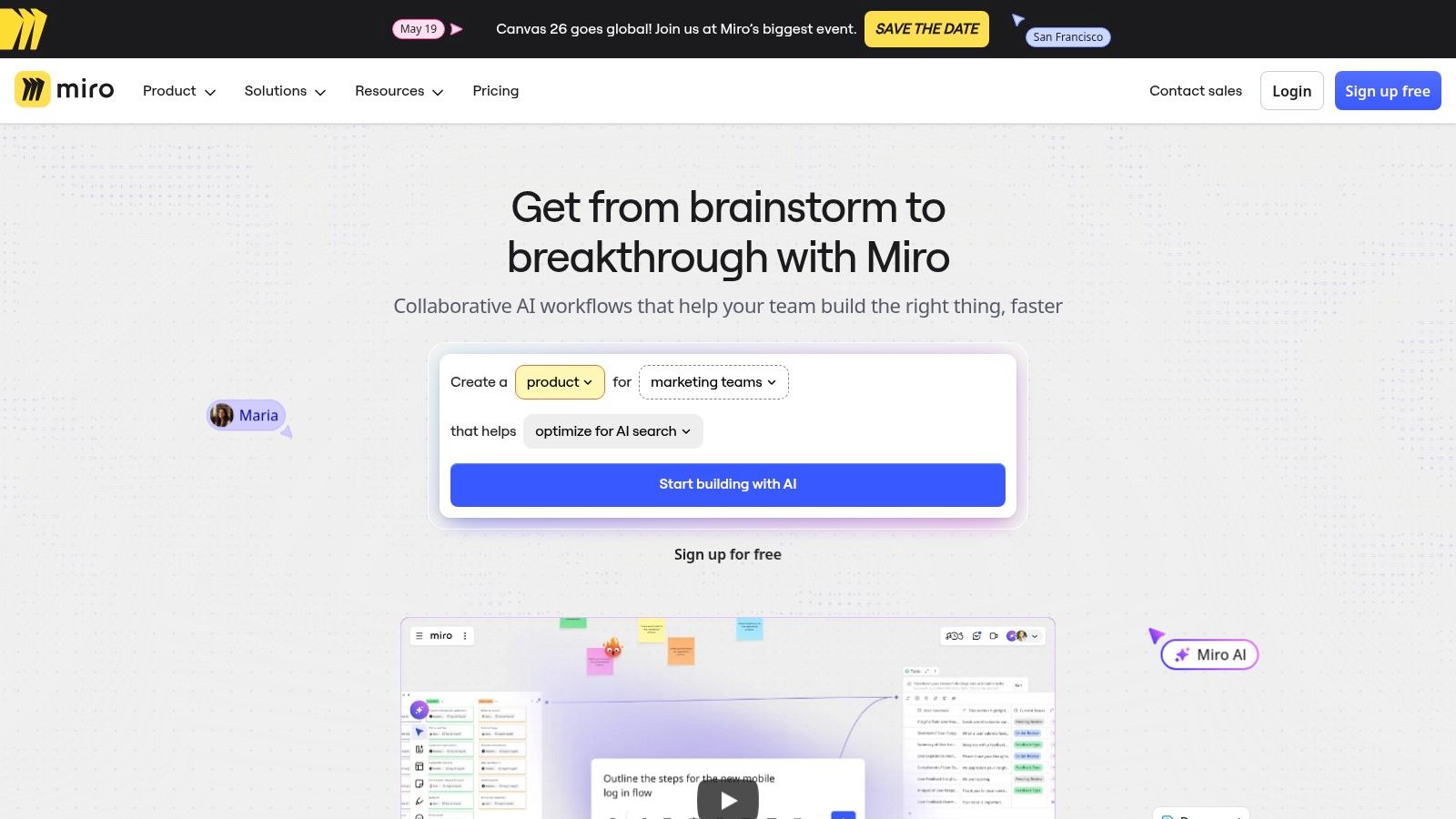
Miro transforms the traditional whiteboard into a powerful, infinite digital canvas designed for modern remote teams. It excels at facilitating visual collaboration, moving beyond simple text-based communication to support dynamic brainstorming, strategic planning, process mapping, and client workshops. Its strength lies in providing a flexible, shared space where distributed teams can co-create, ideate, and organize complex information in real-time or asynchronously, making it an indispensable tool for creative and strategic work.
The platform's intuitive drag-and-drop interface, combined with a vast library of templates for everything from agile workflows to business model canvases, lowers the barrier to entry. For firms in consulting, accounting, or law, Miro is exceptional for mapping out complex client processes, visualizing case strategies, or conducting interactive discovery sessions. The ability to integrate with tools like Jira, Asana, and Microsoft Teams ensures that visual plans are directly connected to project execution workflows.
| Pros | Cons |
|---|---|
| Excellent for synchronous and asynchronous collaboration across time zones. | Large, complex boards can be resource-intensive on older or lower-spec devices. |
| Strong enterprise security posture and governance options available. | Key facilitation and security features are gated to higher-priced Business/Enterprise plans. |
Website: https://miro.com
Box is a cloud-native platform focused on secure content management and collaboration, making it a strong choice for industries handling sensitive information. It goes beyond simple file storage, offering features like native e-signatures (Box Sign), workflow automation (Box Relay), and collaborative note-taking tools (Box Notes). This positions Box as a secure central repository where teams can not only store files but also manage entire document lifecycles from creation to approval and archival.
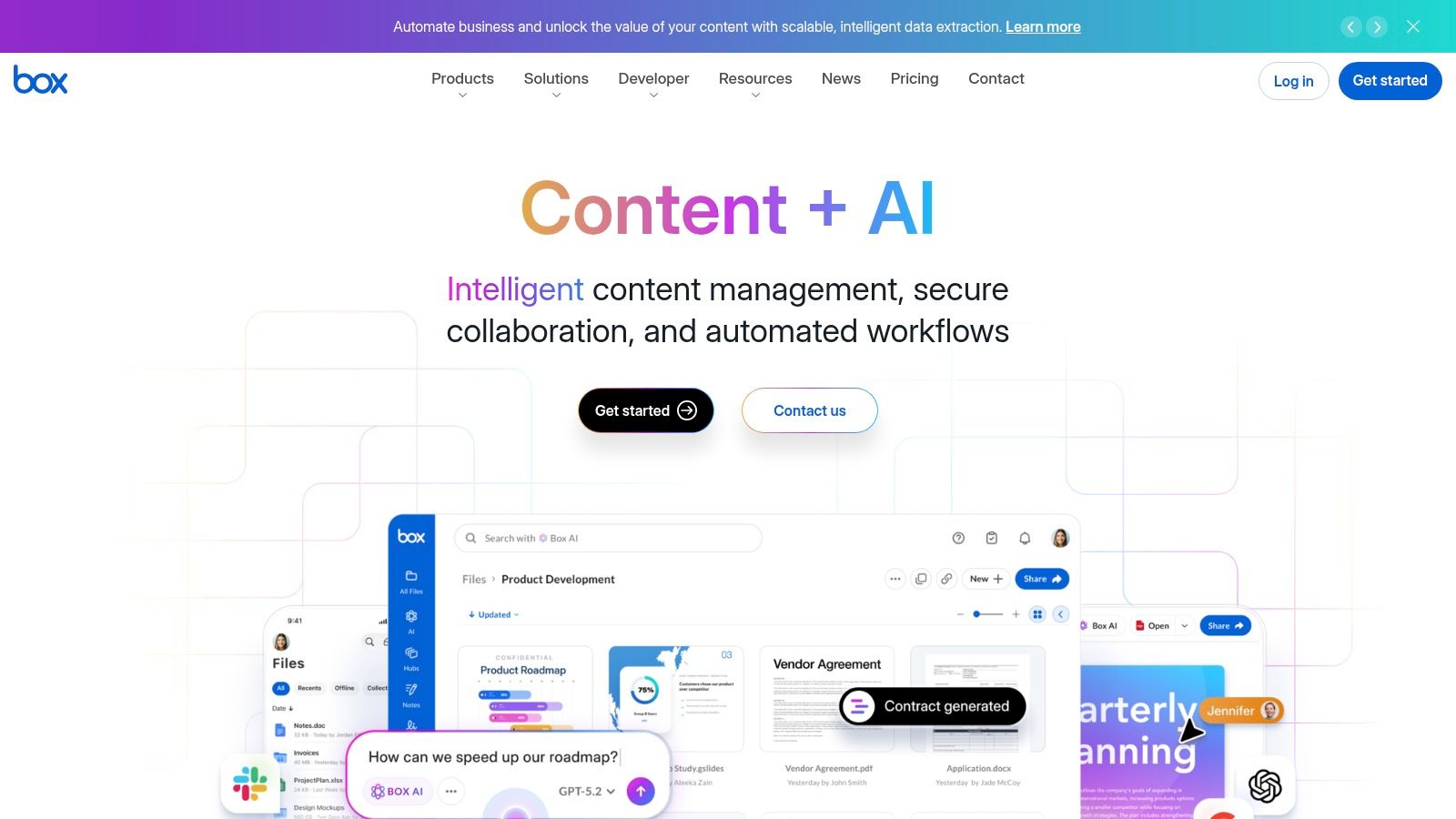
Its main advantage lies in its security and governance architecture. Features like granular user permissions, access stats, and legal holds are built-in, not bolted on. This makes it one of the more robust collaboration tools for remote teams that must adhere to strict regulatory standards, ensuring that data is managed securely and compliantly whether accessed internally or by external partners.
| Pros | Cons |
|---|---|
| Robust compliance options and governance for regulated sectors. | Pricing on the site is dynamic; plan details should be confirmed directly. |
| Granular sharing controls for secure collaboration with external parties. | Some advanced security and workflow features require Business Plus or higher. |
Website: https://www.box.com
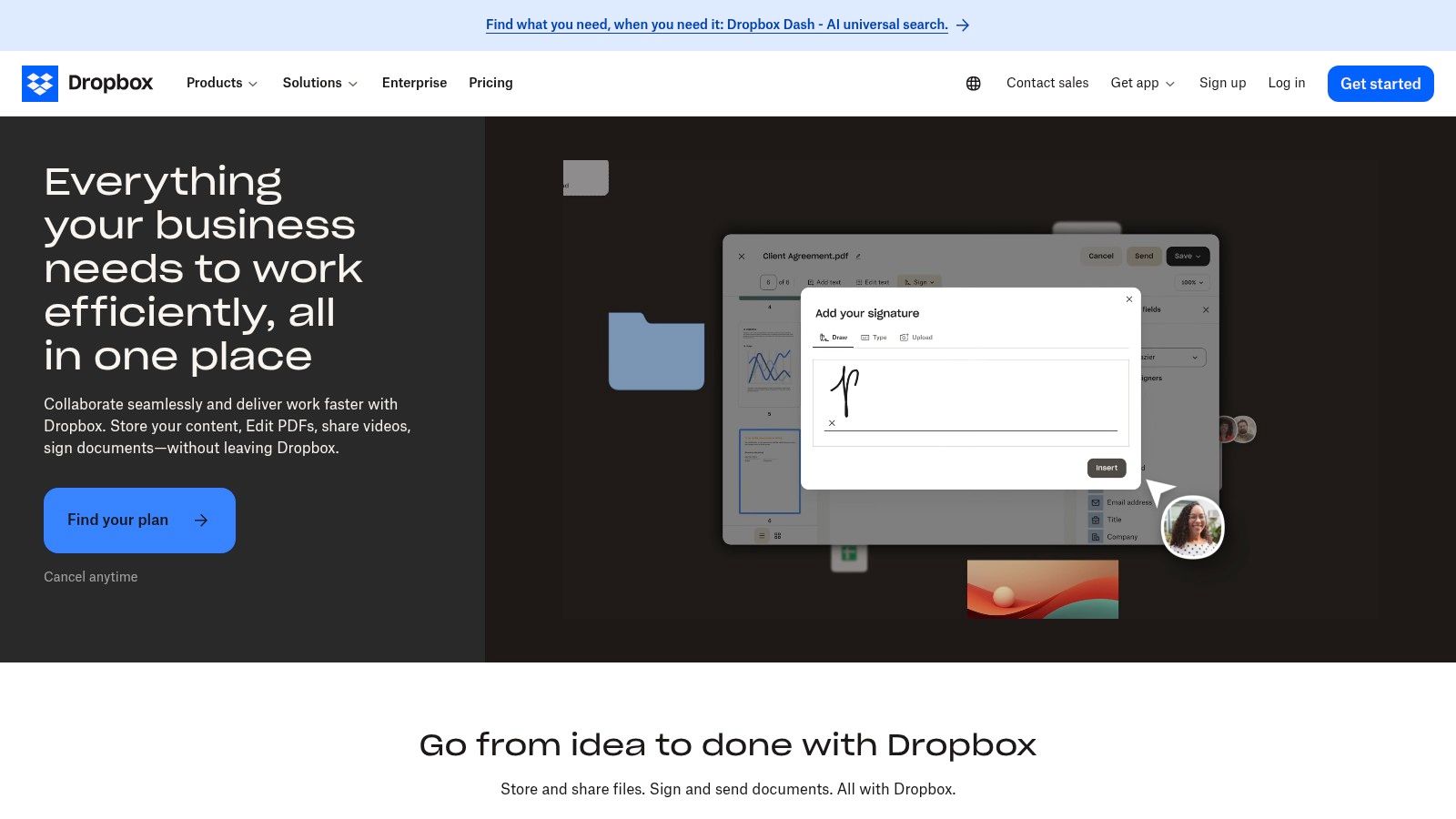
Dropbox has evolved far beyond simple file storage, establishing itself as a comprehensive content hub ideal for external collaboration. Its core strength lies in its simplicity and reliability, allowing teams to securely share large files, request documents from clients, and manage content with external partners effortlessly. For remote teams that frequently work with vendors, clients, and freelancers, Dropbox for Teams streamlines workflows by centralizing file sharing, feedback, and final approvals in one easily accessible location.
The platform integrates powerful tools like Dropbox Sign for e-signatures and robust PDF editing capabilities directly within the interface. This consolidation is a key differentiator, as it prevents teams from having to switch between different applications for document review and execution. Features like video review tools and granular sharing permissions make it a versatile player among collaboration tools for remote teams, particularly for creative and client-facing industries.
| Pros | Cons |
|---|---|
| Simple user experience and reliable file synchronization across all devices. | Storage tiers and file recovery windows vary significantly by plan. |
| Strong sharing controls and broad ecosystem integrations (Microsoft, Google, Slack). | Advanced governance and legal hold features are limited to higher-tier plans. |
Website: https://www.dropbox.com/business
ClickUp positions itself as an all-in-one work hub designed to replace the fragmented toolsets that many remote teams rely on. It combines tasks, documents, whiteboards, and reporting dashboards into a single, highly customizable platform. This consolidation is its key advantage, aiming to reduce context switching and provide a unified source of truth for all project-related activities, from initial planning to final delivery.
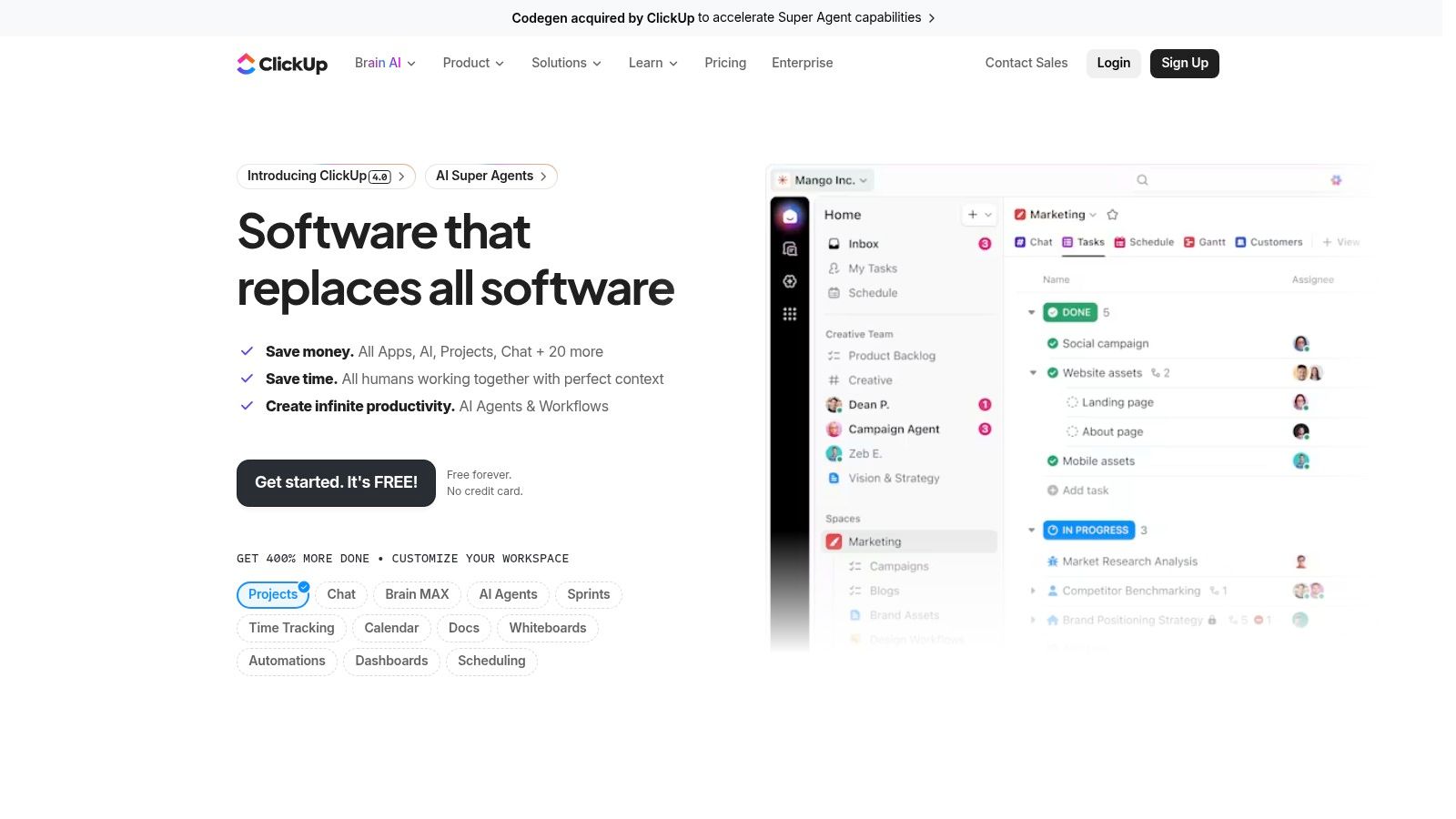
The platform's strength lies in its flexibility. Teams can manage work using various views like lists, boards, calendars, and Gantt charts, tailoring the interface to their specific workflow. Features such as native time tracking, robust automation capabilities, and unlimited storage on paid plans make it a powerful option among collaboration tools for remote teams. The optional AI bundles further enhance productivity by automating tasks, summarizing notes, and generating content.
| Pros | Cons |
|---|---|
| Very rich feature set for the price; can consolidate multiple tools. | Feature depth can overwhelm new users without intentional setup. |
| Highly customizable with templates and varied views. | AI bundles are an additional cost if broadly deployed. |
Website: https://clickup.com
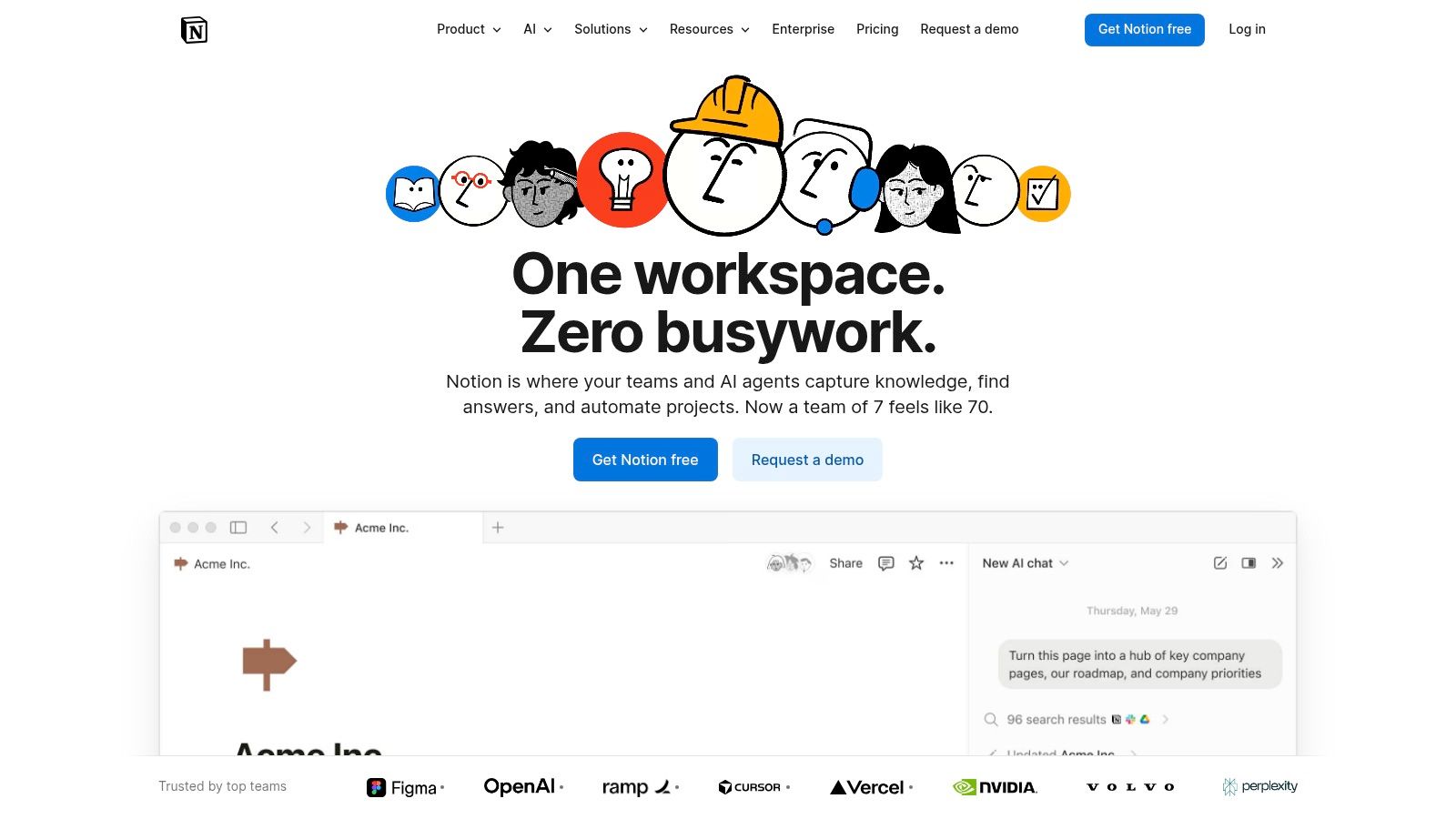
Notion is a uniquely flexible platform that combines documents, databases, wikis, and light project tracking into a single, interconnected workspace. Unlike traditional document or project management tools, it provides a "building block" system that allows teams to create custom solutions for their specific needs. This makes it ideal for building firm knowledge bases, standard operating procedures (SOPs), and client playbooks, centralizing critical information that is often scattered across multiple applications.
Its strength lies in transforming static documents into dynamic databases and vice versa. An accounting firm, for example, could create a client database that links directly to individual client portals, onboarding checklists, and meeting notes, all within one unified environment. As one of the most adaptable collaboration tools for remote teams, it empowers non-technical users to build and publish internal or external documentation with ease.
| Pros | Cons |
|---|---|
| Flexible single workspace centralizes knowledge and processes. | Governance and records management features are not as robust as a true DMS. |
| Fast to publish internal or external documentation and client portals. | Complex databases require admin standards to remain organized. |
Website: https://www.notion.so
Capterra serves not as a collaboration tool itself, but as an essential vendor-agnostic directory for discovering, comparing, and shortlisting the best collaboration tools for remote teams. It provides a comprehensive market overview, allowing organizations to research software based on verified user reviews, detailed feature lists, and editorial guides. This meta-tool is invaluable for the initial research phase, preventing teams from overlooking niche solutions that might be a perfect fit for their specific needs.
The platform's strength lies in its powerful filtering and comparison engine. Users can narrow down over 1,000 collaboration products by features, pricing models, number of users, and deployment type. This functionality transforms a potentially overwhelming search into a structured evaluation process. By leveraging real-world buyer insights and up-to-date product data, Capterra helps teams make a more informed and confident purchasing decision, ensuring the chosen software aligns with their workflow and budget.
| Pros | Cons |
|---|---|
| Vendor-agnostic overview with recent user reviews to inform shortlists. | Sponsored placements can appear first; details should be verified on vendor sites. |
| Useful filters to narrow the field by specific features and price. | Pricing on aggregators may lag vendor changes; confirm costs directly with vendors. |
Website: https://www.capterra.com/collaboration-software/
| Product | Primary use | Key features | Security & compliance | Best for | Pricing / Value |
|---|---|---|---|---|---|
| Microsoft 365 (Teams) | Productivity suite + integrated meetings | Teams chat/meetings, Office apps, 1 TB OneDrive, Azure AD | Granular admin, DLP, broad compliance; SSO | Regulated SMBs, professional services | Per-user tiers; add-ons (Copilot/Teams Premium) raise cost |
| Slack | Channel-based messaging & integrations | Channels, Slack Connect, huddles, large app ecosystem | Enterprise controls available; retention needs config | Cross-company collaboration, rapid onboarding | Free tier; cost scales with active users |
| Google Workspace | Browser-first productivity & real-time docs | Docs/Sheets co-editing, Gmail, Drive, Meet | Admin controls, DLP & data-region options (plan-dependent) | Teams needing live collaboration, SMBs | Simple per-user tiers; advanced controls on higher plans |
| Zoom (Workplace) | Video meetings + collaboration tools | Reliable video, whiteboard, chat, Zoom Phone option | Enterprise security features; plan-dependent | Client calls, trainings, hybrid offices | Base plans; add-ons for Phone, webinars, rooms |
| Asana | Project & portfolio management | Tasks, timelines, portfolios, automations, reporting | Admin console; HIPAA eligible on select plans | Accounting/legal ops, PMOs, cross-functional teams | Per-seat pricing; advanced features require higher tiers |
| Trello (Atlassian) | Visual kanban task tracking | Boards, lists, Butler automation, multiple views | Admin/security stronger on Premium/Enterprise | Small teams, simple workflows, checklists | Cost-effective tiers for small teams |
| Miro | Online whiteboard & workshops | Infinite canvas, templates, Miro AI, integrations | SSO, secure guest access, enterprise governance | Workshops, mapping, remote facilitation | Tiered plans; large boards can be resource‑intensive |
| Box (Business) | Secure content management & workflows | Centralized files, e-sign, Relay automation, 1,500+ integrations | Strong DLP, retention, legal holds, compliance focus | Legal, accounting, regulated organizations | Business/Enterprise pricing; advanced features cost more |
| Dropbox (Teams) | File sync, sharing & eSign | Team folders, Dropbox Sign, versioning & restore | BAA for HIPAA on business tiers; plan-dependent restore | Simple external collaboration, reliable sync | Straightforward plans; storage/restore vary by tier |
| ClickUp | All-in-one work hub (tasks, docs, goals) | Tasks, docs, dashboards, automations, AI options | Admin controls & enterprise options available | Teams consolidating multiple tools | High feature-per-price; AI bundles extra cost |
| Notion | Knowledge base, docs & light project tracking | Databases, teamspaces, sites, Notion AI | Granular permissions; governance features evolving | SOPs, knowledge management, client playbooks | Flexible plans; governance best on Business/Enterprise |
| Capterra – Collaboration Software | Software discovery & vendor comparison | Product listings, verified reviews, filters, guides | Aggregator only — verify vendor security directly | Market scanning, shortlisting, procurement | Free to use; pricing shown may lag vendors |
Navigating the landscape of collaboration tools for remote teams can feel overwhelming. We've explored a wide array of options, from comprehensive ecosystems like Microsoft 365 and Google Workspace to specialized powerhouses like Asana, Miro, and Slack. The central theme is clear: there is no single "best" tool, only the tool that is best for your team's specific workflow, security requirements, and organizational culture.
For accounting firms and legal practices, the decision hinges on compliance and data security. Tools like Box and Microsoft 365 offer robust security features that are critical when handling sensitive client information. Nonprofits, on the other hand, might prioritize affordability and ease of use, finding great value in the generous free tiers offered by Trello or Slack, supplemented by nonprofit discounts available for many platforms.
The true challenge, however, isn't just selecting individual applications. It's about weaving them into a cohesive, secure, and efficient digital ecosystem.
As you move from evaluation to implementation, keep these core principles in mind to build a truly effective remote work environment. The goal is to create a digital headquarters that is as functional and secure as any physical office.
Choosing the right collaboration tools for remote teams is the foundational step. The ultimate goal is to create a unified digital workspace where your team can access everything they need, securely and from anywhere. As you adopt more specialized applications for accounting, legal case management, or client relations, the complexity of managing them grows.
This is where a centralized hosting strategy becomes a game-changer. By moving your entire software suite, including desktop applications like QuickBooks or Lacerte Tax, to a secure, managed cloud environment, you create a single point of access for your entire team. This approach standardizes the user experience, simplifies IT management, and significantly enhances your security posture with built-in backups and enterprise-grade protection. It bridges the gap between powerful, disparate applications and a truly integrated, productive remote operation.
Ultimately, the right technology stack empowers your team to focus on what they do best: serving clients and achieving your organization's mission, free from the friction of a disjointed digital environment.
Ready to unify your applications and create a seamless, secure remote desktop for your team? Cloudvara specializes in hosting essential business software, from accounting and tax applications to your favorite collaboration tools, creating a centralized and protected workspace. Learn how Cloudvara can simplify your remote operations today.




