Your client files are already in the cloud, whether you planned it that way or not. Tax returns move through hosted accounting apps. Engagement letters sit in shared folders. Staff log in from home, court, client sites, and hotel Wi-Fi. For accountants, law firms, nonprofits, and small businesses, that convenience is hard to give up. So is the risk.
Cloud security problems rarely start with movie-style hacking. They usually start with ordinary business activity. A former employee still has access. A storage folder is shared too broadly. A partner approves a new app without IT review. Someone clicks a phishing link, then reuses a password on a cloud portal. The result is the same. Sensitive client data ends up exposed, unavailable, or altered when you need it most.
That matters more now because cloud security has changed. The old model assumed that if a user was inside the network, they were probably safe to trust. Current practice doesn't work that way. As multi-cloud and hybrid environments became common, security shifted toward identity checks, least privilege, and continuous monitoring. In 2025, 78% of organizations used multiple cloud providers, 54% used hybrid cloud setups, and 61% said security and compliance were the biggest barriers to cloud adoption.
For firms that handle tax records, legal matters, payroll, donor files, and financial statements, cloud security best practices aren't just IT hygiene. They're part of client service and business continuity. The ten priorities below are the controls I'd put in place first if the goal is practical protection without building an enterprise-sized security team.
If you only tighten one control this quarter, start with access. Most firms don't lose data because encryption failed. They lose it because the wrong person got in with a valid account.
That makes identity and access management the foundation. Every user should have an individual account. Every role should have defined permissions. Every login to sensitive systems should require more than a password, especially for QuickBooks hosting, document portals, tax software, case management, and email.
A tax practice doesn't need a complex identity program to get real value. It needs a few disciplined rules.
A law firm using Microsoft 365, a hosted practice management system, and a client document portal should manage those accounts centrally where possible. Tools such as Microsoft Entra ID, Okta, and Google Workspace identity controls can make that manageable even for lean teams.
Practical rule: Never share logins for accounting software, remote desktop access, or document repositories. Shared credentials destroy accountability.
Cloudvara customers that rely on remote access should also understand how two-factor authentication works in hosted environments. The trade-off is minor login friction. The payoff is much bigger. A stolen password alone usually isn't enough.
A 12-person accounting firm can have strong passwords, careful staff, and a reputable cloud provider, then still expose client data through one unencrypted export, a forwarded attachment, or a backup nobody reviewed. For firms that handle tax returns, trust records, payroll data, case files, or medical billing information, encryption is one of the controls that keeps a routine mistake from becoming a reportable incident.
The baseline is simple. Data should be encrypted while it is stored and while it moves between users, devices, applications, and backup systems. The U.S. Department of Health and Human Services notes that encrypted electronic protected health information is not considered unsecured under the HIPAA Breach Notification Rule when it meets the required standard for technologies and methodologies that render PHI unusable, unreadable, or indecipherable to unauthorized people. That matters to any SMB with healthcare-adjacent data, and the same logic applies more broadly to legal and financial records where confidentiality drives client trust.

The gap is rarely the primary application. It is the workflow around it.
A law firm may use an encrypted document platform, then email downloaded exhibits as plain attachments. A bookkeeping team may store files in an encrypted cloud repository, then sync them to unmanaged laptops. An SMB may confirm production data is encrypted but forget archived copies, test environments, or old backups retained for compliance.
For accountants, law firms, and smaller companies without a full security team, the practical question is not "Do we have encryption?" It is "Where does protected data travel, and is every stop covered?"
Use this verification list with your provider or internal IT team:
If you need a plain-English reference for internal policy review, Cloudvara's guide to encryption at rest for hosted applications and files explains the storage side clearly.
One trade-off is worth stating plainly. Stronger encryption and tighter key controls can add setup work, procurement questions, and occasional friction during migrations or vendor integrations. That is still a better position than discovering after an incident that a provider encrypted the main platform but not the backup set, export process, or mobile sync path. Ask for specifics, get them in writing, and verify them against the systems your firm uses.
A partner approves a new client portal, a staff member gets temporary admin access during tax season, and an old sharing rule stays in place after the project ends. Nothing looks dramatic day to day. Six months later, your firm has a real exposure and no one can say when it started.
That is why regular audits and penetration testing belong on the short list for accountants, law firms, and SMBs. Cloud systems change constantly. Security reviews catch the quiet mistakes that build up between major projects, vendor updates, and staffing changes.
The risk is not spread evenly. Start where trust, regulation, and business disruption intersect. For most firms, that means accounting and tax applications, document management, email, remote desktop environments, client portals, file sharing with outside parties, and any cloud system tied to financial records or legal matters.
IBM's Cost of a Data Breach Report continues to show that misconfigured cloud environments and prolonged time to identify issues increase breach costs. For firm leaders, the practical takeaway is simple. Reviews need to find weak settings early, and fixes need owners and deadlines.
A workable cadence for a smaller firm usually looks like this:
Law firms should tie these reviews to confidentiality obligations and client outside counsel guidelines where applicable. Accounting firms should map findings to the FTC Safeguards Rule, IRS-related data handling expectations, cyber insurance requirements, and any contractual security commitments made to clients.
One trade-off is cost. A full penetration test every year may not fit every SMB budget. In practice, many firms get better results from a lighter but consistent review cycle, then spend more on targeted testing after major changes or before busy seasons. That approach usually finds more real issues than a single thick report that no one revisits.
If your team needs a practical starting point, Cloudvara's guidance on backup and recovery planning for business systems is also useful here, because audit findings often expose gaps in recovery readiness, system dependencies, and change control.
Security reviews only matter if they change the environment. A finding without remediation is just documentation.
Backup isn't glamorous, but it's often the control that saves a firm when every other control fails. Ransomware, accidental deletion, a broken update, or a cloud outage can all put you in the same position. You need clean data, and you need it fast enough to keep operating.
The business question isn't whether you have backups. It's whether you can restore the right system, in the right order, within an acceptable time window.
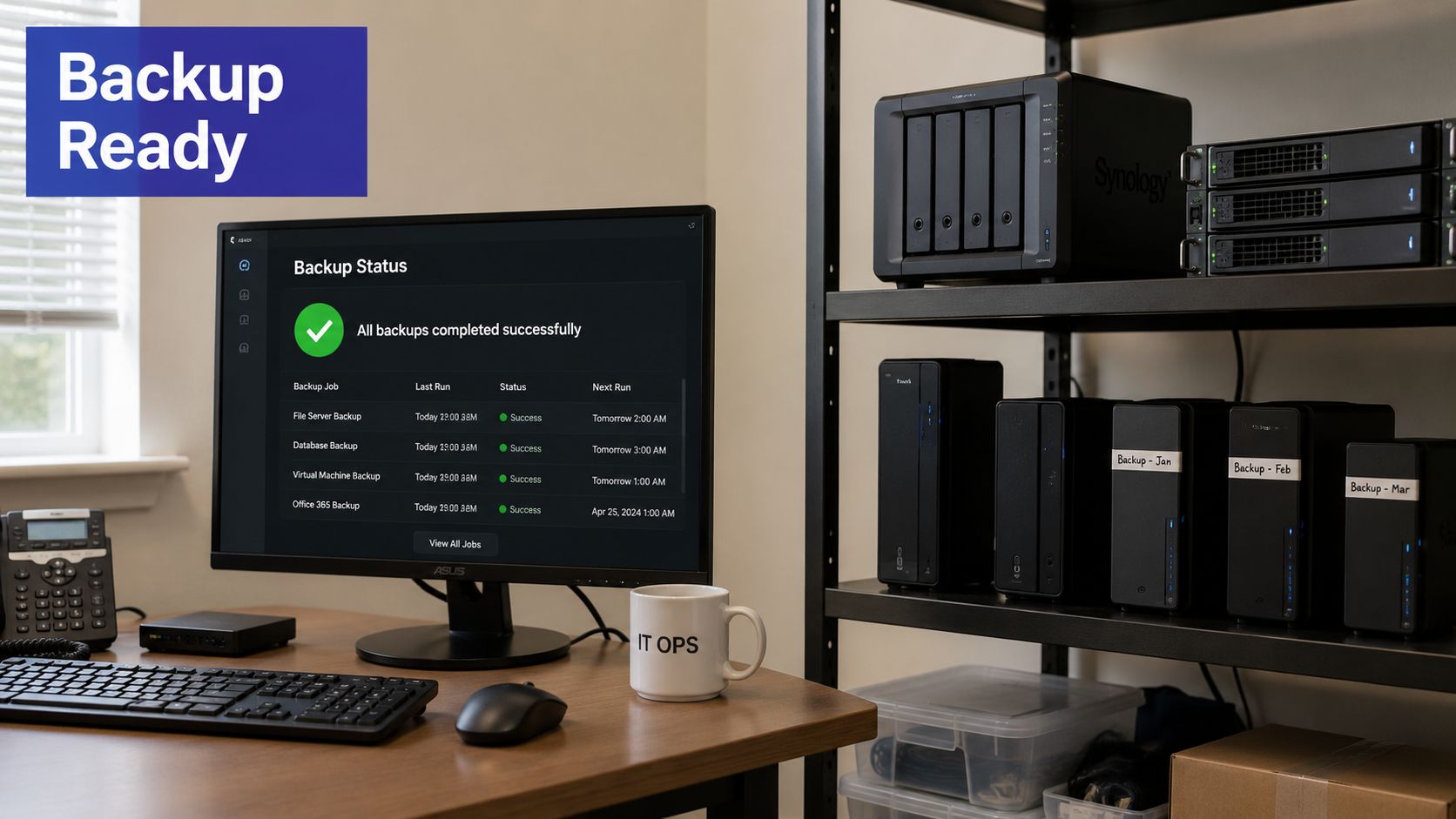
An accounting practice in March has different recovery needs than a nonprofit in a quieter month. A law firm in active litigation can't wait days to restore document access. So your disaster recovery plan should reflect actual business pressure, not just technical preference.
Set priorities by process:
The cost of not doing this is easy to underestimate. Industry reporting cited in 2025 showed the average cost of a data breach at $4.35 million. Even if your firm is much smaller, the point stands. Downtime, notification costs, lost trust, and cleanup can become financially material very quickly.
Cloudvara users can review backup and recovery planning for hosted applications as part of a broader business continuity plan. What doesn't work is backing up data you haven't tested restoring.
Identity is the first gate, but network controls still matter. They limit exposure, reduce lateral movement, and keep a mistake in one area from becoming a firm-wide incident.
For a small business, that usually means more than one layer of control. Firewall rules, VPN access, segmentation, secure remote desktop access, and web application protection all play different roles.
A common mistake is treating the entire hosted setup as one trusted zone. If the bookkeeper can reach everything, and a compromised laptop can reach the same systems, the internal network becomes a wide-open hallway.
A better approach is simple segmentation. Keep finance systems separate from general office apps. Restrict administrative interfaces to approved users and locations. Require VPN or managed remote access for staff connecting from outside the office. Review firewall rules often enough to remove old exceptions.
Cloudvara's overview of network security in hosted business environments helps frame the basics for non-technical decision-makers. The principle is straightforward. If a user or system doesn't need to reach a resource, block that path by default.
For internet-facing tools like client portals, add extra scrutiny:
This doesn't need enterprise-level complexity. It does need discipline.
Unpatched software is the cloud security equivalent of leaving a side door unsecured because the front lobby looks secure. Hosted accounting platforms, tax applications, document systems, and remote desktop components all depend on regular updates to close known weaknesses.
The challenge for professional firms isn't understanding that patches matter. It's applying them without breaking production during a filing deadline, audit cycle, or trial prep.
For most SMBs, the best patching process isn't the most aggressive one. It's the one the team will follow every month. That means a written schedule, a testing step for critical systems, and an emergency path for high-risk issues.
If you host QuickBooks, Sage, document management tools, or line-of-business apps, separate your patching into two tracks:
This is one area where managed hosting can reduce friction. A provider that handles server maintenance can take much of the operational burden off a small internal team. But outsourced doesn't mean ignored. Someone on the business side should still know what gets patched, when it happens, and what applications require coordination.
What doesn't work is waiting for staff to report something strange, then discovering a known issue was left open for months.
Misconfiguration is one of the most common ways sensitive data gets exposed in the cloud. Not because teams don't care, but because cloud settings multiply quickly. One storage permission, one public exposure, one inherited role, or one forgotten test environment can create an opening.
Cloud security best practices move from one-time setup into ongoing governance.
If your firm uses hosted applications, cloud storage, line-of-business integrations, or remote desktop infrastructure, define what "secure by default" means for your environment. Then enforce it consistently.
For small teams, that usually includes private-by-default storage, least-privilege roles, approved admin paths, standard logging settings, and documented naming and ownership for assets. Larger teams may enforce that through infrastructure as code and policy-as-code. Smaller firms can still apply the same principle with templates and change approval rules.
Guidance for modern environments increasingly highlights short-lived workloads, APIs, secrets exposure, runtime protection, and microsegmentation as first-order concerns, not side topics. A practical summary appears in SecPod's discussion of cloud security best practices for dynamic workloads. That's especially relevant if your vendors rely on containers, serverless functions, or API-heavy integrations behind the scenes.
Secure configuration isn't a project you finish. It's a standard you keep reapplying every time a user, app, integration, or server changes.
What fails in practice is manual checking without ownership. Someone has to monitor changes and fix drift before it becomes an incident.
You can buy strong tools and still lose data through one rushed click. That's why employee training belongs on any serious list of cloud security best practices, especially in firms where staff handle wire instructions, tax forms, court documents, payroll files, and donation records.
Training works best when it feels tied to the job, not to a generic annual compliance module.
A tax preparer needs training on fake client emails, portal login prompts, and W-2 impersonation attempts. A law firm needs training on malicious document links, spoofed opposing counsel messages, and fraudulent invoice changes. A nonprofit team needs help spotting fake donor requests and executive impersonation.
Embed the basics into normal operations:
A short explainer can help kick off a staff session:
The hidden trade-off is alert fatigue. If every unusual email becomes a major event, people stop paying attention. Keep your policy tight. Escalate the high-risk events. Avoid making staff guess which messages matter.
A partner approves payroll on Friday evening. By Saturday morning, a compromised account has downloaded client files and changed a mailbox rule to hide the warning emails. If no one sees those signals until Monday, the incident is already larger, more expensive, and harder to explain to clients.
Logging and monitoring close that gap. For accounting firms, law offices, and other SMBs, the goal is not to watch everything. The goal is to spot the few events that usually matter first, then assign someone to respond.
Start by pulling key events into one place so they can be reviewed together instead of across five separate admin consoles. That usually means identity logs, cloud application activity, endpoint alerts, backup warnings, and core admin changes. A SIEM can help, but many smaller firms improve security by consolidating alerts into a managed dashboard with clear ownership.
The highest-value sources usually include:
The trade-off is volume. If every low-risk event creates an alert, staff stop responding with urgency. I usually recommend a short list of high-consequence alerts first, then expanding coverage after the team proves it can review and act consistently.
For an accounting firm, prioritize alerts around payroll permissions, unusual access during tax season, and large exports of tax returns or financial records. For a law firm, focus on after-hours admin activity, mass document downloads, and mailbox changes on partner or litigation accounts. If your business handles regulated client data, keep logs long enough to support legal, insurance, and compliance reviews.
Good monitoring means collecting the records tied to fraud, data loss, and account abuse, protecting those records from tampering, and assigning a real person to investigate.
Response speed matters as much as visibility. A useful alert should tell your team what happened, which account or system is affected, and what to do next. That is where many SMBs struggle. They have alerts, but no triage process. A simple documented workflow, backed by a cloud incident response plan for small businesses, turns monitoring into something operational instead of theoretical.
Cloudvara clients usually get the most value from monitoring that is tuned to business workflows, not generic noise. That includes watching Microsoft 365 sign-ins, backup failures, privileged account changes, suspicious file activity, and endpoint health in the same support process. For firms subject to client confidentiality duties or financial data handling requirements, that visibility supports both day-to-day security and post-incident documentation.
Every firm depends on other companies to store, process, transmit, or support sensitive data. Hosting providers, e-signature platforms, payment tools, tax software vendors, practice management systems, backup platforms, and outsourced IT partners all extend your risk surface.
That means vendor management and incident response belong together. If a vendor has a security event, your firm still has to explain what happened to clients, regulators, insurers, and internal stakeholders.
The best time to negotiate security expectations is before procurement ends. You want clarity on access controls, encryption, backups, support, audit documentation, breach notification, and data return procedures.
Cloud data security spending has been rising quickly. The market was estimated at USD 4.75 billion in 2024 and projected to reach USD 11.62 billion by 2030. That growth reflects a simple reality. Organizations are investing more heavily in encryption, IAM, secure API management, and real-time detection because cloud risk now carries direct operational and financial consequences.
For lean firms, use a short vendor review checklist:
Then build a written incident response plan that names decision-makers, legal contacts, insurer contacts, vendor contacts, outside forensics if needed, and client communication steps. Cloudvara customers can use this data breach response plan resource as a practical reference point.
For smaller professional firms, most guidance falls short. Broad recommendations are easy to find. Clear operational prioritization is not. Wiz notes a real gap around operationalizing cloud security for small, mixed-role teams that need to choose which few controls to implement first and who owns them. That's exactly why incident planning should be concise, assigned, and rehearsed. A binder nobody can use under pressure isn't a plan.
| Item | Implementation Complexity | Resource Requirements | Expected Outcomes | Ideal Use Cases | Key Advantages |
|---|---|---|---|---|---|
| Identity and Access Management (IAM) with Multi-Factor Authentication (MFA) | Moderate to high, policy design and rollout effort | Identity platform (Azure AD/Okta), MFA devices/apps, admin time, user training | Strong reduction in unauthorized access; improved auditability and compliance | Financial, legal, healthcare systems; privileged accounts; centralized identity access | Granular permissions, phishing resistance, regulatory support |
| Data Encryption at Rest and in Transit | Moderate, configuration and key lifecycle management | KMS/HSM, TLS certificates, encryption libraries, key rotation processes | Data confidentiality preserved in breaches; regulatory alignment | Storage and transfer of client/financial/health data | Strong confidentiality, minimal readable exposure if breached |
| Regular Security Audits and Penetration Testing | High, planning, external testing, remediation cycles | External auditors/pen testers, scanning tools, remediation teams, budget | Identifies vulnerabilities and misconfigurations; compliance evidence | Pre-release audits, periodic compliance checks, high-risk systems | Proactive vulnerability discovery, prioritized remediation, compliance proof |
| Comprehensive Data Backup and Disaster Recovery Planning | Moderate to high, RTO/RPO design and orchestration | Backup storage, automation, DR tools, off-site replication, testing resources | Business continuity, rapid recovery, ransomware resilience | Critical financial records, tax season operations, legal case repositories | Rapid recovery, reduced downtime, protection against data loss |
| Network Security and Firewall Management | Moderate, architecture and ongoing rule management | NGFWs, VPNs, IDS/IPS, segmentation tooling, network engineers | Controlled traffic flow, prevention of unauthorized access, threat mitigation | Protecting infrastructure, remote workforce access, internet-facing apps | Layered network defense, granular traffic control, real-time protection |
| Security Patch Management and Software Updates | Moderate, processes for testing and deployment | Patch management tools, staging environments, QA/testing teams | Reduced exposure to known exploits; improved stability and compliance | Frequently updated apps, critical servers, systems requiring timely fixes | Closes known vulnerabilities, automates updates, lowers incident risk |
| Cloud Configuration Management and Secure Cloud Posture | Moderate to high, continuous monitoring and remediation | CSPM/IaC tools, cloud engineers, automated policy enforcement | Fewer misconfigurations, consistent secure posture, automated compliance checks | Dynamic cloud environments, multi-account setups, IaC deployments | Prevents misconfigurations, continuous enforcement, environment visibility |
| Employee Security Awareness Training and Phishing Prevention | Low to moderate, ongoing program management | Training platform, phishing simulation tools, time for staff | Reduced human error and phishing success rates; improved reporting | All organizations, especially staff handling client or financial data | Cost-effective risk reduction, improved security culture, compliance support |
| Logging, Monitoring, and Security Event Management | High, integration, correlation, and analyst staffing | SIEM, centralized logging, storage, alerting pipelines, security analysts | Faster detection and response; forensic trails for audits and investigations | Organizations requiring auditability, incident response, and threat hunting | Real-time detection, centralized analysis, forensic evidence for incidents |
| Vendor & Third-Party Risk Management and Incident Response | High, assessments, contracts, and cross-team coordination | Legal/contracts, assessment tools, continuous monitoring, IR team | Reduced supply-chain risk; faster, accountable breach response; contractual protections | Firms with many vendors or outsourced services; regulated industries | Vendor accountability, coordinated incident response, regulatory compliance |
A partner logs in from home on a Friday night, a bookkeeper approves a vendor payment from a phone, and a paralegal opens a shared client file before court on Monday morning. That is how cloud security shows up in real firms. Not as a theory, but as daily access to financial records, case files, tax documents, and email.
For accountants, law firms, and other SMBs, the next step is not adding every security tool on the market. The next step is putting the right controls into operating practice, in order. Start with the items that reduce the most business risk fast: identity protections, tested backups, controlled admin access, centralized visibility, and written response procedures. Those actions lower the odds of wire fraud, client data exposure, and long outages without asking a small team to run an enterprise security program.
Resource limits are part of the decision. In many firms, the person approving software access also handles onboarding, vendor coordination, or office operations. A short list of well-run controls beats a larger list that no one reviews, tests, or enforces. That trade-off matters for compliance too. Firms dealing with client financial data, legal records, or regulated personal information need controls they can demonstrate, not just policies they can point to.
The operating model is straightforward. Verify every user. Limit access by role. Review exceptions. Keep records that support audits and investigations. Test recovery before an outage forces the issue. For firms handling tax data, trust accounting records, payroll, or confidential client files, those habits support practical compliance work tied to frameworks such as IRS expectations, ABA confidentiality duties, state privacy rules, and contractual client requirements.
Managed hosting can help if responsibilities stay clear. A provider such as Cloudvara can handle infrastructure tasks such as server configuration, patching, backups, remote access controls, and hosting support. Your firm still owns user approval, policy decisions, training, data handling rules, and vendor oversight. That split is usually more realistic for SMBs than expecting an internal admin to manage hosting, security operations, and compliance documentation alone.
Good cloud security is dependable, repeatable, and documented. It protects client trust, keeps work moving during disruptions, and gives leadership a clear plan when an incident happens.
If you're reviewing hosted QuickBooks, tax software, document management, or a broader cloud migration, Cloudvara is one option to evaluate for managed application hosting with security features such as two-factor authentication, automated daily backups, remote access, and 24×7 support.




