
Imagine a digital timekeeper that never misses a billable second. That’s the core promise behind Sage Software Timeslips, a specialized time tracking and billing tool built for professional service firms where every minute truly counts.

At its heart, Sage Software Timeslips is much more than a simple timer; it’s a powerful revenue capture system. Think of it as a high-precision engine for your firm's entire billing process. While generic trackers might just log hours, Timeslips is designed to handle the complex billing arrangements that professionals rely on—from hourly rates and flat fees to contingency and retainer-based work.
It was created to solve the nagging pain points that plague service-based businesses: lost billable hours, confusing invoices, and a foggy view of profitability. Instead of relying on manual spreadsheets or trying to remember every task, Timeslips provides a structured framework to ensure every phone call, meeting, and research session is recorded and assigned correctly.
This software is built specifically for professionals who bill for their time and expertise. Off-the-shelf solutions often fail these users because they just don't have the features needed for matter-centric or project-based billing.
The most common users of Sage Software Timeslips include:
This focused design is clear in its market position. While Sage Timeslips holds a niche 0.04% market share in the overall time tracking category, its value is enormous within its target audience. Law firms, for example, often report a 15-20% increase in captured billable hours by using its automated reminders and detailed aging reports.
Key Takeaway: Sage Software Timeslips acts as a financial safeguard for service firms. It converts billable activities that might otherwise be lost—like quick client calls or brief email replies—into captured, billable revenue.
Standard time tracking tools are great for simple tasks, but they just don't cut it for professional firms. They lack the granular control needed for sophisticated billing structures and client management.
Consider these common limitations:
Sage Software Timeslips fills these gaps, offering a robust system built for the realities of professional billing. By centralizing all time and billing activities, it lays the foundation for a more profitable and efficient firm. Cloudvara supports a wide range of these specialized tools, and you can learn more about the other applications we support to build out a complete business ecosystem.

To really get what Sage Software Timeslips does, you have to look at it through the eyes of a busy professional. The whole point of the software is to fit right into the daily grind of an accounting or law practice, turning billable work into invoice-ready data without creating extra steps.
The heart of the workflow is the electronic time slip. It’s not just a timer entry; think of it as a detailed digital record of a billable event. It captures who did the work, for which client, on what matter, and for exactly how long, while also noting the type of work to apply the correct rate automatically.
This simple but powerful process gets rid of the manual tracking and guesswork that so many firms get stuck with when using spreadsheets. It builds a complete, defensible record of all work, which shores up client trust and justifies every single line on an invoice.
The profitability of any service firm rests on accurate time capture. A quick five-minute phone call, a brief email reply, a half-hour of research—these are all billable moments that often get lost in the shuffle by the end of the day. Sage Software Timeslips is built with multiple tools to stop this kind of revenue leakage.
A paralegal, for instance, can start a timer with a single click the moment a client calls. When the call is over, the timer stops, and a time slip is created with the exact duration, ready to be linked to the client's matter. The same goes for a CPA logging hours against a complicated tax audit.
This isn't just about convenience; it’s about building good habits. The best time tracking software for lawyers is designed to capture every billable minute, turning forgotten moments into revenue.
Once time and expenses are in the system, Timeslips shines by turning them into clean, professional invoices. Its billing engine is incredibly flexible, built to handle the different ways service-based businesses charge for their work.
Firms can easily set up and manage:
The software takes all the approved time and expense slips for a billing period and automatically generates invoices based on these arrangements. What used to be an administrative nightmare that took hours now becomes a quick, repeatable task.
An invoice is more than just a bill—it’s a key piece of communication with your client. A clear, detailed, and professional invoice from Timeslips reinforces the value you delivered and minimizes questions or disputes.
Beyond just tracking time and sending bills, Sage Software Timeslips acts as a powerful business analysis tool. Its reporting features give firm partners and managers a clear view of the key metrics that should be driving their business decisions.
Some of the most useful reports include:
These reports help firms shift from being reactive to thinking proactively about strategy. A well-organized database is also critical, and our guide on document management software for accountants offers more strategies for keeping your firm’s data secure and accessible.
Modern professional firms don’t run on isolated pieces of software; they thrive when their tools work together. Your software should function like a well-coordinated team. While Sage Software Timeslips is a powerhouse for time and billing on its own, its real value emerges when you connect it to your firm's other financial tools, creating a seamless flow of data from one system to the next.
Think of it like building a bridge. On one side, you have Timeslips meticulously tracking every billable minute and expense. On the other side is your accounting software, like Sage 50, which manages your general ledger, accounts payable, and financial reports. Without that bridge, you're stuck manually carrying data across—a tedious job ripe for human error.
Integration builds that data bridge, letting billing information sync directly with your financial records. This creates a single, reliable source of truth for your firm’s performance and eliminates the headaches and risks of duplicate data entry.
For most firms using Sage Software Timeslips, the most natural and powerful integration is with Sage 50 Accounting. Since both tools come from the same software family, the connection between them is deep and efficient. This pairing creates a workflow that dramatically shortens the time between doing the work and getting paid.
Once integrated, the workflow is beautifully simple:
This automated sync doesn't just save countless administrative hours; it also makes month-end closing much faster. The financial data in Sage 50 is always current, giving you an accurate, real-time snapshot of your firm’s financial health.
This connectivity is a big reason for Sage's success. With Sage holding a 25.94% market share in IT services, the combination of Sage 50 and Timeslips is a proven formula that can shorten time-to-bill cycles by 20-30% through automation. You can find more details in this Sage software market share analysis on verito.com.
While the link to Sage 50 is vital, Timeslips can also connect with other essential tools to create a more unified operational hub. Understanding how these pieces fit together is key to getting the most out of your software stack. If you're new to the concept, our guide on what is application integration provides a great overview of the strategic benefits.
For instance, Timeslips integrates with Microsoft Office applications. You can export reports directly into Excel for more detailed analysis or to create custom charts, giving you total flexibility in how you visualize your data. It's this ability to move information smoothly between the programs you use every day that turns a collection of individual tools into a cohesive and efficient business machine.
Choosing how to run Sage Timeslips is one of the most important tech decisions your firm will make. It's a choice that directly shapes your costs, accessibility, security, and even your ability to grow. The two main roads you can take are a traditional on-premise setup or a modern cloud-hosted environment.
It’s a bit like the classic "buy versus rent" dilemma for a home. Each path has its own set of benefits and responsibilities, and the right choice really boils down to your firm’s specific needs, budget, and IT comfort level.
Before you decide, getting a clear picture of the differences between cloud computing vs. on-premise solutions is a must. It’s the foundation for making a smart decision that lines up perfectly with how you want to operate.
Going with an on-premise deployment is like buying the house. You own the hardware, and you’re on the hook for all the upkeep. This means you buy a physical server, find a place for it in your office, and handle every software installation, update, security patch, and data backup yourself.
This path gives you direct, physical control over your data. But that control comes with some serious responsibilities and costs:
While this used to be the only way, its rigidity and high maintenance needs have made it a tougher sell for agile, modern firms that need to be flexible.
Cloud hosting, especially with a managed provider like Cloudvara, is more like renting a high-end, fully serviced apartment. You don't own the building (the servers), but you get all the benefits of a premium space without any of the maintenance headaches. You get to use the same powerful desktop version of Sage Timeslips, but with the flexibility and security of the cloud.
This model shifts the entire IT burden from your team to a group of dedicated experts. A provider handles all the server maintenance, security monitoring, and data backups, freeing you up to focus on what you do best: serving your clients.
The flowchart below shows a simple decision point for integrating Timeslips—a process that becomes much simpler in a managed cloud environment.

Whether you're syncing data from Sage 50 or doing manual entries, the workflow depends on smooth, reliable data access—a core strength of cloud hosting. For an even deeper dive, our guide on the difference between cloud and on-premise breaks it down further.
A few key benefits of cloud hosting stand out:
Choosing the right deployment model is a critical decision. This table breaks down the key differences between running Timeslips on your own server versus hosting it with a managed cloud provider like Cloudvara.
| Factor | On-Premise Server | Cloud Hosting (Cloudvara) |
|---|---|---|
| Initial Cost | High (server hardware, software licenses, setup) | Low to none (no hardware to purchase) |
| Ongoing Costs | Unpredictable (IT labor, repairs, electricity, upgrades) | Predictable (flat monthly subscription fee) |
| Accessibility | Limited to the physical office without complex setup | Anywhere, anytime access from any device with internet |
| Security | Your responsibility (physical, cybersecurity, backups) | Managed by experts (enterprise-grade firewalls, encryption) |
| Maintenance | Your responsibility (all updates, patches, and fixes) | Included (handled entirely by the provider) |
| Scalability | Difficult and expensive (requires new hardware) | Easy and instant (adjust resources as your firm grows) |
| Business Continuity | Vulnerable to office-specific issues (outages, disasters) | High (data is safe in a secure data center) |
| IT Expertise | Requires significant in-house or contracted IT knowledge | Not required (full support is included) |
Ultimately, the on-premise route offers direct control but demands significant investment and hands-on management. Cloud hosting, on the other hand, delivers flexibility, security, and peace of mind, letting you focus on your firm instead of your IT.
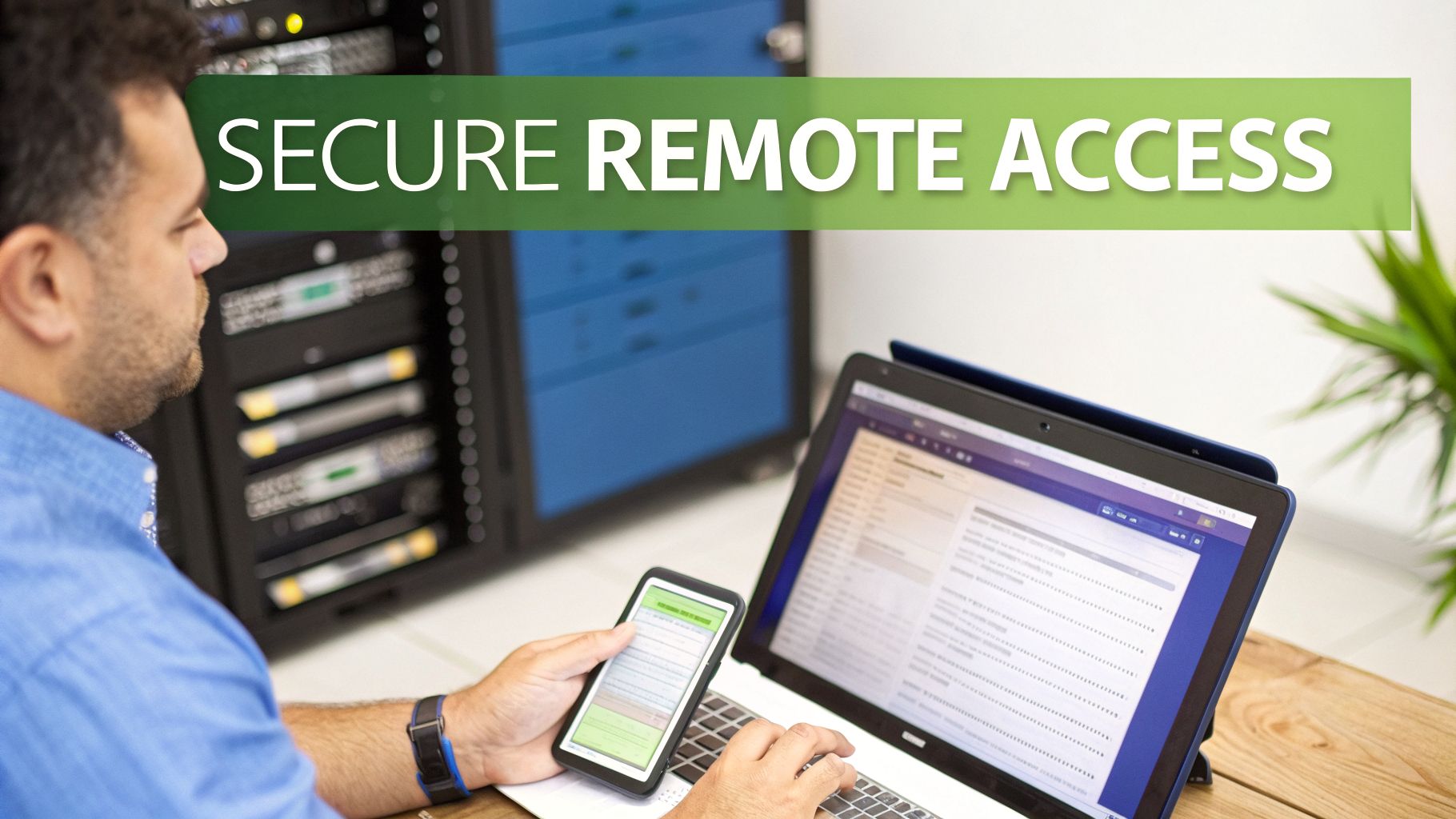
Moving your firm's Sage Software Timeslips to the cloud isn't just a technical upgrade; it's a strategic choice. When you host a powerful desktop application with a specialized provider like Cloudvara, you turn it into a flexible, secure, and always-available asset. This simple move helps you sidestep the operational hurdles that hold so many legal and accounting practices back.
The first benefit you'll notice is secure remote access from any device. Imagine a partner entering time from the courthouse on their tablet, or a CPA finalizing invoices from a client’s office on a MacBook. Cloudvara makes that possible, giving you the full desktop version of Timeslips through a secure portal, accessible anywhere with internet.
This freedom ensures billable work gets captured the moment it happens, plugging the revenue leaks that open up when staff have to wait to get back to the office. It completely changes where and how your team can be productive.
For any firm that bills by the hour, downtime is lost money. An on-premise server is a single point of failure—vulnerable to power outages, hardware crashes, or local internet problems. Any of those can bring your billing to a complete standstill.
Hosting with Cloudvara provides a layer of business continuity that an in-house setup just can't match. With a guaranteed 99.5% uptime, your Sage Software Timeslips application stays online even if your physical office is dark. That reliability is built on an infrastructure designed for constant availability.
Beyond uptime, protecting your data is everything. We guard your sensitive client information with a multi-layered security protocol.
Managing IT is a major drain on a firm’s resources. The costs of maintaining server hardware, running software updates, and fixing technical issues add up fast—both in money and in hours pulled away from client work. Cloudvara takes that entire burden off your plate by acting as an extension of your team.
By moving to a managed cloud, you are not just buying a service; you are investing in operational excellence. You offload the entire IT burden—maintenance, security, and support—to a team of experts, allowing you to focus completely on billable work and client service.
Our 24/7 expert support team understands the applications you depend on, including Sage Software Timeslips. If you have a question or an issue, you get immediate help from technicians who can solve it quickly. It’s a world away from the old model of waiting for an overworked IT consultant to call you back.
This partnership also brings significant cost savings. You get to skip the large capital expenses for server hardware and avoid the unpredictable costs of repairs. Instead, you get a simple, predictable monthly fee that covers everything. To dig deeper into these advantages, check out our guide on hosting applications in the cloud.
Partnering with Cloudvara means you gain a dedicated cloud IT advocate committed to your firm's success.
When firms start looking at Sage Timeslips, a few key questions always come up. It’s a serious tool for managing your firm’s time and billing, so getting clear answers on remote access, security, and cost is non-negotiable.
We hear these questions all the time from both new and long-time users. Think of this as a straightforward FAQ to help you cut through the noise, make the right decisions, and get the most out of this powerful software.
This is easily one of the most common questions, and the answer hinges entirely on how you set it up. A standard, on-premise installation of Sage Timeslips is a desktop application. It’s built for Windows machines connected to your office network and doesn’t natively let you log in from a Mac or an iPad.
But there's a much better way. By hosting your Sage Timeslips on a secure cloud platform like Cloudvara, you get true remote access from anywhere. We create a secure remote desktop that lets you run the full-featured desktop version of Timeslips on any device—Macs, tablets, you name it. You’re not getting a watered-down mobile app; you get all the power of the complete program, right where you need it.
Understanding the cost is key to good budgeting. Sage Timeslips is sold as a perpetual license, which means you pay a one-time, upfront fee for the software itself. The price is based on how many users need access, and that purchase gives you the right to use it forever.
However, the initial license isn't the whole story. You also have to factor in:
The Cloud Alternative: Moving to a cloud hosting provider like Cloudvara flips the script. Instead of a big capital expense, you get a predictable monthly operating cost. This single fee wraps up the secure hosting, all server maintenance, automated backups, and 24/7 expert support, which makes budgeting a whole lot simpler.
Absolutely. In fact, for most small to mid-sized firms, a quality cloud provider delivers security that is far stronger than what they could ever manage in-house. It’s a myth that keeping data on-site is automatically safer. The truth is, purpose-built data centers have layers of protection that are just too expensive and complex for most firms to replicate.
Reputable providers like Cloudvara build enterprise-grade security into the service from the ground up. This isn't an optional add-on; it's the standard.
| Security Feature | How It Protects Your Firm |
|---|---|
| Dedicated Servers | Your data is kept completely isolated from other clients, which stops any risk of cross-contamination and improves performance. |
| End-to-End Encryption | Your data is scrambled both as it travels over the internet and while it's stored on the server, making it unreadable to anyone without authorization. |
| Two-Factor Authentication | This adds a crucial second login step, stopping unauthorized users from getting in even if they have a password. |
| Automated Daily Backups | We make sure a complete copy of your database is saved every day, so you can recover quickly from any data loss. |
These environments are designed specifically to help your firm meet strict compliance standards, like those in the legal and financial sectors, giving you peace of mind that your sensitive client data is locked down.
This scenario is where cloud hosting really shines over an on-premise server. If your office loses its internet connection, that on-premise server becomes a useless box. Everyone is cut off from Sage Timeslips, and your billing grinds to a halt.
With the cloud, it’s a completely different story. Your software and data aren't in your office—they’re running securely in our data centers, which have redundant power and multiple internet connections.
If your local internet goes out, you just:
This gives your firm a level of business continuity that an on-premise server just can't offer. You stay productive even when your office is offline.
Ready to unlock the full potential of Sage Software Timeslips with the flexibility, security, and support of the cloud? Cloudvara delivers a fully managed hosting solution that eliminates IT headaches and empowers your team to work from anywhere. Start your free 15-day trial today!




