If you're running a small firm, you already know the uneasy feeling. Your team logs into QuickBooks, Sage, a CRM, a document system, and a few cloud apps that hold payroll records, tax returns, contracts, client messages, and internal financial data. Everything works, until you ask a simple question: who is watching the security of all this?
Most owners and partners aren't short on business judgment. They're short on time, security staff, and patience for vague cybersecurity promises. That's why cloud managed security services matter. They turn security from a side task your office manager, outside IT person, or overextended admin "also handles" into a dedicated operational function.
For firms that live inside business-critical applications every day, that shift matters. You're not buying abstract protection. You're protecting the software your business depends on to serve clients, get paid, stay compliant, and keep operating when something goes wrong.
At 9:30 p.m., a partner logs in from home to review tax files in QuickBooks. The next morning, someone in the office opens Sage, a CRM, and a document portal before the coffee is ready. The work feels routine. The risk often stays invisible until a login is abused, a permission is set too broadly, or a restore fails when a file is needed most.

Cloud platforms can be secure. That does not mean every business using them is secure. Shared responsibility is the part many firms miss. The provider protects the underlying infrastructure. Your firm is still responsible for user access, application settings, endpoint hygiene, backups, and incident response around the systems your staff uses every day.
That distinction matters most for firms running applications that hold critical business risk. Accountants rely on QuickBooks and Sage for payroll, tax data, and financial reporting. Law firms rely on document systems, email, and practice management tools that contain privileged client information. SMBs rely on CRMs and file shares packed with customer records, contracts, invoices, and internal communications. If those applications are exposed, "being in the cloud" does not soften the impact.
IBM's Cost of a Data Breach Report found the global average breach cost reached $4.88 million in 2024. Small firms usually feel the hit in more practical ways first. Staff lose access. Client work stops. Deadlines slip. Owners end up deciding who to call, what was exposed, whether backups are clean, and how to explain the situation to clients and regulators.
The question business owners ask is simpler than the marketing language.
Can the firm keep working if something goes wrong?
In practice, the worries usually look like this:
Good security operations work like locked doors, monitored alarms, and a team that answers the phone at 2 a.m. They reduce the odds of a problem and limit the damage if one gets through.
For firms weighing their options, small business cloud security guidance from Cloudvara is a useful starting point. The primary objective is not cloud access by itself. The goal is protecting the applications your team depends on so client work stays secure and the business keeps running.
Cloud managed security services work best when you see them as a layered security detail for your digital office. One control watches the doors. Another checks identities. Another scans for weak points before someone exploits them. The value isn't in any single tool. It's in how the layers work together.

A lot of cloud incidents start with ordinary mistakes. Storage left too open. Permissions granted too broadly. Encryption not enabled where it should be. That's why Cloud Security Posture Management, or CSPM, has become a core piece of managed security.
Managed Cloud Security Services integrate CSPM to proactively detect and remediate misconfigurations, which are responsible for 80% of cloud breaches according to industry benchmarks, as explained by Clearwater Security's managed cloud services overview.
In plain English, CSPM is the system that keeps checking whether your cloud setup still matches policy. If a new database, server, or user role gets deployed with the wrong settings, the issue gets flagged before it turns into an incident.
Most firms don't need more alerts. They need someone to interpret them and act. The always-on monitoring stack provides the necessary solution:
If your business relies on remote work, hosted accounting software, or browser-based applications, network resilience matters too. SMB owners comparing deployment approaches often benefit from reading about choosing the right DDoS mitigation for SMBs, because service availability is part of security, not a separate issue.
Attackers often get in through the simplest route: a stolen credential, an unpatched laptop, or a user who had more access than they needed. Good cloud managed security services address that directly.
A practical stack usually includes:
Practical rule: If your provider talks only about firewall tools and never about user access, patching, and monitoring, you're hearing about products, not a managed security program.
For a business owner, that is the true distinction. A product gets installed. A managed service keeps the environment safe over time. If you want a practical baseline, these essential cloud security practices for businesses are the right habits to look for before you sign any agreement.
The need for managed security becomes clearer when you stop thinking about "the cloud" as one big thing and start looking at the specific systems your staff uses every day. The risk isn't theoretical when your tax software, accounting files, case records, CRM, and email are all tied together across multiple platforms.

56% of organizations struggle to secure data across multi-cloud environments, and 45% lack the qualified staff to manage cloud security effectively, according to Exabeam's cloud security statistics roundup. Small firms feel this gap more sharply because they still carry enterprise-style risk with much leaner teams.
Accounting practices hold bank details, payroll records, tax returns, and financial statements. That means one compromised login can expose a remarkable amount of sensitive information at once.
The issue usually isn't that firms don't care about security. It's that their environments have grown organically. QuickBooks may be hosted one way, document storage another, email somewhere else, and remote access handled by a different vendor. The result is fragmented visibility. No one sees the whole picture.
Law firms face a different version of the same problem. Matter files, privileged communications, discovery records, billing systems, and document repositories all need protection. Security failures here don't just disrupt work. They can jeopardize confidentiality and client trust in ways that are hard to recover from.
When a cyber event has legal or regulatory consequences, it's worth reviewing outside perspectives such as RNC Group cyber incident advice. The main lesson is practical: incident response isn't only technical. It also affects reporting, privilege, communications, and timing.
Here's a useful short explainer on the kind of layered security thinking firms should expect from a provider:
Nonprofits, medical-adjacent offices, and small service businesses often carry donor data, payment information, employee records, and internal financials without a full security department behind them. The challenge isn't just stopping attacks. It's keeping operations moving when the team is small and everyone wears multiple hats.
A managed security partner helps in a few concrete ways:
The more your firm depends on hosted applications and remote access, the more security becomes an operations issue, not just an IT issue.
If your organization is trying to map those exposures, cloud data protection guidance from Cloudvara is a useful reference point for framing the risks around application access and sensitive records.
Most buyers ask the wrong opening question. They ask, "What security tools do you use?" A better question is, "How do you reduce business risk for a company like mine?" The answer should be clear, specific, and tied to operations you can verify.
The safest way to evaluate providers is to compare them on outcomes, responsibilities, and fit with your environment. That matters even more if your firm depends on line-of-business software such as QuickBooks, Sage, legal practice tools, or older Windows-based applications that still need secure remote access.
| Evaluation Criterion | What to Look For | Why It Matters |
|---|---|---|
| Compliance expertise | Ask which frameworks and regulated environments the provider regularly supports, and how they document controls | General IT support isn't the same as security work tied to audits, retention, or sensitive client data |
| Incident response SLA | Get response and escalation commitments in writing, including after-hours handling | A vague promise of "rapid response" won't help during a weekend account lockout or suspected breach |
| Support for your applications | Confirm they understand the apps your firm actually runs, especially accounting, legal, document, and CRM systems | Security decisions can break workflows if the provider doesn't understand how your staff uses the software |
| Access control discipline | Review how they handle admin privileges, onboarding, offboarding, and approval paths | Third-party access is useful, but it also creates risk if privileges are too broad or poorly tracked |
| Monitoring visibility | Ask what you will see in reports, alerts, and review meetings | You need enough visibility to govern the relationship without drowning in jargon |
| Backup and recovery coordination | Clarify who owns restores, testing, retention policies, and disaster recovery planning | Backups exist on paper in many environments. Recovery proves whether protection is real |
| Pricing model | Look for pricing that is understandable and predictable, with clear boundaries around extra work | Security contracts become frustrating when every change request becomes a billing surprise |
| Governance cadence | Ask how often the provider reviews risk, policies, and environment changes with your team | Security drifts over time if nobody revisits permissions, new apps, and business changes |
A strong provider won't dodge specifics. Ask direct questions like these:
If you're also reviewing internal control documentation, managing CEF data security controls through a SOC 2 checklist approach can help you sharpen your questions around evidence, process ownership, and control maturity.
A provider should make your risk posture easier to understand. If every answer sounds polished but vague, keep looking.
For firms that want a structured process, these IT vendor management best practices from Cloudvara help turn a security purchase into a disciplined vendor decision instead of a leap of faith.
The implementation phase is where good intentions either become a working system or dissolve into half-finished changes. The smoothest projects follow a sequence. First discover what's there. Then define rules. Then roll out controls in phases. Then keep tuning.
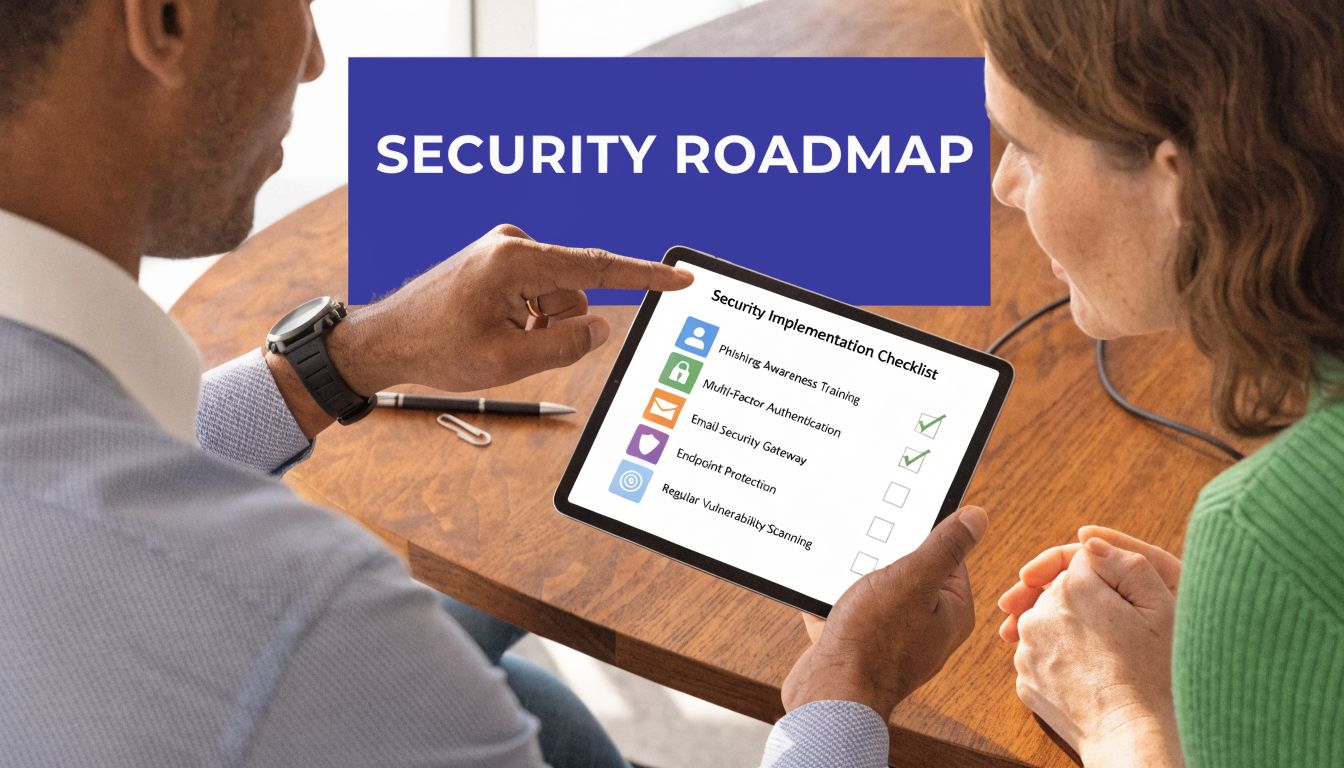
Organizations with properly implemented Managed Cloud Security Services report 40% lower risk scores per NIST SP 800-37 RMF continuous monitoring and can cut breach detection time from days to minutes, according to CrowdStrike's managed cloud security overview. That improvement doesn't come from buying software first. It comes from implementation discipline.
Start with a full inventory of what people use, not what the old IT spreadsheet says they use. That means hosted apps, local apps, remote desktops, user accounts, admin privileges, file repositories, backup jobs, laptops, and mobile access paths.
At this stage, firms often uncover practical problems:
The goal isn't blame. It's visibility.
Once the environment is visible, define what "secure enough" means for your business. With this definition, you establish rules for access, retention, patching, encryption, backups, and incident handling.
A few decisions matter more than most:
Good policies are operational. They tell staff and vendors what to do on an ordinary Tuesday, not just during a crisis.
Avoid the mistake of changing everything at once. A phased rollout reduces business disruption and shows where your workflows are brittle.
A practical sequence often looks like this:
This is also where pricing and service structure need to be clear. Some providers price by user, some by device, and some by service tier. None of those models is automatically better. What matters is whether the contract matches your actual environment and expected support load.
Security isn't a one-time migration project. New staff join. New apps get added. Partners need access. Someone opens a second location. Risk keeps changing.
That means the provider should revisit:
If your team is preparing for rollout, this cloud security implementation guide from Cloudvara is a useful reference for mapping technical controls to business continuity decisions.
For many SMBs, the hardest part of security isn't choosing a firewall or comparing endpoint tools. It's protecting the applications that run the business without making them harder to use. That's where hosting and security stop being separate conversations.
If your firm depends on QuickBooks, Sage, CRM platforms, tax software, document management systems, or Microsoft applications, the hosting layer matters. A secure application environment gives you tighter control over where data lives, how users connect, how backups run, and who supports the system when something breaks.
Generic cloud advice often assumes every business can rebuild around modern web apps. Many firms can't, and shouldn't have to. They still rely on Windows-based software, specialized accounting tools, legal systems, and line-of-business applications that need stable performance and predictable access.
A strong platform for those workloads should include:
Cloudvara's model is useful because it aligns operational hosting with the actual needs of firms that run established business software. Commercial-grade dedicated servers, two-factor authentication, automated daily backups, remote desktop access, and immediate support give SMBs a practical foundation for stronger protection around the applications they already use.
That matters for an accountant opening QuickBooks from home, a law office accessing case files remotely, or a nonprofit team sharing donor and finance systems across locations. The infrastructure isn't just there to keep software available. It's there to support cleaner access control, more reliable recovery, and fewer blind spots across the environment.
When the team managing the application environment understands both uptime and security, problems get resolved with less finger-pointing and less delay.
A partner logs into QuickBooks from home on a Sunday. A paralegal needs a case file before court opens. Your office manager is closing the month in Sage while a CRM sync runs in the background. Those are routine moments, but they are also the moments when weak security shows up fast.
Cloud managed security services help put structure around that risk. For small businesses, law firms, accounting practices, and nonprofits, the goal is not to pile on more tools. The goal is to protect the applications your team already depends on, keep access controlled, and know exactly who is responsible if something breaks or a threat appears after hours.
That matters because security problems rarely stay contained to one login or one device. If access controls are loose around QuickBooks, Sage, tax software, document systems, or your CRM, the business impact spreads quickly into billing delays, missed deadlines, client trust issues, and recovery costs. Good managed security reduces that exposure by making protection part of the day-to-day operating model, not a side project.
As noted earlier, firms across the market are investing more heavily in managed cloud support for a simple reason. Cloud systems work better when security, uptime, and support are handled together.
If your current setup still relies on a mix of local PCs, ad hoc remote access, separate backup tools, and multiple vendors pointing at each other, tighten it up now. Start with four questions. Where do your business-critical applications live? Who can access them? How is that access controlled and monitored? Who responds tonight if something goes wrong?
If you're ready to protect QuickBooks, Sage, CRM systems, tax software, and other business-critical applications in a more disciplined way, Cloudvara is a practical next step. You can explore a complimentary security assessment or start a free 15-day trial with no contract or credit card required, then see how secure application hosting, daily backups, two-factor authentication, and responsive support fit your environment.




