
Finding the best document management software for your organization can feel overwhelming, but it's a critical decision that impacts everything from daily productivity to long-term compliance. Whether you're a law firm managing sensitive case files, an accounting practice handling client financials, or a small business aiming for a paperless office, the right system brings order to chaos. It transforms scattered documents, emails, and contracts into a centralized, secure, and easily searchable digital archive.
This guide is designed to cut through the noise. We provide a comprehensive analysis of the top document management solutions available, moving beyond marketing claims to offer practical insights. We detail the specific strengths and weaknesses of each platform, helping you match features to your unique operational needs. For instance, a CPA firm requires robust security and version control for audit trails, while a nonprofit might prioritize affordability and collaboration tools.
Inside, you'll find detailed reviews of leading options like Laserfiche, M-Files, and DocuWare, alongside enterprise-grade systems such as SharePoint and iManage. We also cover accessible cloud storage solutions like Box and Google Workspace that have evolved powerful management capabilities. Each review includes:
Our goal is to equip you with the information needed to make a confident, strategic investment in a document management system that will streamline your workflows, enhance security, and scale with your growth.
Laserfiche earns its top spot by combining robust, enterprise-grade document management with accessible, cloud-first process automation, making it a powerful choice for regulated industries like accounting, legal, and finance. It excels in moving beyond simple storage, offering a complete ecosystem for managing the entire document lifecycle, from creation and collaboration to retention and final disposition. Its built-in workflow designer and e-forms engine are particularly valuable for teams aiming to digitize complex, paper-based processes without needing extensive IT support.
This platform is one of the best document management software options for organizations that need strong governance and compliance controls baked directly into their system. Features like records lifecycle management, legal holds, and detailed audit trails are included in the Business plan, not expensive add-ons. The recent addition of AI for intelligent field extraction and document summarization modernizes its feature set, helping teams reduce manual data entry and quickly find information. While implementation services come at an extra cost, Laserfiche’s transparent pricing tiers make it easier to budget for than many competitors.
| Feature Highlights | Ideal Use Case |
|---|---|
| Workflow Automation | Automating client intake and approval processes |
| E-Forms & Public Portal | Securely collecting client tax or legal documents |
| Records Management & Legal Hold | Law firms managing case files and discovery holds |
| Microsoft 365 Integration | Editing and co-authoring documents within Office apps |
Website: https://www.laserfiche.com/products/pricing/
DocuWare secures its place by offering a highly structured, cloud-based solution focused on automating core business processes, particularly for departments like Accounts Payable (AP) and Human Resources (HR). It excels at converting high-volume, standardized documents into structured digital workflows, using intelligent indexing to automatically capture and route data. This makes it one of the best document management software choices for teams looking to digitize and streamline repeatable, form-heavy tasks like invoice processing or employee onboarding without extensive custom development.
The platform’s strength lies in its pre-configured solutions and deep integrations with ERP and CRM systems, allowing businesses to connect document workflows directly to their core financial and operational software. DocuWare’s cloud plans are conveniently packaged by user count and storage, providing a full feature set even at the base level, which simplifies the buying process. While the company doesn't publish its USD pricing online and requires a quote, its well-established partner network provides strong implementation and support services, ensuring organizations can deploy its powerful automation tools effectively.
| Feature Highlights | Ideal Use Case |
|---|---|
| Pre-configured AP Solutions | Automating invoice capture, routing, and approval |
| E-Forms & Workflow | Managing new hire paperwork and employee onboarding |
| ERP & CRM Integrations | Connecting purchase orders to invoices in an ERP system |
| Secure, Compliant Archiving | Storing sensitive HR and financial records long-term |
Website: https://start.docuware.com/document-management-software
M-Files takes a unique approach to document management by focusing on what a document is, rather than where it's stored. Its metadata-driven architecture untethers files from traditional folder structures, allowing users to find information based on its context, such as client, project, or document type. This makes it a powerful choice for organizations, like consulting or engineering firms, where a single document can relate to multiple projects and departments simultaneously, eliminating the need for confusing duplicate files.

This platform stands out as one of the best document management software options for its deep integration with Microsoft 365, Teams, and SharePoint. It essentially adds a layer of intelligent information management on top of these familiar tools, enhancing them with automated workflows, version control, and compliance features without forcing users out of their preferred applications. M-Files also offers deployment flexibility with on-premises, cloud, and hybrid models, catering to businesses with specific data residency or security requirements. While its quote-based pricing requires direct contact, the platform’s powerful contextual search and strong analyst ratings make it a compelling solution for businesses struggling with information silos.
| Feature Highlights | Ideal Use Case |
|---|---|
| Contextual Search (Metadata) | Finding all documents related to a specific client |
| Microsoft Teams Integration | Managing project files directly within a Teams channel |
| Workflow Automation | Automating contract approval and signature processes |
| Hybrid Cloud Deployment | Firms needing to keep sensitive data on-premises |
Website: https://www.m-files.com/
Revver, the platform formerly known as eFileCabinet, is designed for small to mid-sized businesses that prioritize rapid implementation and user adoption. It focuses on delivering quick time-to-value by simplifying core document management functions like secure storage, sharing, and workflow automation. The platform excels at helping teams move away from shared network drives and manual processes, offering an intuitive, cloud-based system that doesn't require a dedicated IT team to manage.
This platform is a strong contender for the best document management software for organizations that need to get up and running quickly without a steep learning curve. Its Zonal OCR and Smart Extract AI tools automate data entry from standardized forms, making it ideal for processing invoices, new client forms, or HR documents. Revver’s emphasis on customer support and straightforward onboarding helps ensure teams can effectively adopt the system, a critical step often overlooked by more complex solutions. Adhering to document management best practices is much simpler with a user-friendly tool like this. While pricing isn't public, the plans are structured to provide significant storage and features without complex add-on costs.
| Feature Highlights | Ideal Use Case |
|---|---|
| Zonal OCR & Smart Extract | Processing batches of similar documents like invoices |
| Secure Client Portal | Sharing sensitive financial or legal files with clients |
| Role-Based Permissions | Controlling access to confidential HR or client data |
| Version Control & Audit Trails | Tracking document changes for compliance and accuracy |
Website: https://www.revverdocs.com/
Box positions itself as a secure content cloud built for the enterprise, but its transparent pricing and scalable plans make it a strong contender for businesses of all sizes, especially those prioritizing security and extensive third-party integrations. It moves beyond basic file storage by offering a centralized platform for collaboration, content management, and workflow automation. Its standout feature is offering unlimited storage on all business plans, eliminating a common pain point for firms dealing with large volumes of high-resolution scans, case files, or financial records.
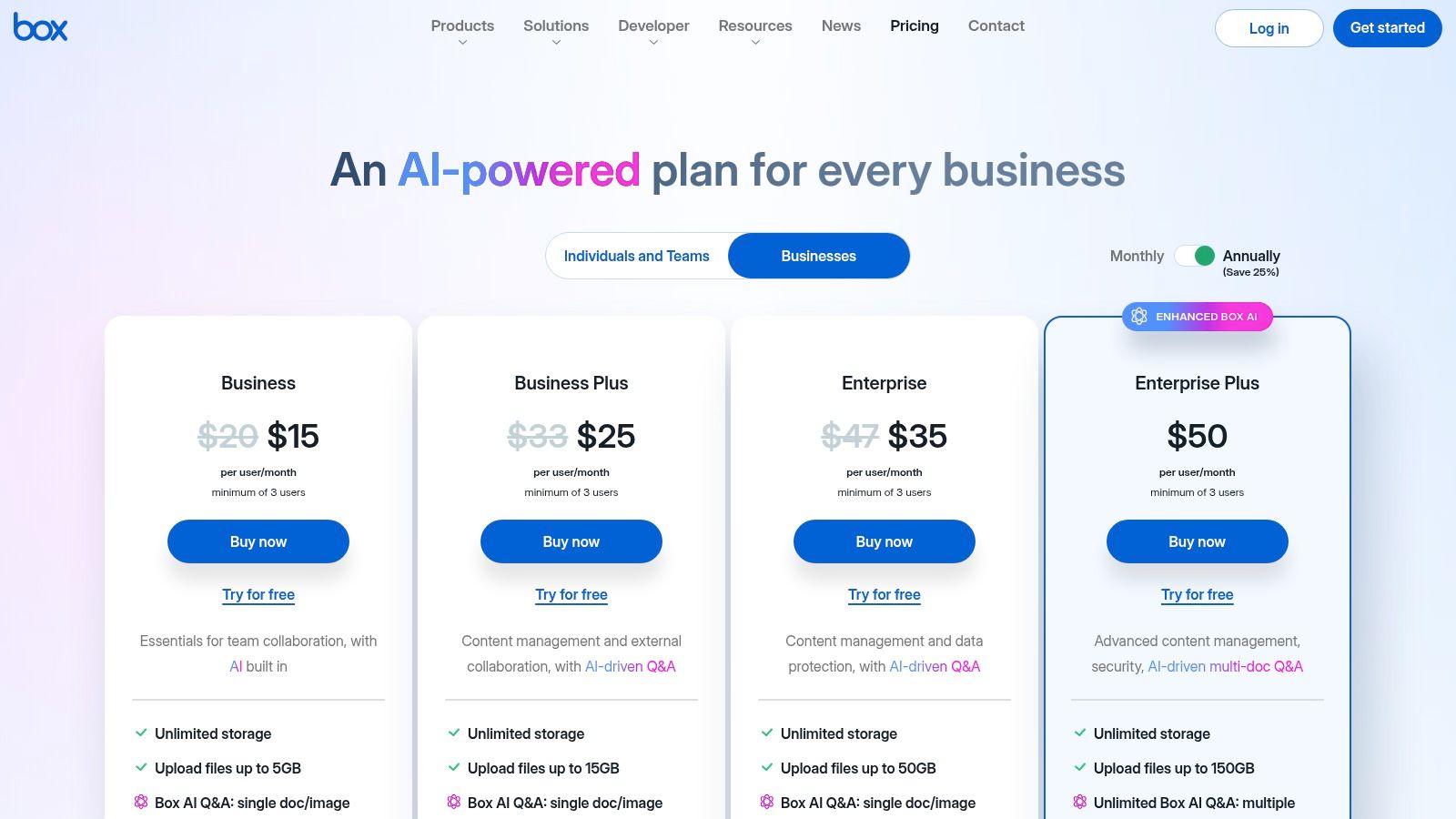
As one of the leading cloud-based document management systems, Box provides an ecosystem that deeply integrates with tools like Microsoft 365, Google Workspace, and Salesforce, allowing teams to work in their preferred applications without sacrificing central control. The inclusion of Box Sign for e-signatures in its core offerings adds significant value, enabling firms to manage the entire contract lifecycle within a single platform. While its most advanced security and compliance features are reserved for higher-tier plans or add-ons, the baseline security is robust, offering granular permissions and audit trails suitable for many professional services firms. The minimum user requirement on business plans is a key consideration for sole practitioners.
| Feature Highlights | Ideal Use Case |
|---|---|
| Unlimited Cloud Storage | Storing large client files, videos, or design assets |
| Box Sign E-Signature | Sending client engagement letters and contracts |
| Deep App Integrations | Collaborating on documents using Microsoft 365/Google |
| Advanced Admin Controls | Managing user access and permissions in large teams |
Website: https://www.box.com/pricing/
For organizations already embedded in the Microsoft ecosystem, SharePoint Online is a natural and cost-effective choice for document management. Included with most Microsoft 365 Business plans, it moves beyond basic cloud storage by providing structured document libraries, robust version control, and co-authoring capabilities directly within Office apps. Its core strength lies in its seamless integration with tools like Teams and Outlook, allowing firms to build a central, collaborative repository for all client files, case documents, and internal records without leaving their primary work environment.
SharePoint stands out as one of the best document management software options for its native compliance and governance features powered by Microsoft Purview. Organizations can apply retention labels, set access permissions, and manage document lifecycles to meet regulatory requirements common in legal and accounting fields. While its power can lead to "sprawl" if not properly managed with clear information architecture, its integration with Power Automate allows for the creation of sophisticated approval workflows, making it a highly scalable platform for growing firms.
| Feature Highlights | Ideal Use Case |
|---|---|
| Document Libraries & Metadata | Organizing client tax files or legal case documents |
| Power Automate Workflows | Automating invoice approval or contract review |
| Version History & Co-authoring | Collaborating on legal briefs or financial reports |
| Microsoft Purview Integration | Applying retention policies for compliance |
Website: https://www.microsoft.com/en/microsoft-365/sharepoint/compare-sharepoint-plans
Google Workspace secures its spot by offering an incredibly accessible and collaborative document management system that most teams can adopt with minimal friction. Centered around Google Drive, it excels at real-time co-authoring, version control, and secure sharing, making it ideal for organizations that prioritize teamwork and agility. While often seen as simple cloud storage, its business-tier features, such as Shared Drives and granular permission controls, provide a solid foundation for structured file management. The familiar interface and seamless integration with Docs, Sheets, and Slides make it one of the best document management software choices for SMBs already embedded in the Google ecosystem.

The platform’s strength lies in its balance of simplicity and business-grade control. The Admin console allows for robust user management, and Google Vault (available in Business Plus and higher tiers) adds critical eDiscovery, retention, and legal hold capabilities for compliance-focused businesses like law firms or accounting practices. Its powerful search, now enhanced with AI, allows teams to quickly find information across the entire suite of applications. While migrating from a traditional file server requires careful planning, the value of getting a full productivity suite alongside a capable DMS is a significant advantage over standalone solutions.
| Feature Highlights | Ideal Use Case |
|---|---|
| Real-Time Co-Authoring | Law firms drafting and reviewing contracts |
| Shared Drives & Permissions | Accounting teams managing client folders securely |
| Google Vault for eDiscovery | Retaining and searching communications for legal cases |
| Extensive Third-Party Add-Ons | Integrating e-signature or project management tools |
Website: https://workspace.google.com/intl/en_US/business/
Dropbox Business evolves beyond simple cloud storage, offering a streamlined document management experience that is exceptionally easy for teams to adopt. It excels at centralizing file access, sharing, and collaboration with a familiar interface that requires minimal training. While known for its best-in-class desktop synchronization, its true value for businesses lies in its integrated ecosystem, which includes e-signatures via Dropbox Sign and robust PDF editing tools, turning it into a lightweight but effective document workflow hub.

This platform is one of the best document management software choices for SMBs and professional services firms that prioritize ease of use and quick deployment over complex, enterprise-grade compliance. Features like team folders with granular permissions, version history, and detailed activity logs provide essential control for managing sensitive client files. Although it lacks the advanced records management and automated retention policies of dedicated ECM systems, its competitive pricing and all-in-one approach to storage, signatures, and collaboration make it a highly practical solution for organizations not bound by strict regulatory requirements.
| Feature Highlights | Ideal Use Case |
|---|---|
| Desktop & Mobile Sync | Ensuring access to the latest files from any device |
| Dropbox Sign Integration | Sending engagement letters or contracts for signature |
| Team Folders & Permissions | Creating secure, client-specific project folders |
| PDF Editing Tools | Annotating, rearranging, and redacting documents |
Website: https://www.dropbox.com/business
iManage Work is a purpose-built document and email management system designed specifically for the rigorous demands of legal, accounting, and professional services firms. It differentiates itself by deeply integrating content management into the core workflows of professionals, particularly within Microsoft Outlook and Word. The platform creates a single source of truth for all client or matter-related information, combining documents, emails, and attachments into a unified, secure workspace, which is why it's a top-tier choice for firms prioritizing governance.
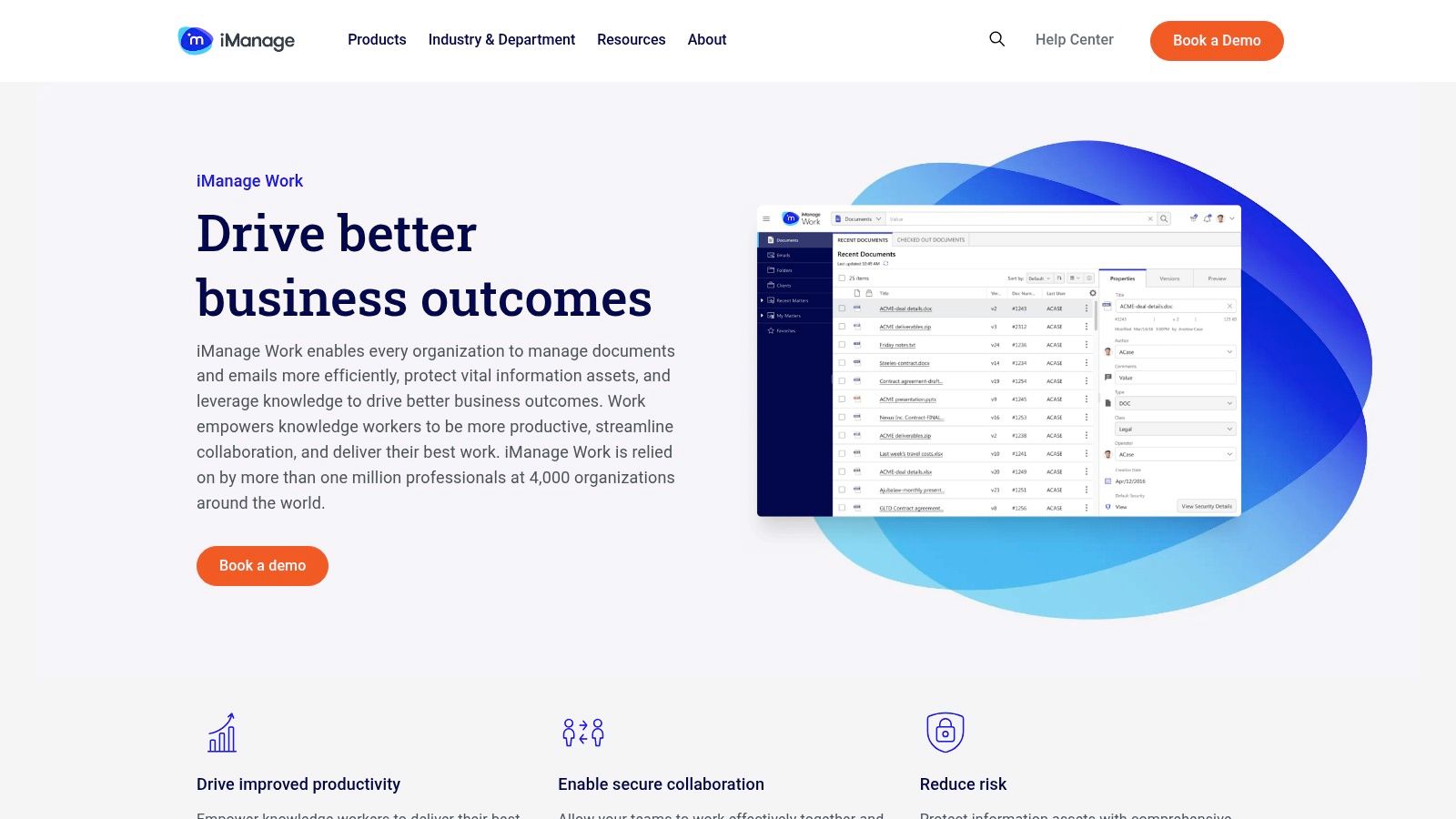
This platform is one of the best document management software solutions for teams that live inside their email client. Its powerful Outlook integration allows users to file, search, and manage documents without leaving their inbox, significantly boosting productivity and user adoption. Advanced security controls, ethical walls, and need-to-know access restrictions are baked in, ensuring client confidentiality. While pricing is quote-based and tailored to firm size and needs, its proven cloud scalability makes it a reliable choice for growing professional practices. To better understand its specific benefits, explore more about document management for law firms.
| Feature Highlights | Ideal Use Case |
|---|---|
| Document & Email Management | Law firms organizing all case-related correspondence |
| Advanced Security Controls | Accounting firms managing sensitive client financials |
| Microsoft Outlook Integration | Professionals who need to file emails as records |
| Real-time Co-authoring | Legal teams collaborating on contracts and briefs |
Website: https://imanage.com/product/imanage-work/
Hyland OnBase is a comprehensive, enterprise-grade content services platform designed for large organizations that require deep integration and industry-specific functionality. It moves beyond standard document management, offering a unified platform for case management, workflow automation, and low-code application development. OnBase excels in environments with complex ecosystems, providing pre-built integrations for major ERP and EMR systems like SAP, Workday, and Epic, making it a central content hub for critical business operations.

This platform is a top contender for the best document management software for enterprises that need a highly configurable and scalable solution. Its strength lies in its ability to manage the entire content lifecycle with robust governance, multichannel capture, and extensive audit trails. The low-code application builder empowers business units to create their own solutions, reducing reliance on IT. While the implementation effort and premium pricing place it outside the typical SMB budget, its all-in-one approach provides immense value for organizations looking to consolidate multiple legacy systems and streamline complex, cross-departmental processes. Many firms explore it when looking for the best document management software for law firms due to its case management capabilities.
| Feature Highlights | Ideal Use Case |
|---|---|
| Case Management | Managing complex client matters or patient records |
| Low-Code Application Builder | Creating custom HR onboarding or vendor management apps |
| ERP & EMR Integrations | Centralizing accounts payable or medical records |
| Multichannel Capture | Ingesting documents from scanners, email, and mobile |
Website: https://www.hyland.com/en/products/all-products
OpenText Core Content brings enterprise-grade information governance to a flexible SaaS model, making it a strong contender for large organizations needing to manage content across disparate business applications. It excels at connecting siloed information by offering pre-built integrations with major platforms like SAP S/4HANA Public Cloud, Salesforce, and Microsoft 365. This allows teams to access and manage documents directly within the applications they use every day, ensuring a single source of truth and streamlining cross-departmental workflows.
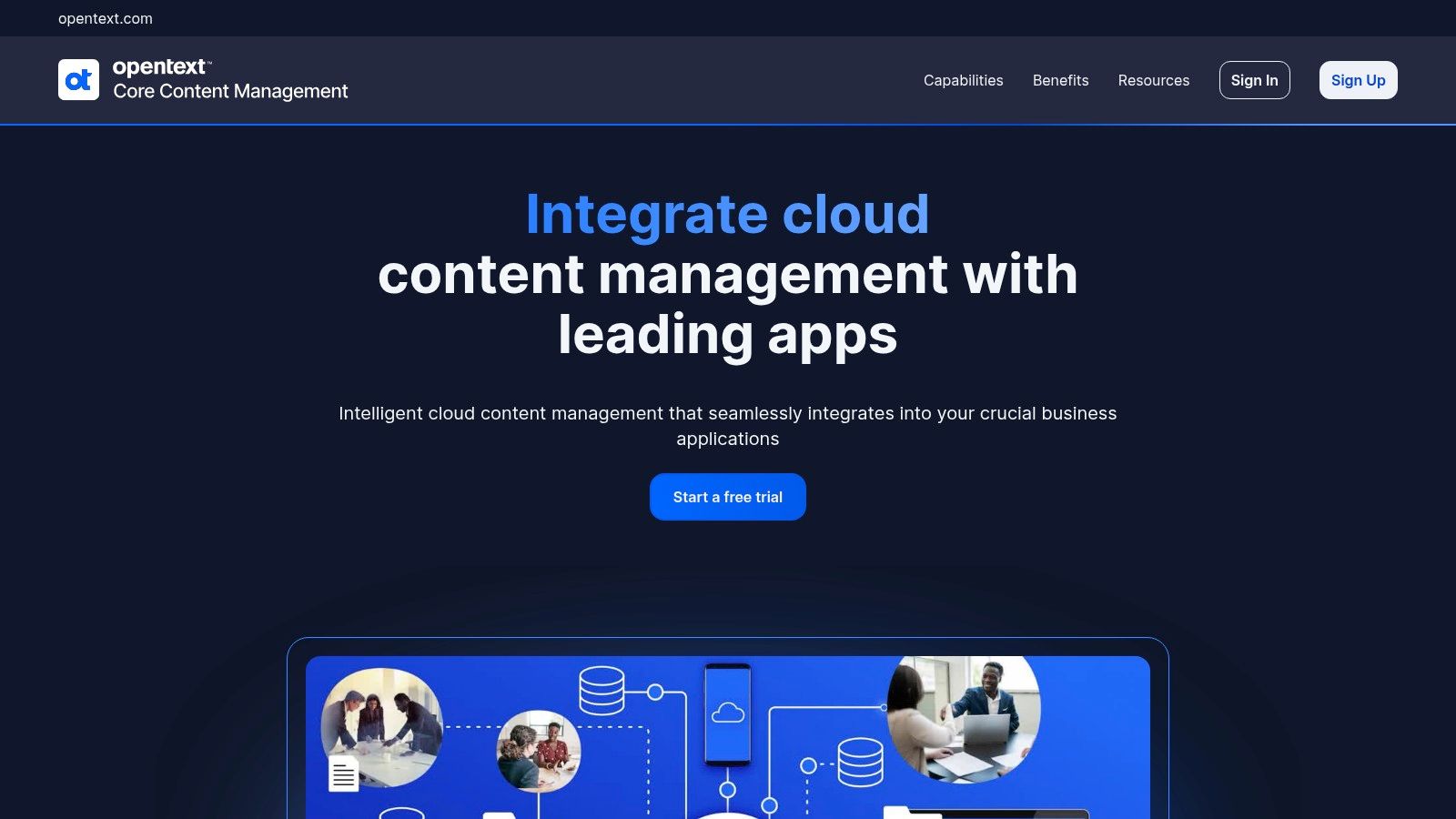
The platform is one of the best document management software choices for businesses that prioritize scalable governance and lifecycle management without the heavy IT overhead of on-premise solutions. Its modular design allows companies to add specialized services like Core Capture for intelligent data extraction or Core Signature for e-signatures as their needs evolve. While its powerful feature set and integrations are impressive, the quote-based pricing and complex portfolio can be challenging for smaller businesses to navigate, positioning it primarily for the enterprise market.
| Feature Highlights | Ideal Use Case |
|---|---|
| SAP & Salesforce Integration | Managing sales contracts and financial records |
| Records & Lifecycle Management | Large corporations with strict data governance needs |
| Modular Core Services | Scaling functionality with capture or e-signature |
| Cloud-Native SaaS Deployment | Enterprises moving from on-premise systems to cloud |
Website: https://www.opentext.com/products/core
G2 serves as a critical starting point rather than a standalone solution, offering a comprehensive marketplace to compare the best document management software based on verified peer reviews. It excels at helping organizations create a shortlist by providing live rankings, detailed feature comparisons, and user feedback filtered by company size, role, and industry. For a CPA firm or law practice, this means you can see what similar-sized firms are using and what their real-world experiences are with implementation, support, and specific features like compliance or e-signatures.
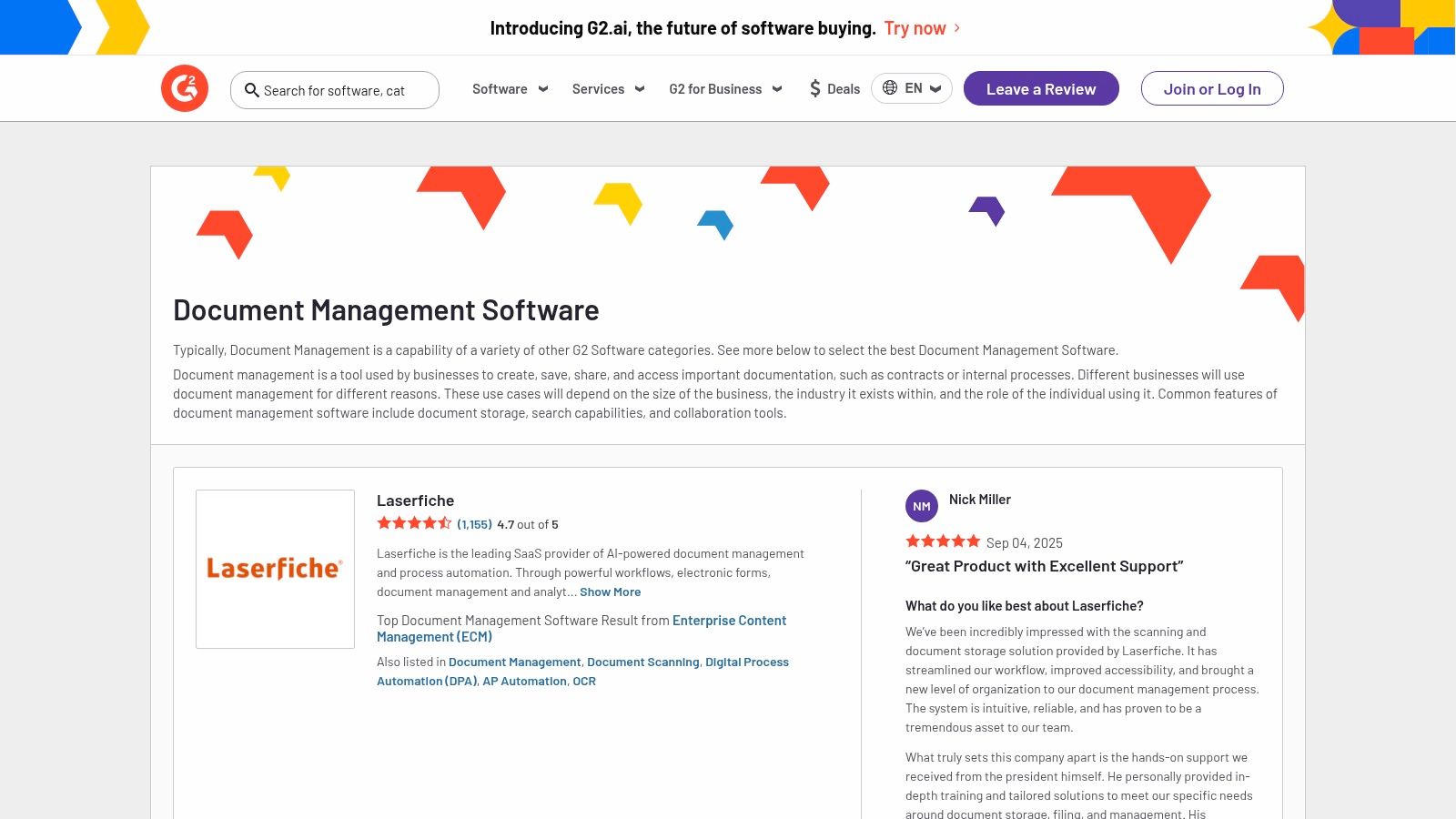
This platform is invaluable for navigating a crowded market and avoiding marketing fluff. The G2 Grid system visually plots vendors based on market presence and user satisfaction, offering a quick way to identify leaders and niche players. While some listings are sponsored and pricing data can be limited for enterprise systems, the sheer volume of unfiltered reviews provides an honest look at a platform's strengths and weaknesses. It is a powerful, free resource for validating claims and gathering authentic user insights before committing to a demo.
| Feature Highlights | Ideal Use Case |
|---|---|
| Filterable User Reviews | Evaluating how a tool performs in a specific industry |
| Feature Comparison Grid | Creating a data-backed shortlist of potential vendors |
| Direct Trial & Quote Links | Easily requesting demos from top-rated platforms |
| G2 Category Reports | Understanding market trends and top performers |
Website: https://www.g2.com/software/document-management
| Product | Core Features | User Experience / Quality | Value Proposition | Target Audience | Pricing & Unique Selling Points |
|---|---|---|---|---|---|
| Laserfiche | AI extraction, workflow automation, e-forms | Strong governance, visual workflow | Transparent tiered pricing | SMBs to large enterprises, regulated teams | Annual billing, admin skills needed for advanced use |
| DocuWare | Intelligent indexing, workflows, forms | Full feature set, strong US presence | Good for AP/HR automation | SMBs and enterprises with AP/HR needs | Quote-based pricing, sized by users/storage |
| M-Files | Metadata-driven search, workflow, MS365 integration | Excellent findability, hybrid cloud flexibility | Flexible deployment models | Organizations needing context-based DMS | Quote-based pricing, implementation varies |
| Revver | AI data extraction, workflows, web access | Fast onboarding, strong support | Quick time-to-value | SMBs focused on ease and speed | Demo required, mobile apps maturing |
| Box | Unlimited storage, e-signature, security | Clear pricing, scalable ecosystem | Enterprise-grade compliance & security | Small teams to large enterprises | Self-serve pricing, min. 3 users on business plans |
| Microsoft SharePoint | Document libraries, versioning, Power Automate | Low per-user cost, deep MS integration | Included in M365, strong compliance | Microsoft-centric orgs, all sizes | Included with M365, advanced features need higher tiers |
| Google Workspace | Shared drives, native collaboration, admin console | Easy adoption, competitive price | Simple, integrated productivity suite | SMBs to mid-sized businesses | Competitive pricing, better compliance in higher tiers |
| Dropbox Business | Team folders, version history, integrated e-signature | Easy to use, strong sync | Affordable, user-friendly | SMBs looking for simple cloud collaboration | Competitive SMB pricing, limited enterprise compliance |
| iManage Work | Unified docs & email, coauthoring, security | Tailored for legal workflows | Legal profession focus | Legal & professional service firms | Sales-led pricing, quote based |
| Hyland OnBase | Low-code app builder, workflow, records | Enterprise-grade, flexible deployment | Industry-specific enterprise solutions | Large enterprises with compliance needs | Premium pricing, requires admin expertise |
| OpenText Core Content | Content lifecycle, workflows, SAP/SF integration | Robust enterprise integrations | Modular SaaS options | Enterprises needing scalable content control | Quote-based pricing, complex portfolio |
| G2 Marketplace | Rankings, reviews, vendor links | Peer feedback, filtering tools | Free, comprehensive vendor info | Buyers researching DMS options | Free to use, some sponsored listings |
Navigating the landscape of document management software can feel overwhelming. With solutions ranging from comprehensive, enterprise-grade platforms like M-Files and Hyland OnBase to more accessible, collaboration-focused tools like Google Workspace and Dropbox Business, the sheer number of options is vast. Our in-depth exploration has shown that there is no single "best" solution; instead, the ideal choice is deeply tied to your organization's unique requirements, existing technology stack, and long-term strategic goals.
The core takeaway is this: selecting the right system requires a strategic approach, not just a feature-for-feature comparison. Your decision-making process must prioritize your specific operational needs, whether that's advanced security and compliance for a law firm, complex workflow automation for an accounting practice, or seamless integration for a growing small business.
Before making a final commitment, circle back to the critical factors we’ve discussed. Re-evaluating these points through the lens of your top contenders will bring clarity to your decision.
Finding the best document management software for your firm is an investment in future efficiency, security, and growth. The journey from initial research to full implementation is a significant undertaking, but breaking it down into manageable steps makes it achievable.
Ultimately, the right document management system will transform how your organization operates, turning chaotic file structures into a secure, accessible, and intelligent information hub. By carefully aligning a platform’s strengths with your specific operational needs, you can unlock a new level of productivity and give your team the tools they need to excel.
Ready to deploy your chosen document management software but want to ensure peak performance, security, and accessibility? Cloudvara provides secure and reliable cloud hosting solutions specifically optimized for the demanding applications used by accounting and law firms. Let us handle the IT infrastructure, so you can focus on leveraging your new DMS to its full potential. Visit Cloudvara to learn how our managed cloud hosting can support your firm's digital transformation.




