Think of a hosted virtual desktop as your entire office computer—every application, file, and setting you use daily—streamed securely over the internet to any device you choose. Instead of being locked to a physical machine at your desk, your complete workspace lives in a high-performance data center, ready for you to access from anywhere.
Imagine your work computer isn’t a box on your desk but a secure service, a lot like Netflix. You don't store movies on your TV; you stream them on demand from a powerful remote server. A hosted virtual desktop (HVD) does the same thing for your professional workspace. It separates your operating system, software, and data from the physical device in front of you.
This simple shift frees your business from the chains of a physical office. It creates a single, secure, and consistent digital environment for every team member, whether they’re using a powerful office PC, a personal laptop at home, or a tablet on the go. All the heavy lifting—the processing, storage, and memory—is handled by powerful servers tucked away in a specialized data center.
At its heart, a hosted virtual desktop is all about centralization. Instead of juggling dozens or even hundreds of individual computers, each with its own software, security gaps, and potential for failure, everything is managed in one secure, unified location. This completely changes how you can approach your IT.
To make this a bit more concrete, here’s a quick comparison of the old way versus the new way:
| Feature | Traditional Desktop | Hosted Virtual Desktop |
|---|---|---|
| Location | On a physical machine in your office | In a secure, remote data center |
| Access | Limited to that specific device | From any internet-connected device |
| Data Storage | On the local hard drive | Centralized on secure servers |
| Management | Individual updates for each machine | Centralized updates for all users |
| Security | Vulnerable if the device is lost or stolen | High; data never leaves the data center |
| Upfront Cost | High (purchase of powerful PCs) | Low (subscription-based) |
This model is a clear departure from traditional on-premise IT, where everything lives inside your office walls. If you want to dig deeper, you can explore our guide on cloud vs. on-premise solutions.
The move toward this flexible model is picking up serious speed. The virtual desktop market is expected to grow from USD 17.7 billion in 2024 to over USD 52.8 billion by 2032, fueled by the growing need for secure and adaptable work setups.
A hosted virtual desktop is not just another remote access tool. It’s a complete, managed computing environment delivered as a service, giving you enterprise-level security and performance without needing a huge in-house IT team or a massive upfront investment in hardware.
To get a handle on how hosted virtual desktops work, let’s ditch the technical jargon for a minute and think about it like this: Imagine your company’s entire IT setup as a single, ultra-secure central library instead of thousands of scattered, individual book collections.
In a traditional office, every employee gets their own physical computer. This is like giving everyone their own separate, private library. It’s messy, a nightmare to keep updated, and incredibly difficult to secure. One lost "book" (laptop) could be a disaster.
A hosted virtual desktop flips that model on its head. Instead of countless little libraries, you get one master "library"—a fortified, professionally managed data center. All your "books" (think applications, data, user settings) live here, safe and sound. Your team members don't own the books; they just get a library card with secure login credentials.
With that card, they can access anything they're authorized to use from any device, anywhere. This model, often called Desktop-as-a-Service (DaaS), means your sensitive data never actually leaves the safety of the library. It's a fundamental shift that gives you a massive leap in security and control.
Behind this simple library analogy, three key pieces of technology are working together to deliver that smooth, seamless experience. Each one has a specific job to do in building and delivering your virtual workspace.
The Data Center: The Fortified Library
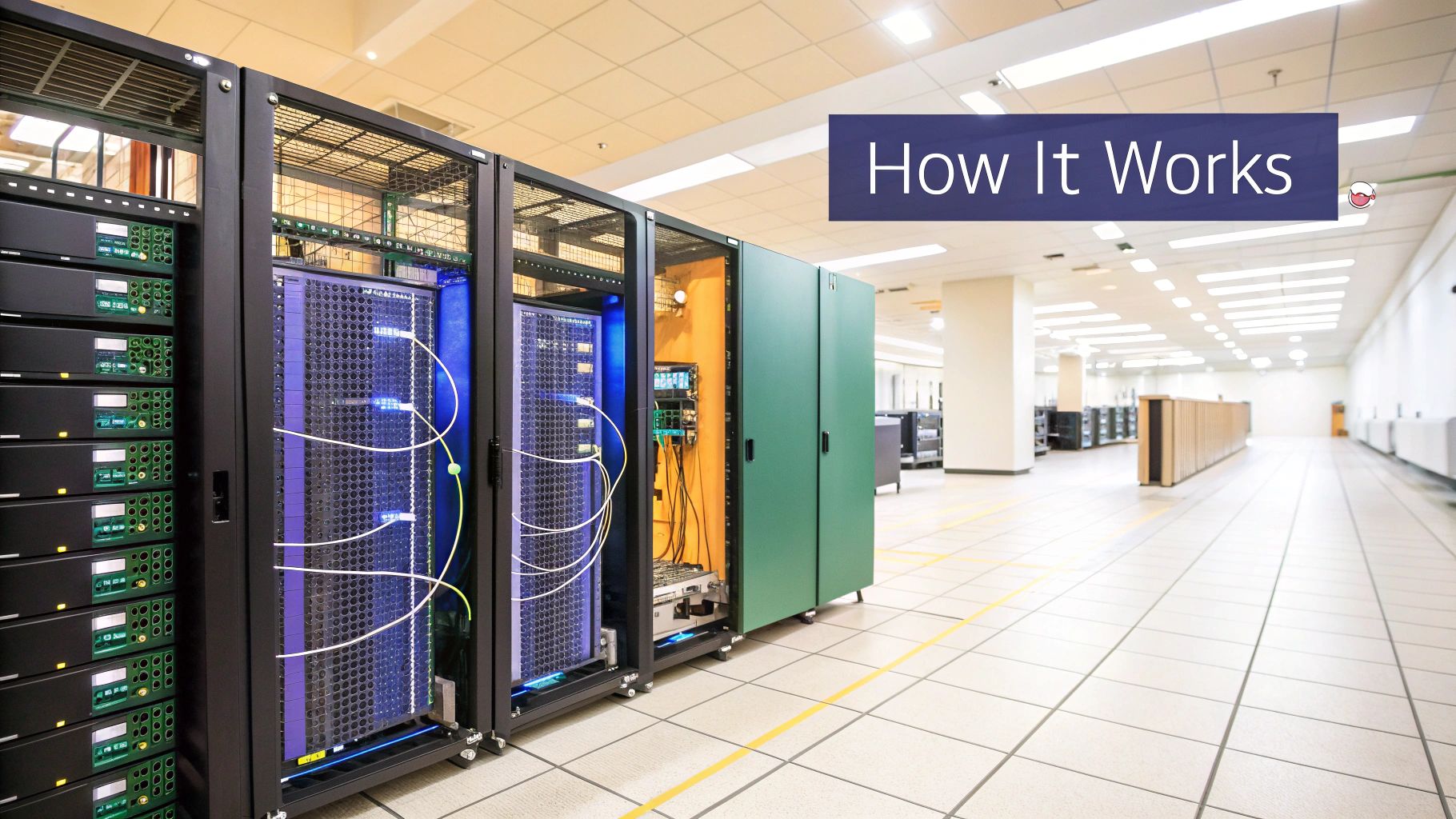
This is the physical foundation of the whole operation. It’s a highly secure facility packed with powerful servers, storage arrays, and networking gear. Think of it as the reinforced, climate-controlled building protecting the entire collection, complete with 24/7 security, backup power, and blazing-fast internet connections. All your company's software and data live here, not on vulnerable employee laptops.
Virtualization Software: The Master Catalog System
Here’s where the magic happens. Virtualization software, like a hypervisor, acts as the library's master catalog. It takes the raw power of a physical server—its processing power, memory, and storage—and cleverly divides it into multiple, isolated virtual machines (VMs). Each VM becomes a complete, self-contained virtual desktop for one of your users.
The User Device: The Viewing Window
Your physical device—whether it’s a laptop, a tablet, or a simple thin client—becomes nothing more than a window. It’s a portal for you to see and interact with your real desktop, which is running miles away in the data center. Your device isn't doing any of the heavy lifting. Instead, it uses a lightweight app to create a secure link, a process you can explore by understanding what a remote desktop connection is.
So, what happens when a user logs in? The system instantly connects them to their assigned virtual desktop inside the data center.
From there, only the screen pixels, mouse clicks, and keyboard strokes travel over the encrypted connection. The actual applications and your company data never cross the internet or get saved on the local device.
This is huge. It means that even if a user's laptop is lost or stolen, your sensitive information remains completely untouched and secure within the data center. It's an architecture built from the ground up for the realities of modern work: security and flexibility.
This infographic shows how the key benefits—cost savings, scalability, and security—are all woven together in a hosted virtual desktop environment.

As you can see, these advantages aren't separate perks. They feed into each other, creating a powerful, reinforcing loop that makes a strong business case for making the switch.
By centralizing desktop management in the cloud, businesses can reduce IT overhead (Cost Savings), instantly add or remove users (Scalability), and protect data from endpoint threats (Security), all at the same time. This integrated approach is the core value proposition of a modern hosted virtual desktop solution.
Understanding how a hosted virtual desktop works is one thing, but seeing its real-world impact is what truly matters. Businesses are quickly moving to cloud-based desktop environments, a shift that’s driving the global market from USD 27.48 billion in 2024 to an estimated USD 108 billion by 2031.
This incredible growth isn’t just a trend; it’s fueled by tangible benefits that solve some of the most persistent challenges businesses face. You can discover more about the market's impressive growth projections and see what's behind this expansion.
Let's dive into the four core pillars that make hosted virtual desktops such a compelling solution for modern businesses. Each one tackles a critical need, from security and cost control to flexibility and IT management.
In a traditional setup, your company’s most valuable asset—its data—is scattered across dozens of individual PCs and laptops. A single lost or stolen device can instantly become a catastrophic data breach. A hosted virtual desktop flips this model on its head, virtually eliminating this risk.
Because every application and all your data live permanently within a secure, centralized data center, nothing is ever actually stored on the local device. If an employee’s laptop is lost or compromised, it’s just a piece of hardware. Access can be revoked in seconds, securing your data without ever needing to track down the physical machine.
Think of it this way: your team is working through a secure, bulletproof window. They can see and interact with everything they need, but nothing can be pulled through to their side. This centralized model makes security management dramatically simpler and more effective.
One of the first things businesses notice is a major shift in how they spend money on IT. The traditional desktop lifecycle demands massive, upfront capital expenses (CapEx) every few years to buy powerful new computers for every employee.
A hosted virtual desktop converts that unpredictable spending into a stable, predictable operating expense (OpEx). Instead of buying hardware, you pay a simple monthly subscription per user. This unlocks several key financial advantages:
This financial model is especially powerful for growing companies. You can explore more about the financial benefits of cloud hosting for small businesses in our detailed guide.
Today’s workforce is no longer chained to a desk. With a hosted virtual desktop, your team's office is wherever they have an internet connection. An employee gets the exact same desktop experience—with all their files, software, and settings—whether they’re at home, at a client’s office, or on the road.
This consistent environment empowers a truly productive remote or hybrid team. Someone can start a project on their office PC, continue working on their home laptop, and make final tweaks on a tablet without any friction or file transfer headaches. This seamless access ensures that productivity never drops off just because of a change in location.
Finally, think about the immense burden this lifts from your IT team. Managing a fleet of individual desktops is a relentless cycle of software updates, security patching, troubleshooting, and setting up new hires. It’s a huge time sink.
With a hosted virtual desktop, that complexity disappears.
This frees up your valuable IT resources from tedious maintenance, allowing them to focus on strategic projects that actually drive the business forward.
For some professions, data security isn't just a smart practice—it’s the entire foundation of their business. In fields like law and accounting, where sensitive information is the currency of the trade, a hosted virtual desktop (HVD) is more than a convenience for remote work. It's an essential shield for operational integrity.
These firms handle incredibly confidential data every day, from private financial records and tax strategies to privileged client communications and legal defense plans. A single data breach isn't just an IT headache; it can trigger massive financial penalties, legal action, and a permanent stain on a firm's reputation. This is exactly the high-stakes problem HVDs were built to solve.
Accounting professionals are constantly swimming in sensitive client financial data. When they use traditional desktops, that information often lives on local hard drives—creating a huge security gap if a laptop is lost, stolen, or hit with malware. A hosted virtual desktop environment closes that gap completely.
With an HVD, all the critical software and client data—including resource-hungry apps like QuickBooks or Sage—run from a secure, centralized data center. No files are ever actually stored on the local computer. This means an accountant can work from a client’s office, a coffee shop, or their home with the same bulletproof security they'd have in a fortified corporate headquarters.
This model is also a game-changer for staying compliant with strict data protection laws like GDPR or CCPA. By centralizing everything, firms can enforce consistent security policies, manage who has access to what, and generate audit trails far more easily than they could across a scattered fleet of individual machines.
The legal world is built on a bedrock of client confidentiality. Lawyers and paralegals need instant access to case files, legal research tools, and client communications, often while they're on the move—in a courtroom, at a client's office, or traveling between depositions. A lost or stolen laptop could expose privileged information, torpedoing a case and violating core ethical duties.
A hosted virtual desktop solution acts like a secure digital vault for all that legal data. A lawyer can log into their entire desktop from a courthouse PC or a personal tablet, confident that if the device is ever lost or compromised, no sensitive information is at risk. Better yet, access to the HVD can be shut down instantly, securing the firm's data without ever needing to track down the physical hardware.
By decoupling the workspace from the physical device, a hosted virtual desktop ensures business continuity. Even if a local computer fails or is stolen, a legal professional can log in from another machine and pick up exactly where they left off, ensuring that deadlines are met and client work is never interrupted.
This powerful combination of security and flexibility is why so many legal practices are turning to specialized cloud solutions for law firms that are built on HVD technology.
The technology behind hosted virtual desktops is quickly becoming the standard for professional services. The market for Virtual Desktop Infrastructure (VDI), which includes HVDs, is expected to skyrocket to over USD 78 billion by 2032, growing at an annual clip of more than 20%. This explosive growth is coming from industries that simply can't afford to take chances with security or performance. For a deeper look at what's fueling this trend, you can explore more insights into the VDI market.
The table below breaks down the tailored advantages HVDs bring to these two critical sectors.
| Benefit Area | Impact for Accounting Firms | Impact for Law Firms |
|---|---|---|
| Data Security | Protects sensitive client financial data by keeping it off local devices. | Safeguards attorney-client privilege and confidential case files. |
| Compliance | Simplifies adherence to regulations like GDPR and SOX with centralized controls. | Helps meet data privacy obligations and maintains auditable access logs. |
| Remote Access | Enables secure work from client sites or home offices with full software access. | Allows lawyers to access case files securely from court, travel, or home. |
| Performance | Runs resource-intensive tax and accounting software smoothly on any device. | Ensures reliable performance for legal research and document management software. |
| Business Continuity | Minimizes downtime from hardware failure, ensuring tax season deadlines are met. | Guarantees uninterrupted access to critical files, even if a device is lost. |
For both law and accounting firms, a hosted virtual desktop isn't just another IT upgrade. It’s a strategic move that directly reinforces their core professional duties: to protect client data, ensure compliance, and maintain unwavering operational strength in a demanding world.
Small businesses are the heart of our economy, but they’re often in a David-vs-Goliath fight when it comes to technology. Large corporations can afford massive in-house IT departments, pricey server farms, and teams of cybersecurity pros. For a small business, that kind of investment is usually a non-starter, leaving them with limited resources and security that just can't keep pace.
This is where a hosted virtual desktop steps in as the great equalizer. It gives small and medium-sized businesses a direct path to the same powerful computing, tough security, and expert IT management that was once reserved for their biggest competitors. And it’s all delivered for a predictable, manageable monthly fee.
This model fundamentally changes how small businesses can build their technology stack. It’s about getting a world-class IT foundation without the world-class price tag.
One of the biggest hurdles for any growing business is the staggering upfront cost of IT hardware. Buying servers, powerful desktops for every employee, and all the networking gear can drain capital that would be far better spent on marketing, product development, or hiring great people.
A hosted virtual desktop solution, built on a Desktop-as-a-Service (DaaS) model, completely sidesteps this barrier. Instead of a huge capital expenditure (CapEx), your IT becomes a simple operating expense (OpEx).
With a hosted desktop, you are essentially renting access to a multi-million-dollar data center for a small monthly fee per user. This frees up your cash flow and allows you to point your financial resources toward activities that actually generate revenue and grow the business.
That financial agility is a game-changer. It means a brand-new startup can have the same secure, high-performance IT infrastructure as a Fortune 500 company from day one, without needing a massive business loan just to get their tech off the ground.
Business needs are never static. One quarter you might be hiring three new team members for a big project; the next, you might need to scale back. In a traditional IT setup, this constant change creates huge headaches. Buying and setting up a new high-performance PC can take days or weeks, while an unused computer just sits in a corner, losing value.
A hosted virtual desktop environment makes scaling up or down instantaneous and frictionless.
This "pay-as-you-go" approach means you only pay for what you actually use. You're never wasting money on idle hardware or overbuilt servers. This flexibility lets a small business stay nimble, responding quickly to market opportunities or business challenges without being weighed down by rigid, expensive IT commitments.
Cybersecurity is no longer just a problem for big corporations. In fact, cybercriminals often see small businesses as easier targets. Yet, hiring a dedicated cybersecurity expert is a luxury most SMBs simply can’t afford.
When you partner with a hosted virtual desktop provider, you instantly get the benefit of their entire security infrastructure and team of experts. They handle the complex, round-the-clock work of managing firewalls, patching servers, encrypting data, and watching for threats. This gives you a level of protection that would be financially and logistically out of reach on your own.
Ultimately, this technology gives small businesses a secure, flexible, and cost-effective IT foundation. It allows them to stop worrying about managing complex technology and start focusing on what they do best: serving their clients and growing their business. It's about competing on the quality of your work, not the size of your IT budget.
Picking a hosted virtual desktop provider isn't just a technology decision; it’s a partnership decision. The right provider becomes an extension of your IT team. The wrong one can create endless headaches. That's why it's so important to look beyond the price tag and find a true partner who gets what your business is trying to achieve.
This process means taking a hard look at the core pillars of the service you'll receive. The provider's commitment to security, performance, support, and flexibility will directly impact your daily operations, your data's safety, and your company's ability to grow. Let's break down the critical factors to evaluate.
The absolute first question you should ask is: "How do you protect my data?" A reputable HVD provider won't just say they're secure; they'll prove it with recognized certifications and attestations.
Look for providers that meet established industry standards. Key credentials to ask about include:
These aren't just badges to display on a website. They represent a deep, ongoing commitment to maintaining a secure environment and are a must-have for any business entrusting its sensitive data to someone else.
Downtime is simply not an option. Your virtual desktops have to be up and running whenever your team needs them, period. This is where the Service Level Agreement (SLA) becomes one of the most important documents you’ll review.
An SLA is the provider’s written promise to you. It should clearly define their uptime guarantee—look for 99.5% or higher—and spell out what happens if they fail to meet that promise, such as service credits. A strong, transparent SLA shows a provider has confidence in their infrastructure.
On top of that, ask about their data centers. Are they geographically diverse to protect against regional outages? Do they have redundant power and cooling systems? A provider’s investment in a resilient infrastructure is a direct investment in your business continuity.
When you have a problem, who answers the phone? The quality of customer support can make or break your entire experience. You'll want to avoid providers who route you through generic call centers. You need access to a team of experts who understand your specific setup and can fix issues fast. Look for 24/7/365 US-based support from actual engineers, not just ticket-takers.
Equally important is how much they can tailor the solution to your needs. Can they host the specific, resource-heavy applications your business depends on, like QuickBooks or proprietary legal software? A one-size-fits-all approach rarely works. A true partner will sit down with you to build a hosted virtual desktop environment that fits like a glove.
To learn more about this process, check out our in-depth guide on how to choose the right cloud provider.
Making a move to a new technology always brings up good questions. Here are some straightforward answers to the most common ones we hear about hosted virtual desktops, so you can make a confident, informed decision.
Yes, and in most cases, it’s far more secure than a traditional desktop setup. Think about it this way: with a hosted virtual desktop, all your sensitive data lives in a professionally managed, fortified data center—not on a laptop that could be lost at a coffee shop or stolen from a car.
Every piece of information is encrypted as it travels between the data center and your screen. Since nothing is actually stored on the local device, the risk of a data breach from a lost or compromised computer is practically zero. This makes it an ideal setup for industries like accounting and law where data confidentiality is non-negotiable.
Absolutely. A hosted virtual desktop is designed to run the professional applications you rely on every day. Top-tier providers are experts at hosting a huge range of programs, from demanding accounting and tax software to custom-built industry tools.
The provider works with you to get your specific applications installed and optimized in the virtual environment. The goal is to ensure every user gets a smooth, reliable experience—just as if the software were running on a high-powered machine right at their desk.
You might be surprised to learn that a stable, reliable connection is much more important than raw speed. Modern hosted desktop technology is incredibly efficient and designed to use minimal bandwidth. It works by sending only screen updates, keyboard strokes, and mouse clicks back and forth, not massive files.
Because of this efficiency, a standard business-class broadband connection is almost always more than enough to give your entire team a seamless and responsive experience.
Ready to see how a secure, flexible, and cost-effective hosted virtual desktop can work for your business? Cloudvara centralizes your applications on a secure cloud platform, backed by 24/7 support and a 99.5% uptime guarantee. Get started with a free 15-day trial and experience the difference.