Migration doesn't fail because cloud platforms are weak. It fails because firms move the workload and forget to move the controls, the dependencies, and the people who'll run it every week. Treat cloud migration risks as assigned work with a named owner, not as problems your provider will absorb.
A McKinsey analysis published in 2021, based on responses from approximately 450 chief information officers and other technology leaders found migration inefficiencies increased average spending by 14% above plan each year, and 38% of companies had experienced migration delays exceeding one quarter. McKinsey also projected more than $100 billion in wasted migration expenditure globally over a three-year period. For a 20-person accounting or legal team, a 14% overrun comes straight out of the licensing and compliance budget you already committed.
Use this register as your working summary. Each row gets deeper treatment in its own section. Start with the row where your workload is most exposed, and put a person's name against every one of them before you sign the contract.
| Risk | Typical trigger | What to measure in your own records | Primary control |
|---|---|---|---|
| Cost and schedule overrun | Unfunded parallel runs, unmapped dependencies | Spend 14% above plan each year; 38% had delays over one quarter | Phased migration waves with a contingency reserve |
| Data loss | Incomplete transfers, backups never restored in a test | Days of rework from your last failed restore test; unmatched client files between the old and new system | Full restore tests and record reconciliation before cutover |
| Downtime | Big-bang cutover, identity changes on one night | Billable hours lost per down day, taken from your own outage history | Pilot runs and a tested rollback window |
| Misconfiguration | Permissions, license servers and scheduled jobs not carried over | Number of users holding more access than their role requires after the pilot | Dependency inventory and pilot workflow tests |
| Compliance gap | Data stored, supported or accessed outside approved jurisdictions | Count of clients whose contracts or regulator rules restrict where their data sits | Client-by-client data residency register |
| Vendor lock-in | Proprietary services with no tested export path | Time and egress cost to move one test workload out again | Documented export and exit procedure in the contract |
| Hidden operational load | Permission reviews, backup checks and vendor tickets after go-live | Weekly hours your own staff spend on admin the provider does not cover | Named owner for each control with a cover plan |
Two rows deserve more weight than they usually get. Data residency sits in the compliance row, but it is a contract question you settle client by client, not a setting you flip at cutover. Staff workload sits in the last row, and it is the risk that keeps costing money long after the project is closed.
Misconfiguration, compliance gaps and operational load are the three rows small firms consistently underprice. Cost overruns reach the board meeting; these three drain the business over time. A permission set nobody reviewed after cutover, or a backup nobody restored in a test, costs more over a year than a slipped deadline does. Read those three sections closely even if you skim the rest.
Budget for more than infrastructure. Application assessment, dependency mapping, data transfer, refactoring, parallel environments, testing, training and post-migration operations all draw on the same pot. A delayed project also prolongs legacy licensing, hardware support and consultant fees while you wait for remote access and resilience benefits that have not arrived.
For UK readers weighing the wider security picture, this overview of cloud security risks for UK businesses is a useful companion on how exposure changes once systems leave the office.
Practical rule: If a risk has no named owner and no dated test, you have not controlled it. You have only described it.
Think of moving house. A removal company can carry your furniture, but it can't promise the new house has working locks, and you still hold the keys.

That's shared responsibility in plain terms. Your provider secures the physical facility and the underlying platform. You keep responsibility for your data, user access, configuration, and backups. Moving QuickBooks, Sage, Lacerte, or a document management system to a hosted server doesn't transfer those duties. It changes where they're exercised.
In the office, a workload depended on a server under a desk and a local network you could walk over and inspect. In the cloud, the same workload depends on internet paths, identity settings, remote desktop configuration, and provider services. A wrong permission that was once limited to your LAN can now be reachable from anywhere a user signs in.
The transition period is the riskiest stretch. Legacy and cloud systems run side by side, and you've suddenly doubled the identities, integrations, backups, endpoints, and data copies that need controls. Two copies of client data means two places to secure, patch, and reconcile. Plan that overlap deliberately, with a defined end date, or it drifts for months.
Apply a simple test to every workload before it moves:
If you can't answer all three with names, you're not ready to move that workload.
This short video walks through the same responsibility split from a provider's perspective.
Hold onto one principle for everything that follows. Each cloud migration risk is a control you must own. It isn't a promise your provider makes on your behalf.
Copying the server image isn't a migration plan. That's the assumption to drop first.
An image carries the operating system and application settings. It doesn't carry the assumptions around them, including IP addresses, license server locations, certificates, service accounts, scheduled jobs, printer queues, and document templates. Research presented at USENIX found that installation mistakes and configuration errors were the two leading error sources in studied local-data-center-to-cloud migrations, and that altered access controls can create security exposure or break application functionality.
Build the inventory first. Structured application dependency mapping turns tribal knowledge, the stuff only one long-serving employee knows, into a checklist anyone can verify.
| Dependency | Typical failure after migration | Check before cutover |
|---|---|---|
| Authentication and directory | Users locked out or holding the wrong permissions | Compare user and group permissions before and after the pilot |
| License server | Application stops licensing after a network or IP change | Confirm the license server is reachable from the new network |
| Scheduled jobs and reports | Overnight jobs stop without raising an error | List every scheduled task and confirm its run log |
| File shares and multi-user locking | Record conflicts or corrupted files under concurrent edits | Test concurrent edits with at least two users |
| Backups and restore | Backup job reports success but restore fails | Run a full restore to a test server |
| Printers and document generation | Forms print with the wrong template or fail to print | Run each template end to end from a client machine |
Tax and accounting applications are especially unforgiving here. Drake Tax, Lacerte, ProSeries, and CCH ProSystem fx all rely on license paths, shared data folders, and print templates that fail when paths change.
Run real workflows in the pilot. Test multi-user record locking with two staff editing related records, generate reports, create documents from templates, print checks or engagement letters, and restore a backup. Checking that an application opens tells you almost nothing.
Staff usually notice the failures first. Watch for users holding stale permissions, reports missing data that should be there, and overnight jobs that stop without producing an error. Centralized logs catch what people miss, and this primer on AWS logging and monitoring fundamentals covers the logging basics that apply across platforms.
Finish by comparing access controls before and after the pilot, account by account. Store configuration as version-controlled templates where the platform allows it, so you can rebuild the environment instead of remembering it.
Say a twelve-person accounting practice schedules its move for a Friday evening. The copy starts at 6 p.m. Two staff members, chasing a deadline, keep posting entries in the old system until 9 p.m. Those entries never reach the new one.

Monday morning opens with two versions of the truth. Nobody can say which client balances are current, so work stops while the team reconciles by hand. The downtime isn't a server failure. It's a sequencing failure.
Data loss at cutover follows predictable patterns. The final sync runs incompletely because files are still open and locked. Users make changes after the copy begins. A backup reports success but fails when you restore it. Retention rules that existed on the old server don't carry over, so older backups vanish sooner than anyone expects.
NIST Special Publication 500-291 identifies confidentiality, integrity, and availability as the primary cloud security objectives and highlights risks involving data dispersal, jurisdiction, multi-tenancy, provider failures, and migration or return of data. NIST also advises consumers to plan how data will be migrated to and from the cloud and to clarify asset return during procurement.
Set two targets before you schedule anything. Your recovery point objective is how much work you can afford to lose, stated as time, for example no more than four hours of entries. Your recovery time objective is how long you can be down, for example service back within one business day. Write both down and get a partner or owner to sign them.
Follow data migration best practices in this order, and don't skip steps to save an evening:
Protection controls belong in place before the first sync, not after. Encrypt data in transit and at rest, separate production credentials from backup credentials, restrict administrative access with phishing-resistant MFA where feasible, and log administrative and data-access events centrally.
A backup you haven't restored is a hope, not a control.
Price your own downtime with a simple formula: lost revenue per hour multiplied by outage hours, plus idle staff hours multiplied by their hourly cost. There's no published benchmark for downtime or data-loss cost in the sources behind the register above, so take the inputs from your own billing and time records. Your numbers will be smaller than an enterprise average and far more persuasive in a partner meeting.
Treat residency as a design decision. A provider can run a secure platform and still place client records in a country, or in front of support staff, your obligations do not allow. That risk grows when nobody owns the answer.

Answer three questions for every client before migration. Where is each record stored? Which subcontractors or support staff can reach it? Which jurisdiction's law could compel disclosure? If your provider cannot answer in writing, treat that as a no.
In an IDC survey of 955 organizations, 37% cited national or regional legal compliance, 35% increased privacy and security, and 34% industry regulation as reasons for pursuing digital sovereignty. Buyers raise the same concerns in deal reviews: compliance obligations, residency requirements and foreign data centers. Regional data-protection law often turns a routine hosting choice into a legal review.
These sectors meet the same rules repeatedly. HIPAA governs health information, PCI DSS covers card payments, GDPR applies where clients sit in Europe, and professional confidentiality duties bind legal and accounting work regardless of statute. Map data, not just applications, to jurisdiction, subprocessors, support-access locations, retention rules and audit-log requirements. A primer on what sovereign cloud means helps frame those location decisions before you negotiate.
Certificates do not answer residency questions. A SOC 2 report or ISO 27001 certificate is evidence that controls exist and get audited. It does not guarantee where your data lives or whose support desk can open a session into it. Ask for the certificate and the residency facts, and put a named owner on the evidence file.
Judge your operating model on demonstrable control over data location and access. Design for that standard, and residency stops being a surprise after cutover.
Lock-in rarely announces itself. It hides in proprietary managed databases, custom identity services, bespoke scripts nobody documented, and archives stored in a format only one application can read.
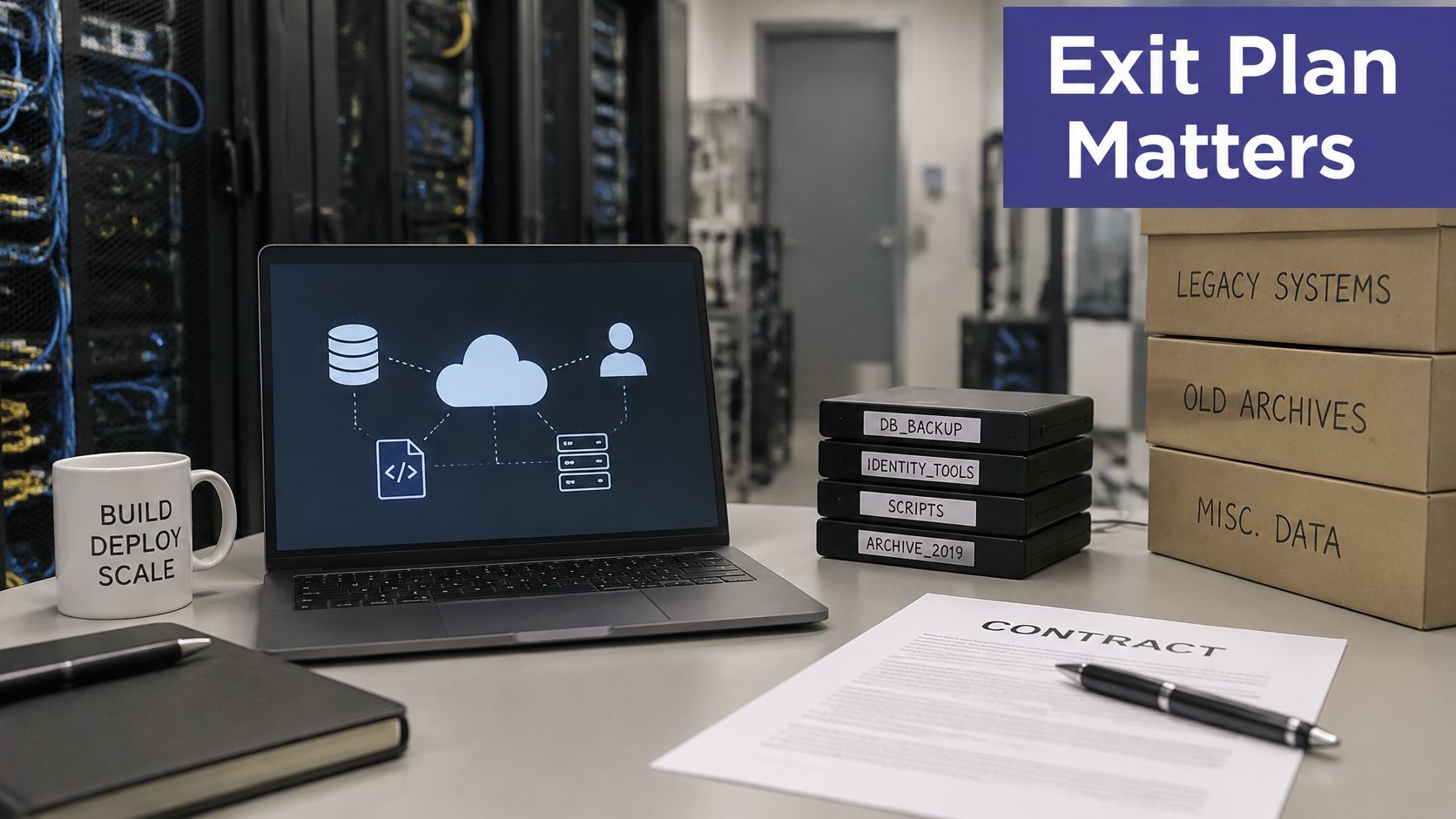
Say a firm decides to leave its host and requests its document archive. The export arrives as a vendor package that needs the vendor's own tool to open. Years of client files are technically returned and practically stuck. That's technical lock-in. Contractual lock-in looks different: multi-year commitments, data egress fees you never saw itemized, and no written export format anywhere in the agreement.
Ask every provider to state four things in the contract: the export formats you'll receive, the time allowed to return your data, the egress charges, and the termination assistance provided. Verbal reassurance during sales calls has no value at exit. This breakdown of vendor lock-in in cloud hosting explains how those terms interact before you sign.
We keep this simple on our side. Customers can download and restore their cloud data to a local computer at any time. Whatever provider you choose, demand the equivalent in writing.
Run these exit checks before signature:
NIST lists migration and return of data among cloud risks, which makes exit procedures a measurable control rather than a contract afterthought. Test the door before you need it. An exit you've rehearsed provides strong influence in every renewal conversation you'll ever have with that provider.
The move ends the server. It doesn't end the work. This is the cloud migration risk that surprises small firms most, because nobody puts it in the proposal.
A 2026 Parallels survey reported that 53.5% of respondents found their desktop or virtual-desktop environment required too many IT resources, while 68.2% identified staff time and administration as the biggest hidden cost beyond licensing. Another recent study cited there found that only 27% of surveyed IT decision-makers believed their organizations had the in-house skills needed to scale cloud effectively.
Migration swaps server maintenance for a different list. Identity administration when staff join, leave, or change roles. Permission reviews so former employees lose access the same day. Backup verification, endpoint troubleshooting, application publishing for tools like PCLaw or FileMaker, vendor ticket coordination, and cost monitoring so unused resources don't bill. Structured cloud cost optimization handles the last item, but someone still has to do it.
None of this is difficult work. All of it is easy to drop when the one person who does it goes on leave during tax season.
List every recurring control in a simple table or spreadsheet with four columns: primary owner, backup owner, review frequency, and date of last restore test. Fill every cell with a name, not a role. "Office manager" isn't cover. A person is.
Then model a typical post-migration week in hours. Add up permission changes, backup checks, support tickets, patching windows, and vendor calls. Compare that figure against the staff time you have, not the time you wish you had. If the gap is real, you've found your true migration cost.
The deciding question: What happens to each control when its owner is unavailable for two weeks?
Managed support is one legitimate answer for firms without internal capacity. The trade-off is direct: you pay more per month, and you give up some day-to-day control, in exchange for coverage that doesn't depend on one employee's calendar. For many small practices, that trade reduces risk more than a technically superior architecture nobody has time to run. Choose based on your staffing math, not on feature lists.
Four gates decide whether the cutover proceeds. The pilot passed its real-workflow checks. Record counts and control totals reconcile after the final sync. A full restore to a test server succeeded. The rollback window has been rehearsed, not just described. Miss one gate and you reschedule. Rescheduling protects the business; a deadline does not.
Four items belong in the contract before signature: the rollback window, data location, export format, and exit assistance. If they live only in emails or slide decks, they do not exist. As you plan your 2026 cloud migration, align those contract terms with your migration phases before you commit dates to staff.
Two stop conditions override deadline pressure:
On provider responsibilities, ask for specifics rather than general assurances. On Azure cloud management, Cloudvara handles daily backups, server maintenance, updates and user permissions. Ask any provider you evaluate to state, item by item, which of those four tasks it performs, which remain yours, and how it reports the work. Vague answers here predict vague support later.
Do one thing this week. Put the four gates and two stop conditions on a readiness review agenda. Or move one non-critical workload first, such as an archive or a single application, to test your process end to end. A small workload that exercises your freeze, sync, reconcile, restore, and rollback steps will teach you more than any proposal document.
If your readiness review exposes gaps in daily backups, restore testing, or named cover for routine administration, Cloudvara can host the accounting, tax, and legal applications you already own on managed Azure infrastructure and take on that daily operational load. Start with one non-critical workload, prove the cutover and rollback process, then migrate the rest on evidence.