For nonprofits and accounting firms, managing restricted funds and complex grants is a high-stakes balancing act. This guide cuts through the noise to help you find the right tools for financial precision and transparency.
Think of the best fund accounting software as a digital system for managing several piggy banks—one for operations, one for a specific grant, and another for a capital campaign—where each has its own unbreakable rules.
Standard accounting software just wasn't built for this. It's designed for profit-driven businesses, not accountability-focused organizations. This article will walk you through the core concepts, must-have features, and strategic advantages of secure cloud hosting, giving you a clear path to the perfect solution for your mission.
This decision is more critical than ever. The fund accounting software market is exploding and projected to hit a massive $20.18 billion in 2025. This growth, fueled by a strong 13.7% CAGR through 2033, shows just how much pressure tax professionals, CPAs, and nonprofits are under to meet strict regulations while boosting efficiency.

Traditional accounting tools are designed to answer one primary question: "Are we profitable?" They track revenue and expenses to generate a single bottom line. It’s a straightforward model for a typical business, but it creates huge headaches for organizations that have to prove how they spent every dollar from separate funding streams.
The core difference lies in focus. For-profit accounting centers on profitability, while fund accounting prioritizes accountability. This fundamental distinction is why specialized software is not just a luxury but a necessity for compliance and donor trust.
For example, a standard general ledger won't stop a manager from accidentally using grant money—earmarked for a youth literacy program—to cover general administrative salaries. Fund accounting software, on the other hand, builds digital walls between these financial pools, ensuring restricted funds are only used for their intended purpose.
Without this built-in separation, nonprofits risk:
Even if your organization is well-established, guides on choosing the best accounting software can offer valuable advice on evaluation criteria. Likewise, understanding the foundational steps is crucial. You can learn more about this process in our guide on how to choose accounting software. Arming yourself with this knowledge will empower you to make an informed decision and find a tool that truly aligns with your mission.
Let's cut through the jargon. Fund accounting isn't as complicated as it sounds.
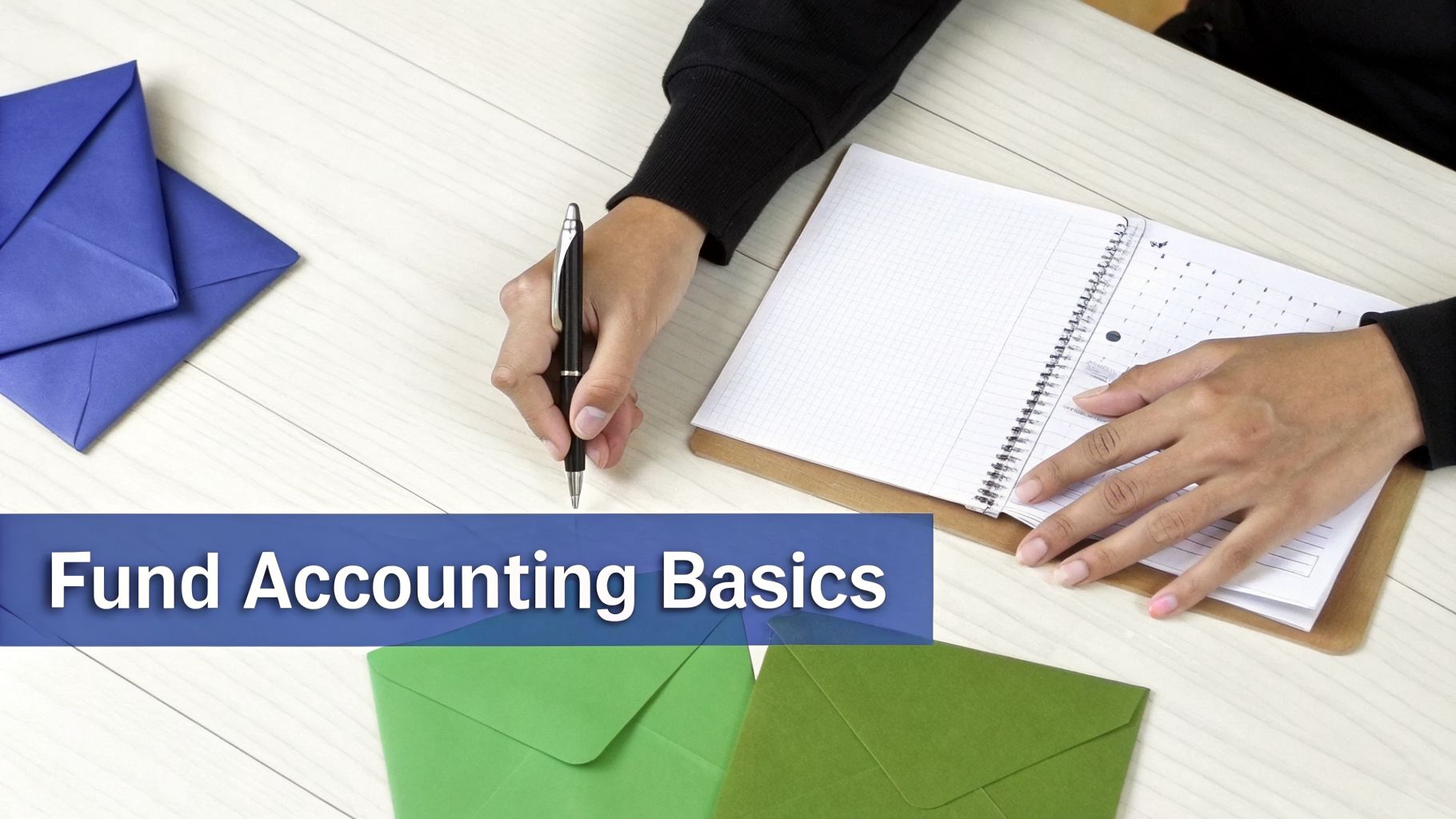
Imagine you're running a local community garden. You receive a few envelopes with cash donations. One is labeled "For New Seeds." Another contains grant money specifically "For Garden Tools." A third holds cash from a bake sale, marked "For Building a New Fence."
You instinctively know you can't use the fence money to buy seeds. Each envelope is its own little budget with its own specific job. That's fund accounting in a nutshell—just applied on a much larger scale. It’s a system built to track separate, self-balancing sets of books for each distinct source of money.
The goal isn't profit; it's accountability. It’s about proving you spent every dollar exactly as the donor or grantor intended.
Traditional business accounting is built to answer one simple question: "Are we making money?" It pools all income and expenses together to spit out a profit or loss. This works perfectly for a coffee shop or a software company.
For a nonprofit, foundation, or government agency, however, that model completely falls apart. These organizations have a totally different mission. Their main financial question isn't about profit, it's: "Are we honoring our commitments?"
In fund accounting, each fund operates as its own independent financial entity with its own general ledger. This creates digital walls that prevent restricted money from being used for unapproved purposes, a crucial control that standard accounting software lacks.
This is exactly why so many nonprofits find that generic accounting software like QuickBooks just can't keep up. Without true fund accounting, a well-meaning director could accidentally dip into grant funds—strictly designated for a new after-school program—to pay the office rent. This common mistake can have disastrous consequences.
Failing to keep funds separate isn't just a small bookkeeping error; it puts your entire organization at risk. Choosing the best fund accounting software is a strategic move that directly protects your financial health and public trust.
When you get it right, you unlock three huge benefits:
To manage your finances correctly, your software must understand how different types of money can be used. On a high level, all revenue falls into one of two main categories, with one common variation.
Unrestricted Funds: This is your most flexible money. It comes from sources like general donations or program fees and can be used for any legitimate organizational cost, from administrative overhead and staff salaries to fundraising expenses.
Restricted Funds: This money comes with strings attached by the donor or grantor. It is earmarked for a specific purpose (like buying a new van) or a particular time frame. These restrictions are legally binding.
A common subtype is permanently restricted funds, which usually take the form of an endowment. With an endowment, the organization can't touch the original principal amount. Instead, it can use the investment income that money generates, typically for a purpose you agreed on with the donor. This structure is vital for long-term sustainability.
Without a system built to handle these distinctions, true accountability is practically impossible.
Selecting the right software means moving from theory to practice. It’s not just about ticking boxes on a generic checklist; it’s about understanding the real-world value behind each function. To choose the best fund accounting software, you need to look for non-negotiable features that protect your organization and empower your mission.
Think of it like buying a car. While color and style matter, you wouldn't purchase one without confirming it has essential safety features like brakes and airbags. The features we'll cover here are the "brakes and airbags" of fund accounting—they are fundamental to your financial integrity and operational success.
The absolute cornerstone of any legitimate fund accounting system is true fund balancing. This isn't just a fancy label; it's a structural guarantee that keeps your finances in order.
In a true fund accounting system, each fund—like General Operations, a Capital Campaign, or a specific grant—operates as its own self-balancing general ledger. This means the software automatically ensures that for every transaction within a fund, the debits equal the credits.
This built-in control creates a digital wall between funds. It makes it impossible to accidentally use money from a restricted grant to pay for unrestricted operational expenses. Standard accounting software that uses "classes" or "tags" as a workaround simply can't offer this level of automated protection, leaving you vulnerable to serious compliance errors.
For many nonprofits, grants are their lifeblood. The catch? Managing them is notoriously complex, with each one having its own budget, timeline, and reporting rules. Top-tier software moves this entire process out of messy spreadsheets and into a centralized, automated system.
Look for a solution that offers:
Automating these tasks can free up dozens of hours for program managers each month, letting them focus on impact instead of administration. For more detailed strategies, check out our guide on grant management best practices.
Your software must be able to generate nonprofit-specific financial statements with a single click. Manually building these reports is a recipe for errors and wasted time. The key reports you need are:
A robust fund accounting system will have these FASB-compliant reports built directly into its core functionality. This feature alone can save your organization from significant headaches and potential penalties during an audit.
Now that we've covered the core functions, let's put them into a practical checklist. This table helps you compare different software options and make sure you're not missing any critical capabilities.
| Feature | What It Does | Why It's Critical for Nonprofits & Firms |
|---|---|---|
| True Fund Balancing | Ensures each fund is a self-balancing set of accounts where debits always equal credits. | Prevents illegal co-mingling of restricted and unrestricted funds; automates compliance. |
| Automated Allocations | Distributes shared costs (like rent or salaries) across multiple funds or grants automatically. | Saves hours of manual calculations and reduces the risk of human error. |
| Grant Management | Tracks budgets, expenses, deadlines, and reporting requirements for each grant separately. | Provides real-time visibility into grant spending and ensures you meet funder requirements. |
| FASB-Compliant Reporting | Generates standard nonprofit reports (Statement of Activities, etc.) with one click. | Simplifies audit preparation and ensures financial statements meet industry standards. |
| Cloud-Based Access | Allows secure access to financial data from anywhere with an internet connection. | Supports remote work for finance teams and enables real-time collaboration with auditors or board members. |
| Role-Based Security | Lets you define user permissions, limiting access based on an individual's role. | Protects sensitive data from unauthorized access and reduces the risk of internal fraud. |
| Audit Trail | Creates an unchangeable log of every transaction, including who made it and when. | Provides a clear, transparent record for auditors and strengthens internal controls. |
Using a checklist like this ensures a systematic evaluation. It moves the conversation beyond sales pitches and focuses it on the tangible features that will either support or hinder your mission.
Transparency and security are paramount. The best fund accounting software provides a clear, unalterable audit trail that logs every single transaction—who made the change, what was changed, and when it happened. This creates an indisputable record for auditors and internal reviewers.
Additionally, strong security features are non-negotiable. This includes role-based user permissions, which allow you to control who can view, create, edit, or approve transactions. For instance, a program manager might only have "view-only" access to their specific grant budget, while the finance director has full administrative rights.
This level of control is essential for preventing both internal fraud and external threats. It's no surprise that regulatory compliance is a primary driver behind the booming fund accounting software market, which is projected to reach $7.2 billion by 2035. As organizations of all sizes digitize, the need for secure, compliant systems only grows. You can discover more insights about these market trends from Fundamental Business Insights. Choosing a system with these core features ensures you are prepared for this future.
Choosing the right platform from the sea of options can feel like a monumental task. The truth is, there's no single "best fund accounting software" that fits everyone. The right choice comes down to your organization's size, complexity, budget, and day-to-day needs.
Instead of trying to crown one winner, this section compares the leading solutions by grouping them based on the organizations they serve best. Whether you're a small community nonprofit, a large government entity, or a specialized CPA firm, your ideal software is out there.
This simple flowchart can help you visualize the first few steps of the decision-making process, starting with your organization type and core needs.

As the chart shows, the first step is always to identify your organization's unique profile. This points you toward the essential features you'll need to prioritize as you evaluate your options.
For smaller organizations, things like ease of use, affordability, and all-in-one functionality are usually top priorities. These platforms are designed for teams that might not have a dedicated IT department or deep accounting expertise on staff.
Aplos: Built specifically for nonprofits and churches, Aplos is celebrated for its straightforward interface and built-in donor management. It delivers true fund accounting without a steep learning curve, making it a great replacement for organizations struggling to manage funds with spreadsheets or generic business software.
Fund E-Z: This platform hits a sweet spot between powerful features and user-friendliness. It offers a solid fund accounting core with flexible account structures and strong reporting, plus optional add-ons for fundraising and specialized billing. It’s a great fit for nonprofits that need clear tracking across multiple programs and grants but don't need the complexity of a massive ERP system.
Larger or more complex organizations need software that can handle high transaction volumes, intricate fund structures, and demanding compliance requirements. Here, scalability and robust reporting are the name of the game.
MIP Fund Accounting: A long-standing leader in this space, MIP is known for its deep feature set and granular control over fund tracking. It’s a go-to choice for nonprofits, government agencies, and schools managing multiple revenue streams and complex allocations. MIP can be deployed on-premise or in the cloud, offering flexibility for different IT strategies.
AccuFund: This solution is another powerful contender designed for nonprofits and government entities that need detailed control over funds, grants, and departments. Its modular design lets you add capabilities like payroll, purchasing, and fixed assets as your organization grows.
For organizations looking for a comprehensive system that ties financials to other core operations, enterprise resource planning (ERP) platforms are the answer. Many also find value in exploring other top cloud-based accounting solutions for small businesses, as they often provide excellent remote access and scalability.
Blackbaud Financial Edge NXT: As Blackbaud’s cloud-native accounting solution, Financial Edge NXT is a powerhouse for larger nonprofits and educational institutions. Its key strength is its seamless integration with other Blackbaud products like Raiser's Edge, creating a unified ecosystem for fundraising, financial management, and donor relations.
Sage Intacct: A leading cloud financial management platform, Sage Intacct offers strong multi-entity and multi-dimensional reporting. It can be tailored for nonprofits to automate complex processes, track performance metrics, and provide real-time visibility across all funds and programs. Its ability to generate GAAP-compliant statements and support Form 990 submissions is a major draw for many.
While your primary focus is on fund accounting, remember that many grants have their own lifecycle. It's beneficial to also explore the best grant management software for nonprofits, as these tools often complement your core accounting system.
Ultimately, the goal of this comparison isn't to anoint a single victor. It's to help you create a shortlist of vendors that align with your specific reality. By understanding the trade-offs—simplicity versus scalability, all-in-one versus best-of-breed—you can confidently identify the software that will serve as a true partner in your mission. With this knowledge, you're ready to tackle the next critical decision: how to deploy and secure your chosen platform.
Picking the right fund accounting software is only half the job. Where you put that software—on a server tucked away in your office or in a secure cloud environment—is what unlocks its true potential. This decision impacts everything from accessibility and security to your long-term budget.
Think of it like this: managing an on-premise server is like owning your own power generator. You’re on the hook for the setup, the fuel, the constant upkeep, and all the repairs. Cloud hosting, on the other hand, is like plugging into a professionally managed power grid. You get reliable, uninterrupted power without ever having to worry about the machinery behind the wall.

Making the switch from self-management to a professional service gives nonprofits and accounting firms a serious competitive edge. It turns your software from a static tool into a dynamic, secure, and always-available financial command center.
In a world of flexible work, your team needs access to financial data from anywhere. Tying your fund accounting software to an on-premise server chains your staff to the office, creating bottlenecks and slowing down critical decisions.
Cloud hosting breaks those chains. By moving your software to a dedicated cloud, you give your team, board members, and even auditors secure remote access from any device with an internet connection.
This means:
This isn’t a luxury anymore; it’s an operational must-have. Dedicated cloud hosts specialize in building these secure, accessible environments. Our cloud hosting for nonprofits, for instance, is designed from the ground up to centralize applications and empower remote teams without compromising security.
For any nonprofit or government entity, your financial data is one of your most valuable assets. Protecting it from cyberattacks, hardware failures, or even a simple power outage is non-negotiable. But building and maintaining enterprise-grade security on your own is incredibly expensive and complicated.
A specialized cloud hosting provider takes this massive burden off your plate. They deliver a multi-layered security posture that most organizations could never afford to replicate in-house.
A dedicated cloud host acts as your digital fortress, providing 24/7 monitoring, advanced firewalls, intrusion detection, and—most critically—automated daily backups. This ensures that even if a disaster strikes, your financial data is safe and can be restored in a flash.
This gives you more than just security; it delivers genuine business continuity. With a guaranteed 99.5% uptime, your financial operations keep running smoothly, so your team can focus on its mission, not on IT emergencies.
Keeping an in-house server running is a constant drain on your resources. There are the high upfront hardware costs, the ongoing maintenance, the software updates, and the need for specialized IT staff to manage it all.
When you move your software to a cloud hosting provider, you wipe out those capital expenditures and unpredictable costs. Instead, they become a simple, fixed operational expense. This move frees up your budget and your people to focus on mission-driven work instead of server maintenance.
The market is already voting with its feet. Cloud-hosted fund accounting software is the fastest-growing segment, with a projected 7.60% CAGR from 2025 to 2032. This rapid adoption shows a clear preference for the reliability and support that cloud platforms offer. You can dig into the full analysis of this growing market trend on SkyQuest.
Moving to the cloud isn't just an IT update—it's about future-proofing your organization's financial backbone.
Switching to a new system can feel like a monumental task, but a clear, step-by-step roadmap turns a potential headache into a manageable project. Think of it less like a chaotic scramble and more like a well-organized move into a new, more efficient office. This plan breaks down the migration into five clear phases, demystifying the transition and setting your team up for a smooth launch.
Moving to the best fund accounting software is a significant upgrade. With a thoughtful plan, you can sidestep common pitfalls and ensure your new system starts delivering value from day one.
Before you move a single piece of data, you have to know exactly what you’re working with. This first step is all about a thorough audit of your current financial records—your chart of accounts, historical transactions, donor information, and grant data.
Your goal here is to identify and get rid of any outdated, inaccurate, or duplicate records. Think of it as cleaning out the garage before you move; there’s no point in hauling junk to your new home. This is also the perfect time to standardize your data formats and make sure everything is consistent. A little housekeeping now will prevent major headaches during the actual migration.
With your data cleaned up and organized, you can confidently choose your software and hosting partner. You’ve already compared the top software solutions; now, you need to pick a hosting provider that guarantees top-notch security, easy access, and expert support.
Look for a partner that specializes in hosting your chosen application and understands the unique needs of nonprofits and accounting firms. A reliable cloud provider will handle all the technical heavy lifting, giving you benefits like:
This is where the actual transfer happens. Your software vendor and cloud hosting provider should be your guides through this phase. The process usually kicks off with setting up a test environment where you can import a sample of your cleaned data to make sure everything maps correctly.
A successful migration all comes down to meticulous mapping. This means ensuring that fields from your old system (like 'Grant Name' or 'Fund Code') align perfectly with the corresponding fields in your new software. A guided process with an expert set of eyes is critical to getting this right.
Once you’ve confirmed the test migration looks good, you can move forward with transferring all your historical data. For organizations looking for a deeper dive on this crucial stage, our comprehensive cloud migration checklist is an invaluable resource.
A new tool is only as good as the people using it. Your software vendor should provide comprehensive training sessions tailored to different roles on your team, like finance staff, program managers, and executives. This ensures everyone understands the new workflows and can do their jobs efficiently right from the start.
"Go-live" day is when you officially flip the switch to your new system. If you've planned properly, this should be a pretty seamless event. After launch, having ongoing support from both your software vendor and cloud host is vital for long-term success. They'll be there to help you resolve issues and get the most out of your new platform.
As nonprofits and accounting firms explore fund accounting software, a few key questions always come up. Here are some quick, straightforward answers to the most common ones we hear.
Many organizations try to make QuickBooks work for fund accounting, usually by using its "Classes" feature to track different funding sources. While it’s a creative workaround, QuickBooks isn’t a true fund accounting system.
It simply doesn't have the built-in controls, automated fund-balancing, and specialized reporting that nonprofits need for compliance and transparency. Relying on workarounds often leads to manual errors, compliance headaches, and a messy audit trail.
Without a doubt, data migration is the biggest hurdle. Getting years of historical financial data out of an old system and into a new one is a delicate process. Cleaning, mapping, and transferring that information accurately requires serious planning and a bit of expertise.
This is where partnering with an experienced software vendor and a knowledgeable hosting provider makes all the difference. Their guidance helps you sidestep costly mistakes, ensuring your data stays intact and the transition goes smoothly.
A dedicated cloud host gives you access to enterprise-grade security that would be incredibly expensive to build and maintain on your own. This isn't just one layer of protection; it's a whole system.
Think of it like a fortress with multiple walls. It includes physically secure data centers, advanced firewalls, intrusion detection systems, automated backups, and two-factor authentication. Together, these measures create a powerful defense against data loss, breaches, and unauthorized access.
Ready to secure your financial operations and give your team access from anywhere? With Cloudvara, you can host your fund accounting software in a dedicated, high-performance cloud environment.
Get a free 15-day trial today and see the difference for yourself. Learn more at https://cloudvara.com.