
QuickBooks Desktop remains a powerful accounting foundation for many businesses, from law firms to small enterprises and nonprofits. However, its true potential is unlocked when you extend its capabilities with specialized applications. The challenge isn't a lack of options, but rather sifting through the crowded marketplace to find reliable tools that integrate smoothly and solve specific business problems without creating new ones. This guide is designed to cut through that noise.
We’ve curated a definitive list of the best apps for QuickBooks Desktop, focusing on tools that address critical operational needs. Instead of generic marketing descriptions, you will find a practical breakdown of each application, complete with key features, honest pros and cons, and real-world implementation considerations. We'll explore solutions for everything from advanced inventory management and CRM to automated sales tax calculation and secure document storage.
To get the most out of these integrations, it’s crucial that your core accounting system is solid. Before exploring the myriad of applications available, ensure your foundational QuickBooks Desktop setup is correctly configured to maximize efficiency. Learn how to properly set up QuickBooks right the first time to avoid data sync issues and reporting errors down the line.
This article provides the clarity needed to make informed decisions. Each entry includes direct links and screenshots to help you visualize how these tools work. Whether you need to automate payroll, track project time, or manage complex inventory, you’ll find a vetted solution here. We will also discuss how cloud hosting can resolve the inherent remote access limitations of desktop software, making these powerful integrations accessible to your team from anywhere. Let's dive into the apps that will help you build a more efficient, connected, and capable accounting ecosystem.
Cloudvara stands out not as a single-purpose app, but as a foundational platform that solves a core challenge for many QuickBooks Desktop users: secure, reliable remote access. It’s an all-in-one application cloud hosting provider that moves your entire desktop software ecosystem, including QuickBooks, to a dedicated commercial-grade server. This approach effectively modernizes legacy desktop applications, making them accessible from any device without replacing the software your team already knows.

What makes this a top-tier solution is its focus on centralizing your existing tools. Instead of searching for disparate cloud-based apps for QuickBooks Desktop, you can keep your current workflows for payroll, CRM, and document management intact. Cloudvara supports a wide array of industry-standard software beyond QuickBooks, including Sage, tax preparation suites (Drake, Lacerte, ProSeries), and Microsoft Office, creating a unified digital workspace. This is particularly beneficial for accounting firms, law offices, and small businesses that rely on a specific mix of desktop programs.
The platform’s strength is rooted in its dedicated server model and robust support. Unlike shared hosting, a dedicated environment provides better performance and security, which is critical when handling sensitive financial data. The immediate 24×7 live support and automated daily backups offer significant peace of mind, reducing IT overhead and ensuring business continuity. Real-world users frequently praise the responsive technical assistance and the reliability of backups as primary reasons for their long-term satisfaction.
A key implementation benefit is the straightforward onboarding. Cloudvara offers a free 15-day trial without requiring a contract or credit card, allowing you to test performance and compatibility with your exact software stack. While pricing is not published publicly, the company emphasizes a transparent quote-based model tailored to your needs. Firms in regulated industries should note that compliance certifications like SOC 2 or HIPAA are not explicitly listed on the website and will require direct verification.
To understand how this hosting model specifically benefits QuickBooks users, you can explore QuickBooks cloud hosting options on their site for more details.
Website: https://cloudvara.com
Method:CRM earns its spot high on any list of apps for QuickBooks Desktop by addressing a core challenge for many businesses: connecting sales and customer service activities directly to accounting data. It stands out with a patented, two-way sync that operates in near real-time with QuickBooks Desktop editions (Pro, Premier, and Enterprise). This deep connection means that when a sales rep creates an estimate in Method, it appears in QuickBooks almost instantly, and when an invoice is paid in QuickBooks, its status updates in the CRM.

This tight integration makes it a strong choice for SMBs, especially those in service-based industries or accounting firms that need a single source of truth for customer interactions and financial records. The platform allows users to build custom workflows and even create client portals for invoice payments or estimate approvals without needing extensive coding knowledge. For professional firms, this level of integration is a significant advantage; for a deeper dive into CRM options for this sector, you can explore the best CRM for accounting firms.
Practical Use Case: A field service company uses Method:CRM to manage jobs. Technicians update work orders and create invoices on-site through the app. The information syncs to QuickBooks Desktop back at the office, allowing the accounting team to process payments and run financial reports without delay or data re-entry.
Website: Method:CRM for QuickBooks Desktop
Fishbowl is a powerful solution for businesses whose inventory and manufacturing needs have outgrown QuickBooks Desktop's native capabilities. It acts as a dedicated operational hub, handling complex inventory control, warehousing, and light manufacturing processes outside of QuickBooks. This separation is its core strength, as it prevents the QuickBooks company file from becoming bloated and slow while still ensuring financial data is accurate.
The system integrates bi-directionally, but instead of a real-time sync, it posts summarized accounting entries to QuickBooks on a schedule. This is ideal for distributors and manufacturers who need granular operational data (like multi-location tracking, part assembly, and advanced shipping) without cluttering their general ledger. For businesses needing remote access to this powerful on-premise software, understanding the benefits of a dedicated server environment is key; you can explore this topic with a guide on Fishbowl hosting solutions.
Practical Use Case: A small manufacturing company uses Fishbowl to manage its entire production process. It creates manufacturing orders to assemble finished goods from raw materials, tracks all parts, and manages stock levels across two small warehouses. Once a day, it syncs the cost of goods sold, new inventory values, and sales totals to QuickBooks Desktop for the accounting team.
Website: Fishbowl for QuickBooks Desktop
Acctivate Inventory fills a critical gap for businesses, particularly distributors and manufacturers, that have outgrown QuickBooks Desktop's inventory capabilities but want to retain it for accounting. It acts as a powerful inventory and order management system that integrates deeply with QuickBooks, treating it as the accounting system of record. This design prevents the need to migrate the entire financial system while adding enterprise-level inventory features like multi-location tracking, lot/serial number control, and advanced purchasing workflows.
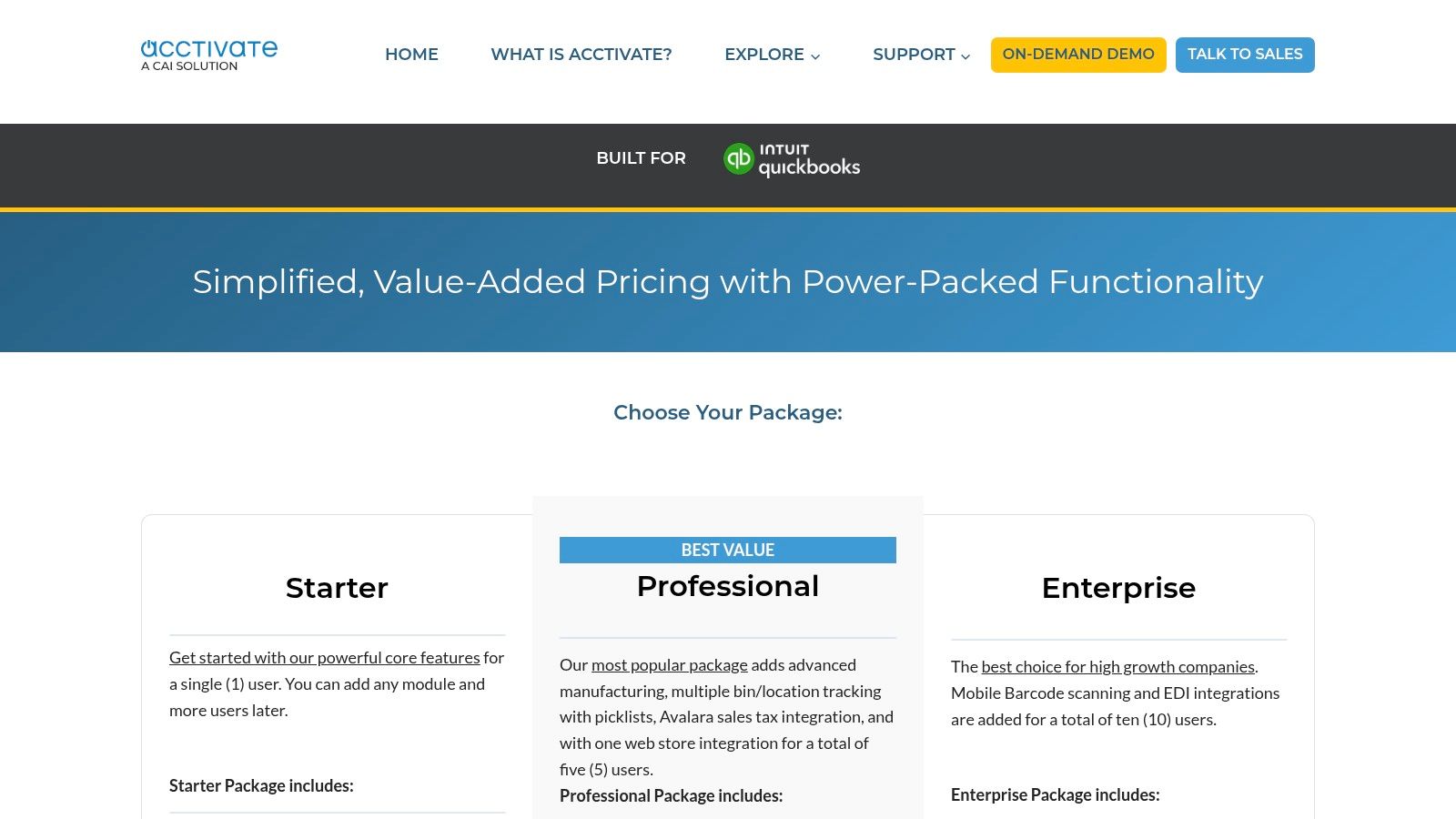
The system is purpose-built to extend QuickBooks, not replace it, making it one of the most robust apps for QuickBooks Desktop in the inventory space. Its architecture supports complex operations, including EDI and omnichannel order processing, which are essential for growing businesses. A key benefit is its deployment flexibility; it can be installed on-premise or hosted, making it compatible with cloud access solutions. For businesses looking to understand this technology better, it's helpful to see where it fits within the broader landscape; you can explore this topic further by reading about what a WMS, or warehouse management system, is.
Practical Use Case: A growing wholesale distributor uses Acctivate to manage inventory across three warehouses. Orders from their e-commerce site and EDI partners flow into Acctivate, which allocates stock and manages fulfillment. All invoicing and accounts receivable data syncs seamlessly to their QuickBooks Desktop Enterprise file, giving the finance team accurate, real-time financial data without manual reconciliation.
Website: Acctivate for QuickBooks Desktop
Transaction Pro is a foundational utility for any QuickBooks Desktop power user, especially accountants and bookkeepers managing large data sets. It directly tackles the time-consuming and error-prone task of manual data entry by enabling bulk import, export, and deletion of transactions and lists. This tool is a workhorse for getting data from external systems, like e-commerce platforms or proprietary point-of-sale software, into QuickBooks Desktop without complex workarounds.

Unlike QuickBooks' native import functions, Transaction Pro offers far greater flexibility, allowing users to map columns from almost any CSV or Excel file to corresponding fields in QuickBooks. This makes it an indispensable app for QuickBooks Desktop during data migrations or when cleaning up a messy company file. It serves as a more robust and user-friendly alternative to manually editing files, a topic you can explore further by reading about the native IIF file format.
Practical Use Case: An accountant receives a monthly CSV file of sales data from a client's Shopify store. Using a pre-configured Transaction Pro template, they import hundreds of sales receipts, customer details, and item sales into QuickBooks Desktop in minutes, saving hours of manual entry and ensuring data accuracy.
Website: Transaction Pro
CLEARIFY QQube is a powerful business intelligence tool designed to solve one of the biggest reporting challenges for QuickBooks Desktop users: getting data out of QuickBooks and into a format ready for serious analysis. Instead of running slow, cumbersome reports directly within QuickBooks, QQube extracts and restructures your financial data into a separate data warehouse. This approach makes it one of the most effective apps for QuickBooks Desktop for businesses needing deep, custom analytics.
This separation means you can run complex queries and build sophisticated dashboards in tools like Microsoft Power BI, Tableau, or even Excel without slowing down your live QuickBooks company file. It’s an ideal solution for companies with large datasets or multi-company reporting needs who find native QuickBooks reporting too restrictive. QQube comes with hundreds of pre-built calculations and data models, covering everything from job costing and inventory to payroll and general ledger details.
Practical Use Case: A construction firm with multiple entities needs to analyze job profitability across all its companies. They use QQube to automatically pull data from each QuickBooks file into a single data model. Their analyst then uses Power BI to create consolidated dashboards showing project margins, labor costs, and budget-vs-actuals without ever having to log into each QuickBooks file individually.
Website: CLEARIFY QQube Analytics for QuickBooks
Webgility secures its position as one of the essential apps for QuickBooks Desktop by directly tackling the complexities of ecommerce accounting. It acts as a central automation hub, connecting online stores and marketplaces like Shopify, Amazon, and eBay directly to QuickBooks Desktop and Enterprise. The platform automates the posting of orders, marketplace fees, and sales tax, significantly reducing the manual data entry that burdens online sellers at month-end.
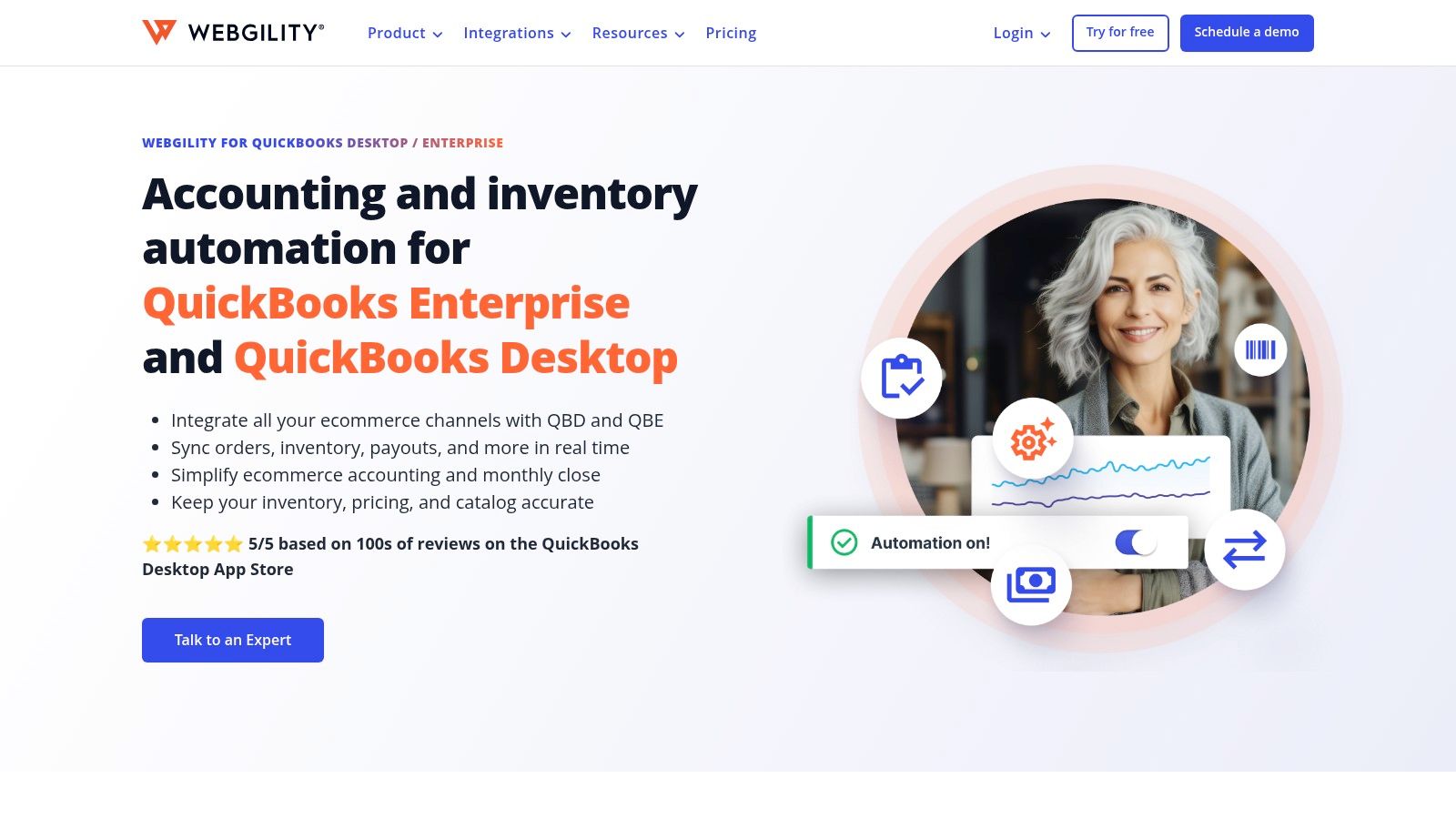
This automation is critical for any business selling across multiple channels. Instead of manually reconciling hundreds or thousands of individual transactions, Webgility can post them as a daily summary or as individual sales receipts. This flexibility allows businesses to maintain detailed records without overwhelming their QuickBooks file. Its ability to sync inventory and pricing from QuickBooks to online channels also prevents overselling and ensures data consistency.
Practical Use Case: An online retailer selling on both Shopify and Amazon uses Webgility to automate their accounting. Each day, the system pulls all orders, syncs them to QuickBooks as a summary journal entry, and updates inventory levels on both storefronts. This eliminates manual data entry and provides an accurate, daily snapshot of sales and profitability.
Website: Webgility for QuickBooks Desktop
Avalara AvaTax tackles one of the most complex challenges for growing businesses: sales tax compliance. As companies expand their reach, especially through e-commerce, manually tracking sales tax rates across thousands of jurisdictions becomes nearly impossible. Avalara solves this by acting as a cloud-based tax engine that integrates with QuickBooks Desktop, automatically calculating sales and use tax on invoices and sales receipts based on precise rooftop-level address validation.

This makes it a vital tool for businesses that sell into multiple states or deal with complex product taxability rules. The integration works through a connector that links QuickBooks to Avalara’s engine, offloading the calculation burden from the user and the QuickBooks software itself. This automation is a key reason it's considered one of the essential apps for QuickBooks Desktop when sales tax nexus becomes a concern. It ensures accuracy and helps mitigate the risk of costly audit penalties.
Practical Use Case: An online retailer using QuickBooks Desktop expands its sales nationwide. Instead of manually updating tax tables, they use the AvaTax connector. When a customer from a new state places an order, AvaTax instantly calculates the correct tax rate and applies it to the QuickBooks invoice, ensuring compliance without manual intervention.
Website: Avalara for QuickBooks
SmartVault addresses the critical need for integrated document management directly within QuickBooks Desktop, making it a standout app for accounting professionals and businesses striving for a paperless office. Its core strength lies in a native toolbar that embeds into the QuickBooks interface, allowing users to attach, view, and manage source documents like receipts, contracts, or invoices directly from the corresponding transaction screen. This eliminates the need to jump between separate file storage systems and your accounting software.
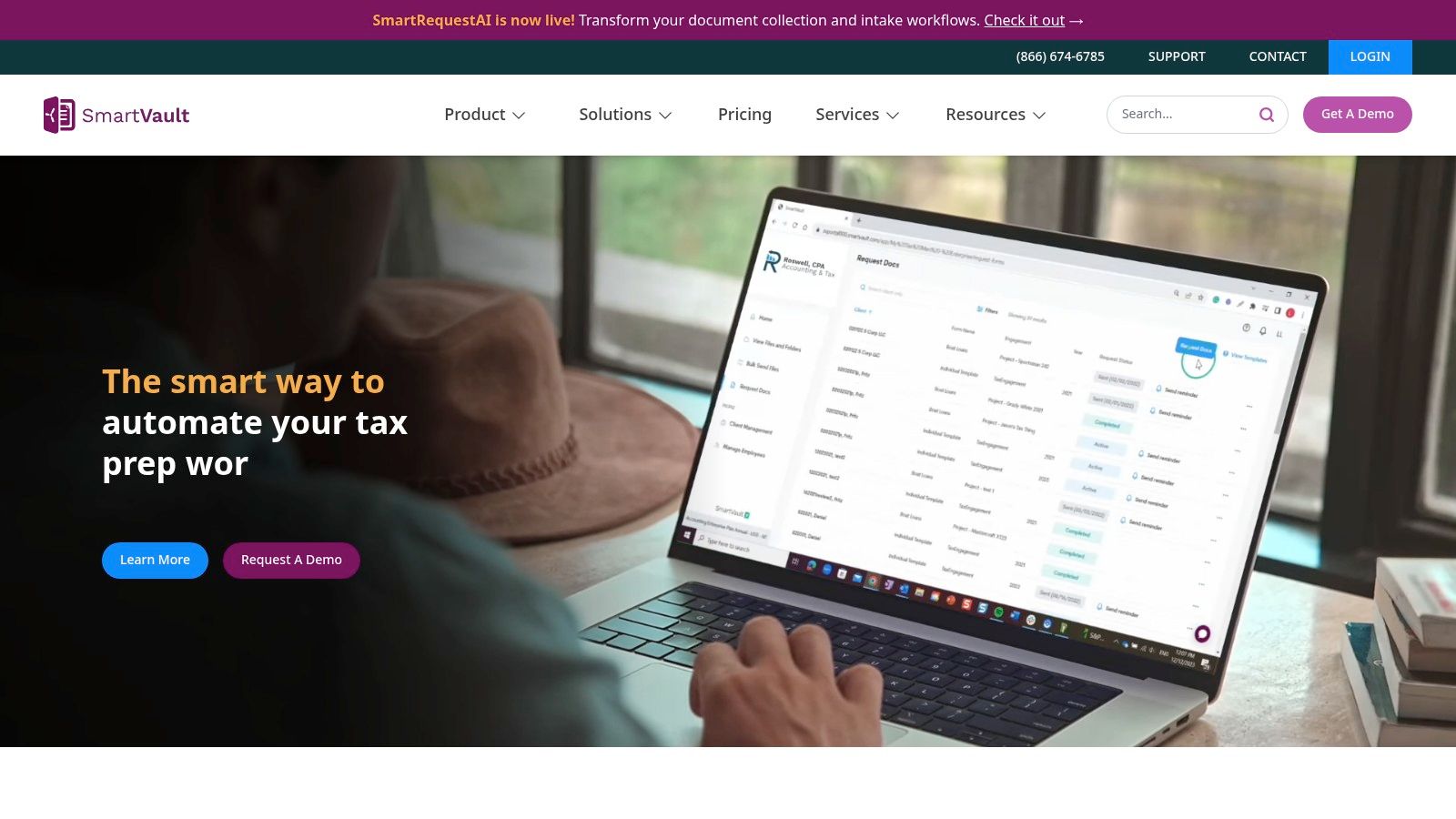
The system is built with accounting workflows in mind, providing not just storage but also a secure client portal for document exchange and e-signatures. This makes it particularly effective for tax preparation, bookkeeping, and audit readiness, where maintaining a clear document trail linked to financial data is non-negotiable. SmartVault is a powerful tool, and understanding how to pick the right one can make a big difference. For those exploring comprehensive tools, it's essential to consider how to pick the right one by choosing a secure document management solution that fits your business needs.
Practical Use Case: An accounting firm uses SmartVault to prepare for tax season. As bookkeepers enter expenses in QuickBooks Desktop, they use the toolbar to attach the corresponding digital receipt directly to the transaction. When the tax preparer reviews the books, they can instantly view the source document for any entry with one click, ensuring accuracy and audit-proofing the file without searching through external folders.
Website: SmartVault
BigTime targets a specific, high-value niche: professional service firms that live and die by the billable hour. It’s a full Professional Services Automation (PSA) platform designed for accounting, legal, engineering, and consulting firms that need robust tools for time and expense tracking, project budgeting, and complex invoicing. Its strength lies in packaging these core functions into a single system that integrates directly with QuickBooks Desktop.

The platform uses a dedicated QuickBooks Sync Agent to create a reliable connection, allowing firms to push time entries and finalized invoices from BigTime into QuickBooks. This automation is a significant time-saver, eliminating the re-entry that plagues many service businesses. For project-based work, it provides deep visibility into budgets, work-in-progress (WIP), and staff utilization, making it more than just a time tracker; it's a project management and profitability tool.
Practical Use Case: A growing engineering firm uses BigTime to manage multiple client projects. Engineers track their time against specific project tasks. Project managers review and approve timesheets, then generate detailed invoices within BigTime that reflect the contract terms. Once approved, these invoices are synced to QuickBooks Desktop for final accounting and payment processing, keeping project financials and company books aligned.
Website: BigTime for QuickBooks
BILL solidifies its position as a key financial operations platform and a valuable app for QuickBooks Desktop by automating cumbersome accounts payable (AP) and accounts receivable (AR) processes. It allows businesses to digitize and manage invoices, approvals, and payments, all while maintaining a strong connection to their core accounting file. The platform uses a dedicated QuickBooks Desktop Sync Dashboard, a locally installed application, to facilitate a two-way synchronization of vendors, customers, bills, invoices, and payments.

This functionality is particularly effective for accounting firms managing multiple clients or companies with complex approval workflows. By centralizing bill pay and receivables, BILL reduces manual data entry, minimizes paper, and creates a clear audit trail for every transaction. Its mature integration tools come with extensive documentation, including specific instructions for setup on hosted servers, which simplifies deployment in cloud environments.
Practical Use Case: An accounting firm uses BILL to manage payables for ten small business clients, all using QuickBooks Desktop. The firm sets up custom approval rules for each client. When a bill is approved in BILL, the payment is issued, and the bill and payment records automatically sync to the correct client's QuickBooks file, saving hours of manual reconciliation.
Website: BILL for QuickBooks Desktop
As Intuit’s native time tracking solution, QuickBooks Time secures its place as one of the most essential apps for QuickBooks Desktop, particularly for businesses focused on job costing and payroll accuracy. It was purpose-built to feed time data directly into the QuickBooks ecosystem. The integration relies on the QuickBooks Web Connector, allowing approved employee timesheets to be pushed into QuickBooks Desktop for precise payroll processing, invoicing, and cost allocation against specific jobs or customers.
This direct connection makes it a default choice for construction, field services, and professional firms that bill by the hour. Its mobile app capabilities, including geofencing and real-time activity feeds, give managers visibility into their remote and field teams. This ensures that time entries are not only accurate but also verifiable, reducing manual data entry and disputes over billable hours.
Practical Use Case: A construction company has crews at multiple job sites. Workers use the QuickBooks Time mobile app to clock in, switch between different job codes (e.g., framing, electrical), and clock out. The supervisor approves the digital timesheets weekly, and a sync with QuickBooks Desktop populates each employee’s record, automatically assigning labor costs to the correct projects for accurate job profitability reporting.
Website: QuickBooks Time
| Product | Key features | UX & Reliability | Value proposition | Target audience | Pricing / Notes |
|---|---|---|---|---|---|
| Cloudvara (recommended) | Dedicated commercial-grade servers, remote desktop, 2FA, automated daily backups, broad app support (QuickBooks, Sage, MS Office, DMS) | Immediate 24×7 live support, 99.5% uptime SLA, intuitive billing portal | Migrate on-prem servers to a secure, scalable cloud while keeping existing desktop apps; lowers IT costs and ensures business continuity | Accountants, tax pros, law firms, nonprofits, SMBs | Transparent billing portal; no public rate card; free 15‑day trial (no card / no contract) |
| Method:CRM | Two-way near real-time QuickBooks Desktop sync, customizable workflows, customer portals | Strong QuickBooks cohesion; flexible UI; requires careful initial mapping | Eliminates rekeying and keeps CRM in sync with QuickBooks | SMBs needing deep QuickBooks CRM integration (sales, service, nonprofits) | Per-user pricing; costs grow with team size |
| Fishbowl Inventory | Bi-directional QuickBooks sync, inventory control, warehousing, light MRP, forecasting | Scales for operations; scheduled (not instant) sync | Offloads operational detail from QuickBooks to reduce file bloat and support manufacturing/distribution | Distributors, manufacturers, warehouses | Upfront + ongoing costs; available hosted or on-prem |
| Acctivate Inventory | Multi-location inventory, lot/serial control, EDI, deep QuickBooks integration | Robust for complex workflows; higher implementation effort | Extends QuickBooks for growing distributors/manufacturers without replacing accounting | Growing distributors & manufacturers on QuickBooks | Requires active QuickBooks license + Acctivate licensing; implementation commitment |
| Transaction Pro (Importer/Exporter/Deleter) | CSV/Excel import/export mapping to QuickBooks, mass delete, multi-file support | Major time-saver; learning curve for mapping templates | Fast bulk data import, export and cleanup for migrations and periodic uploads | Accountants, bookkeepers, ecommerce sellers | One-time Desktop license; optional support renewals |
| CLEARIFY QQube Analytics | QuickBooks data warehouse, prebuilt data models, BI tool support (Excel, Power BI, Tableau) | Reduces load on QuickBooks; scheduled/on-demand refresh; Windows-centric | Speeds complex reporting without custom SQL/SDK work | Analysts and accountants needing advanced reporting | Editions for workstation/server; refresh cadence affects data recency |
| Webgility for QuickBooks Desktop | Ecommerce connectors (Shopify, Amazon, eBay, etc.), order/fee/payout automation, inventory sync | Reduces month-end friction; requires Desktop agent/local connection | Automates multichannel ecommerce posting to QuickBooks to simplify reconciliation | Ecommerce sellers using QuickBooks Desktop | Subscription with order-based tiers; potential overage fees |
| Avalara AvaTax (for QuickBooks Desktop) | Cloud tax calculation engine, nexus management, returns/exemption add-ons | Scales for multi-state complexity; connector support varies | Automates sales tax calculations and compliance at scale | Multi-state sellers, ecommerce, high-volume merchants | Quote-based (premium); verify Desktop connector compatibility |
| SmartVault | Document management with QuickBooks Desktop toolbar, unlimited cloud storage, client portal | Seamless in-QuickBooks attachment workflow; US-based support | Centralizes client documents and audit-ready file management | Accounting firms and tax preparers | Per-user pricing with minimums; QuickBooks toolbar is Windows-only |
| BigTime | PSA: time & expense tracking, WIP, project billing, QuickBooks sync agent | Mature Desktop support; careful when switching QBO/QBD integrations | Streamlines project billing, time capture and invoicing workflows | Professional services (accounting, legal, engineering, consulting) | Contact sales for pricing; evaluate total cost vs. benefit |
| BILL (formerly Bill.com) | AP/AR automation, vendor/customer portals, Desktop Sync Dashboard for bi-directional sync | Streamlines approvals and payments; mature integration tooling | Centralizes bill pay and receivables while keeping QuickBooks current | Firms standardizing bill pay/receivables across clients or entities | Subscription + payment fees; some sync matrix limits; pricing can be opaque |
| QuickBooks Time (formerly TSheets) | Time tracking with Web Connector, mobile apps, geofencing, approvals | Native Intuit fit; depends on Web Connector and admin access timing | Accurate time capture for job costing, payroll and field teams | Businesses needing job costing, payroll prep, contractors/field staff | Base fee + per-user charges; verify current rates |
Navigating the ecosystem of apps for QuickBooks Desktop can feel like an overwhelming task, but the potential rewards in efficiency, accuracy, and business intelligence are substantial. As we've explored, the right integrations can transform your desktop accounting software from a simple bookkeeping tool into a powerful, centralized command center for your entire operation. The key is to move beyond the base functionality of QuickBooks and strategically extend its capabilities to address your most pressing operational challenges.
The applications detailed in this guide, from inventory powerhouses like Fishbowl and Acctivate to CRM specialists like Method:CRM and time-tracking experts like QuickBooks Time, demonstrate a clear pattern. They don't seek to replace QuickBooks Desktop; they work with it, filling specific gaps and automating critical workflows that would otherwise demand countless hours of manual data entry and reconciliation. This symbiotic relationship is the cornerstone of building a truly effective and scalable business management system.
Before you commit to a new app, it’s crucial to reflect on your specific needs and create a clear plan. Here are some actionable steps to guide your decision-making process:
Ultimately, the goal is not to bolt on as many apps as possible, but to assemble a curated, interconnected system where each component serves a distinct purpose. By thoughtfully selecting and implementing the right tools, you can preserve the stability and familiarity of QuickBooks Desktop while gaining the modern functionality needed to stay competitive and efficient. Your accounting software should work for you, not the other way around.
Ready to unify your QuickBooks Desktop and its essential apps for secure, remote access? Cloudvara eliminates the technical headaches by hosting your entire software stack in a dedicated cloud environment, allowing your team to collaborate from anywhere, on any device. Learn more and simplify your workflow by visiting Cloudvara today.